


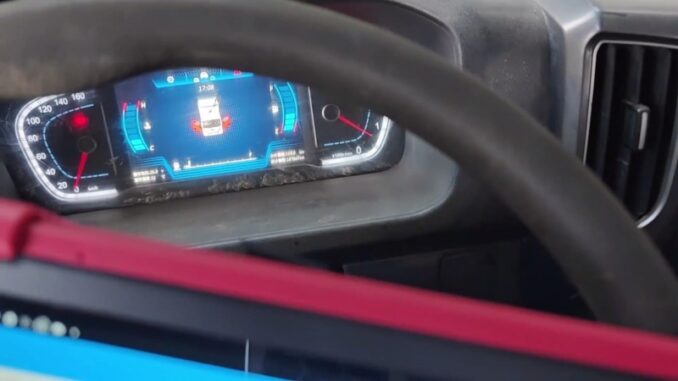
For engine running issues related to cylinder performance, the Cylinder Cutout Test helps check how each cylinder responds during operation. On the 2020 Foton Aumark, this function can be accessed through the Engine System using Launch X431 PAD5 HD, and the same procedure is also available with Launch X-431 PAD7 HD.
Vehicle Connection and System Access
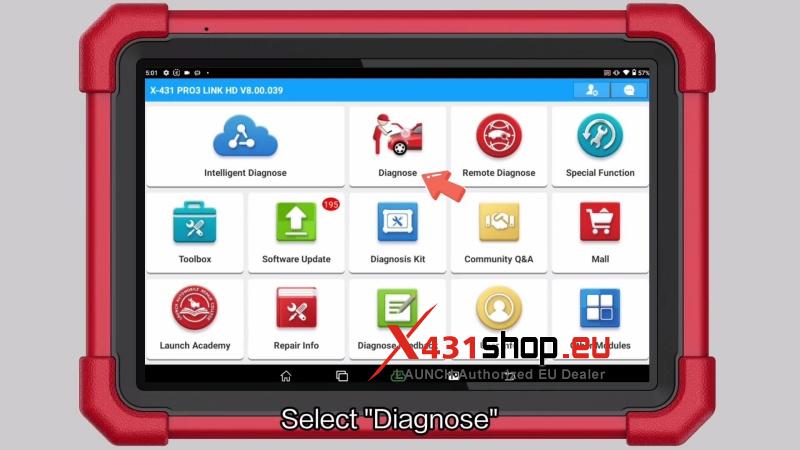
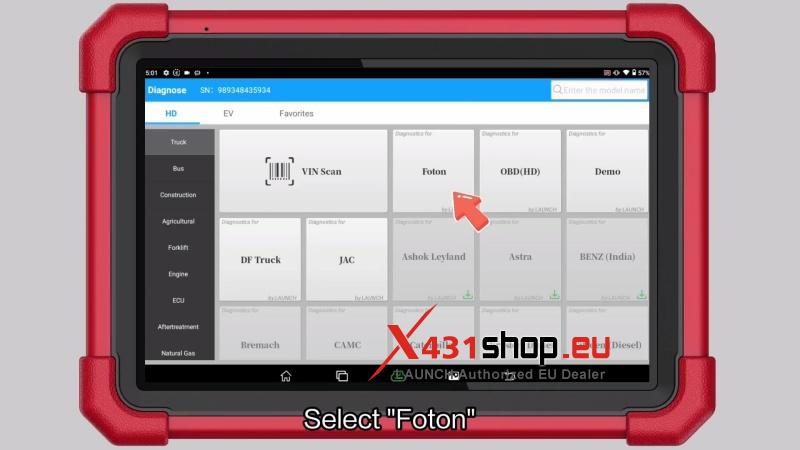
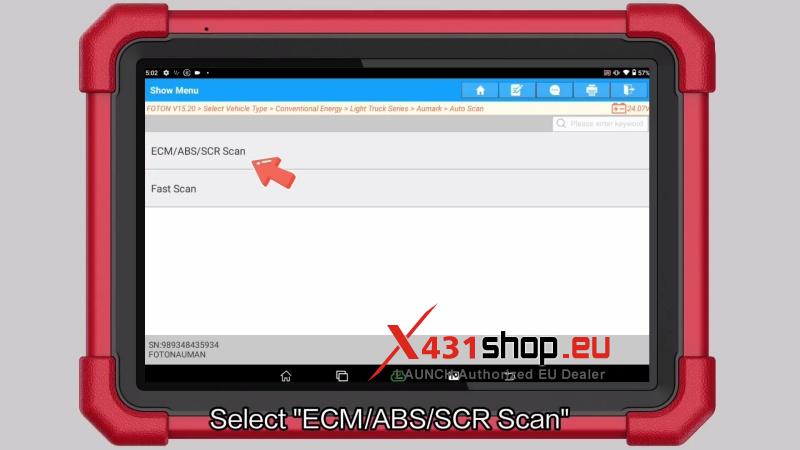
- Select Diagnose and enter:
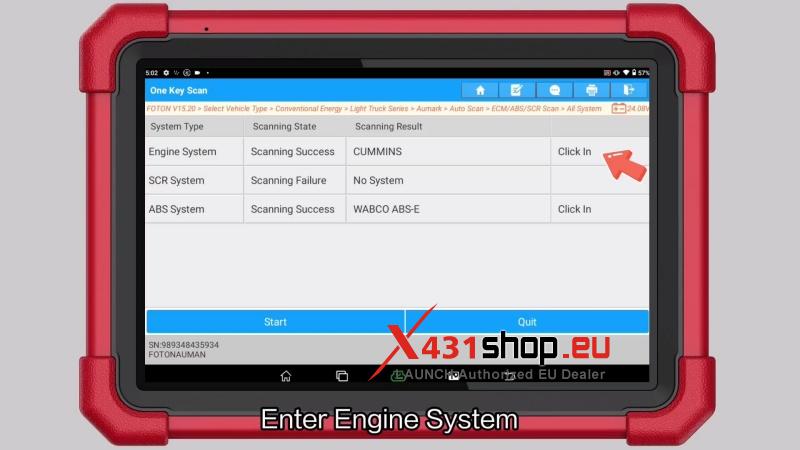
Foton → Latest Version → Vehicle Type → Conventional Energy → Light Truck Series → Aumark. - Run Auto Scan, then enter:
ECM/ABS/SCR Scan → All System → Engine System. - Confirm the vehicle information to access the engine test functions.
Run Cylinder Cutout Test
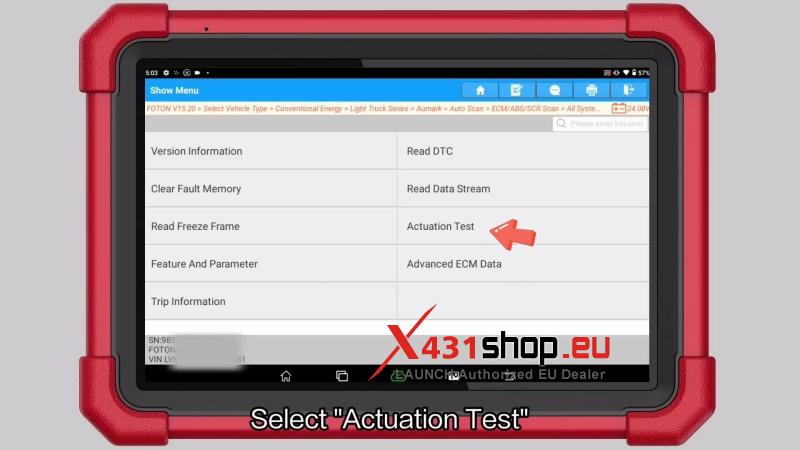
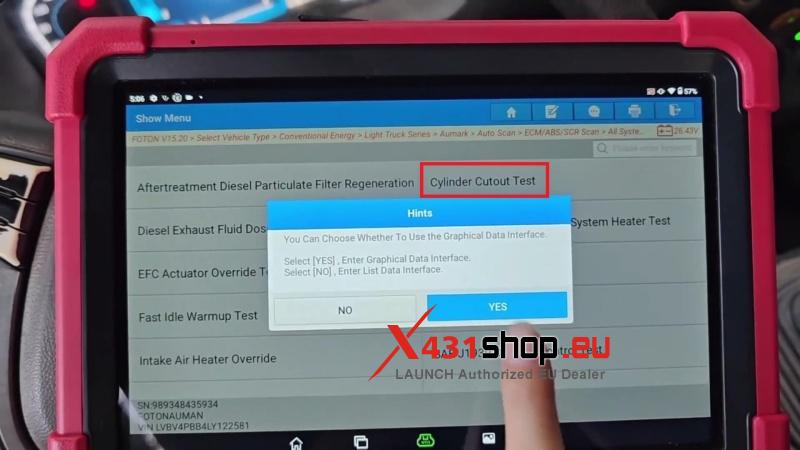
- Go to:Actuation Test → Cylinder Cutout Test.
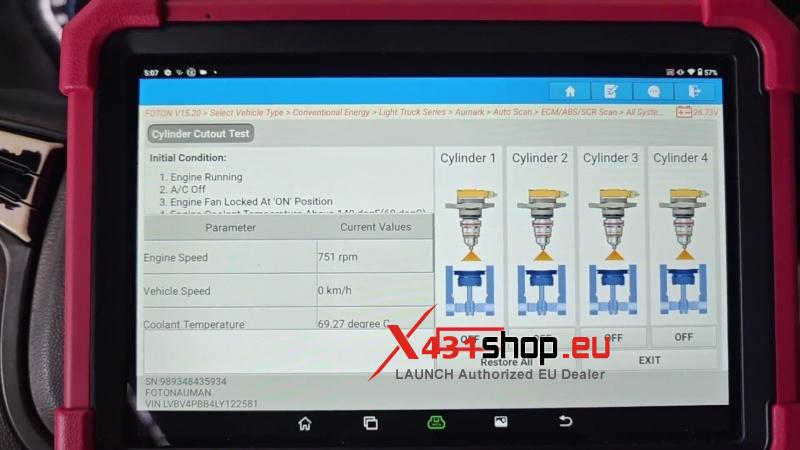
- Select the data display mode:
Choose YES to enter the Graphical Data Interface.
Choose NO to enter the List Data Interface.
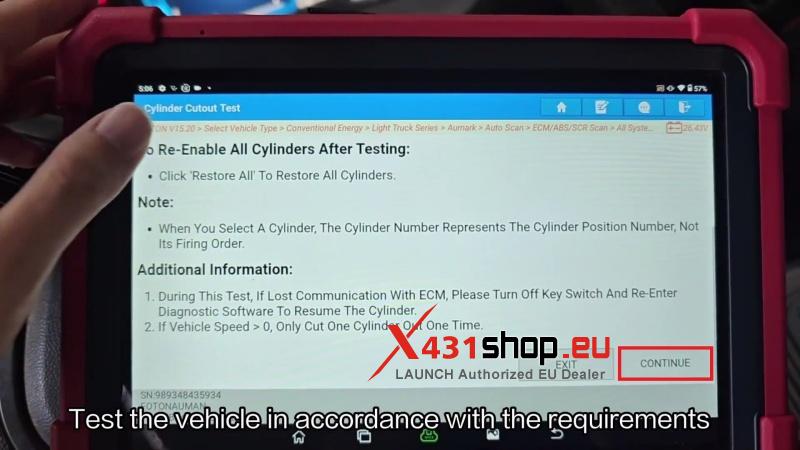
- Perform the test according to the vehicle requirements.
- Click Continueto proceed with the test.
Test Result Check
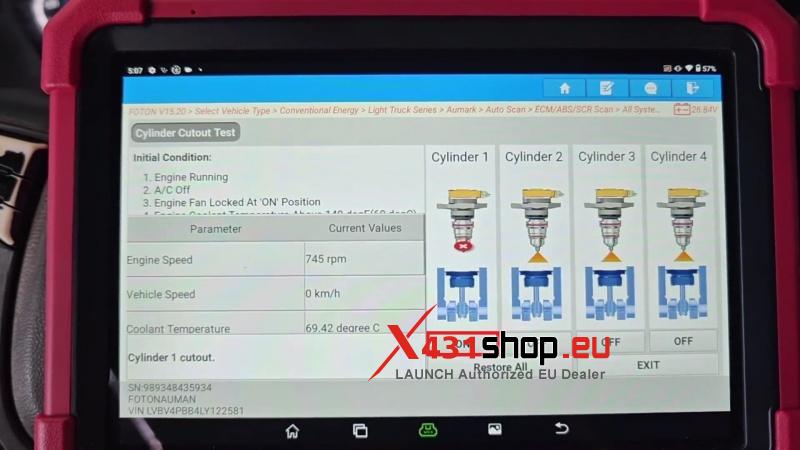
- Click OFFand observe the vehicle status.
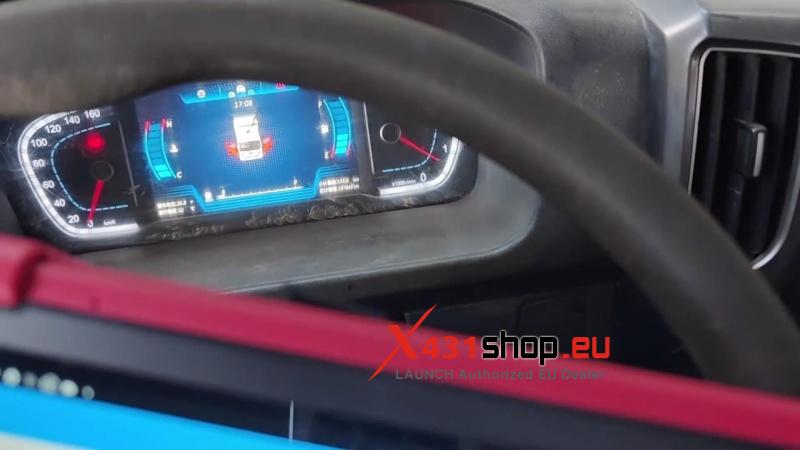
- Click ONand monitor the vehicle status during operation.
Verification
Confirm the vehicle can start and the basic functions work normally after the test.
Visited 22 times, 1 visit(s) today