


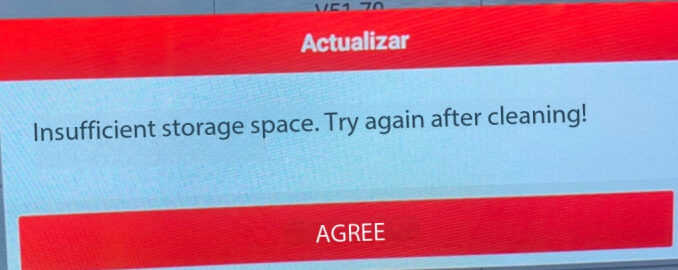
Problem: I have a LAUNCH X431 PRO3S+ Smartlink HD with an active software subscription. When I download and update the software, a message appears saying, “Insufficient storage space. Try again after cleaning.” However, I checked the device and found that there is still plenty of available storage space. How can I continue updating the software?
Solution:
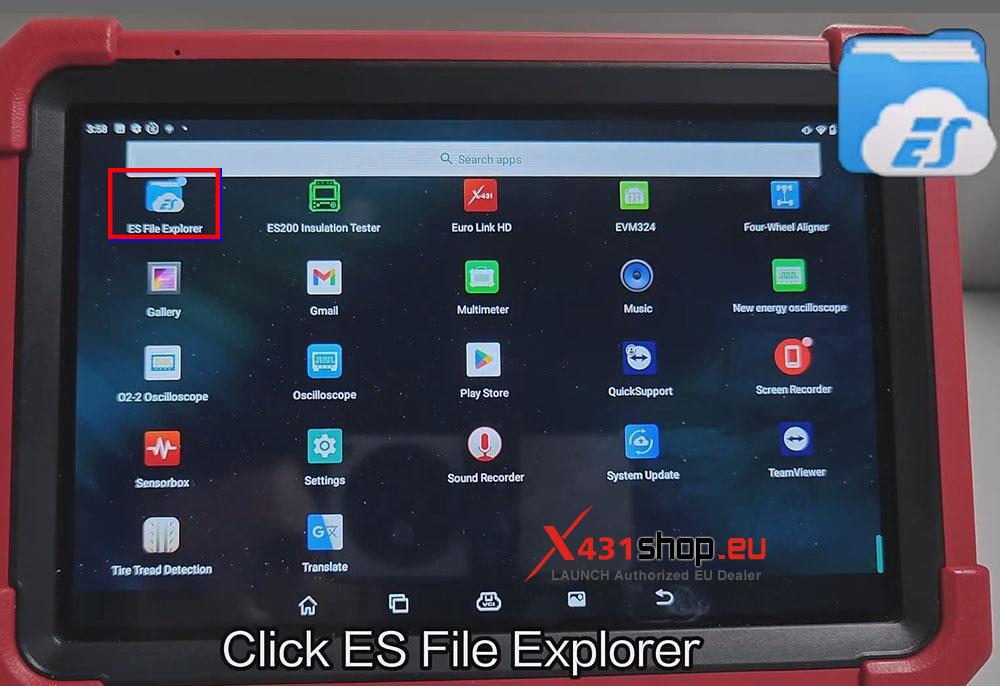
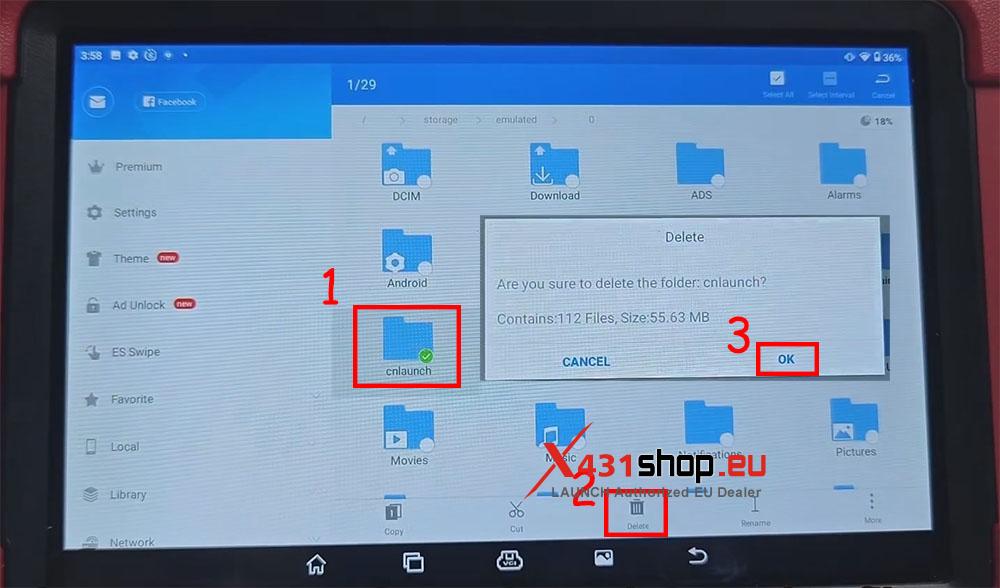
Open “ES File Explorer” on the X431 tool. If this app is not installed, you can download and install it yourself. X431 tools use the Android operating system, so additional apps can be installed.
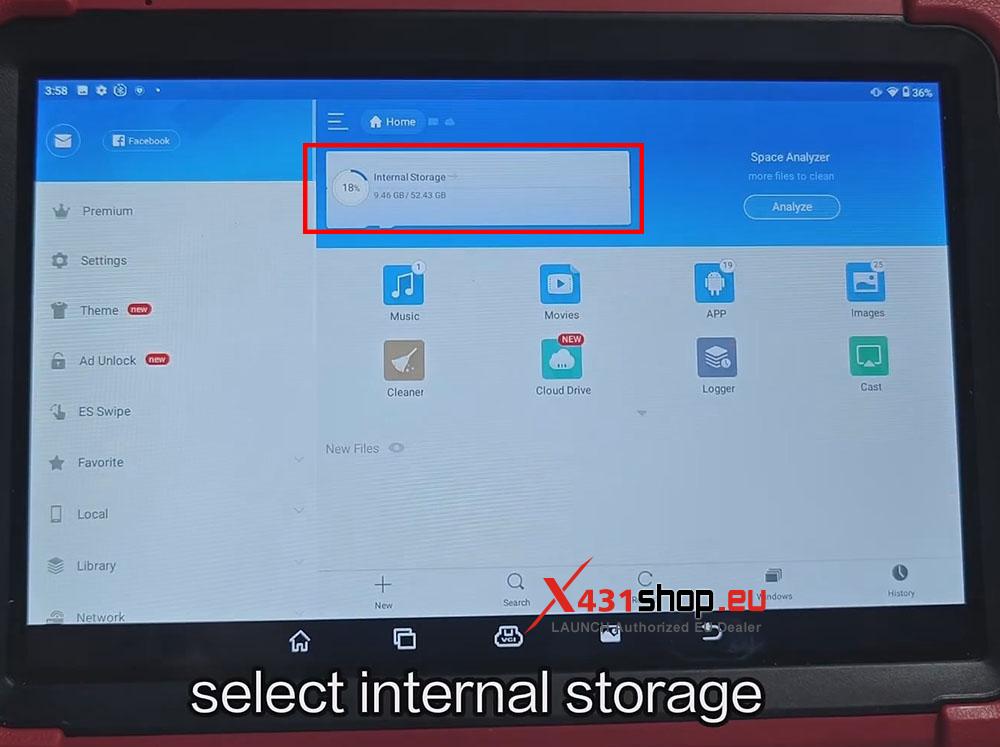
Tap “Internal Storage” and delete the “cnlaunch” folder. Then reopen the X-431 APP and try updating the software again.
If the above method does not work, try going to “Settings” and performing a factory reset.