


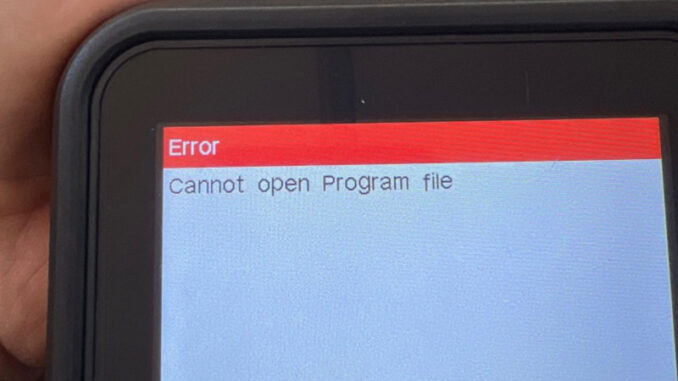
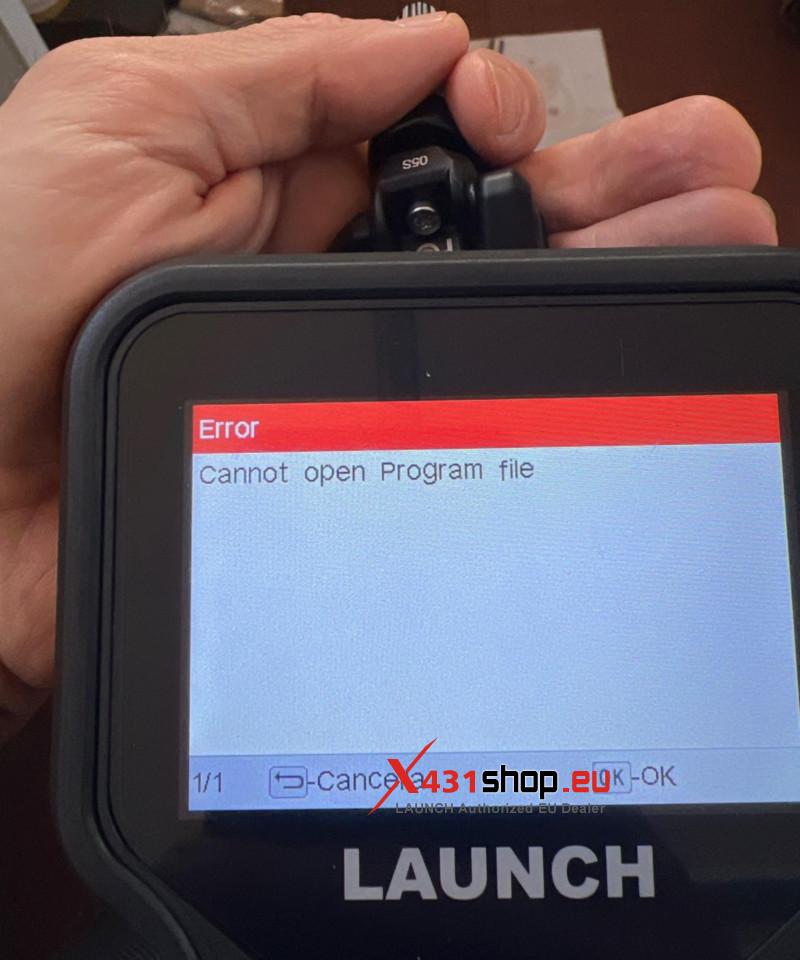
Some users encounter a “Cannot open Program file” error when programming with the LAUNCH CRT5011E. This article uses a user’s experience as an example to explain how to solve this problem.
User Description:
I have a LAUNCH CRT5011E. When trying to program a brand new LTR-05/05S tire pressure sensor, the 5011E programming program starts normally, but stops at about 6% and displays the following message: “Cannot open Program file”. Could you please advise how this issue can be resolved? Is there any update, procedure, or setting that I should check?
Solution:
Download the “DIY integration upgrade tool” from the official website [en.cnlaunch.com/download/] to upgrade the 5011E software. For instructions on how to upgrade the CRT5011E, please refer to:
User feedback:
I updated my CRT5011E and now the LTR-05 sensors work correctly. I really appreciate your support.