








If the OBD indicator needs to be checked on a 2021 Genlyon C6, the test can be performed directly using the Launch X431 PAD V Elite HD through the engine control system’s actuation functions.
Access the OBD Light Test Function
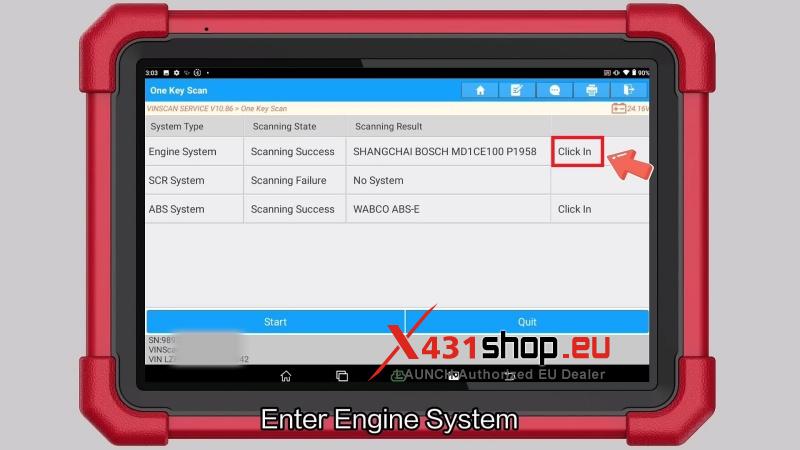
- Open Intelligent Diagnose.
- Enter Engine System.
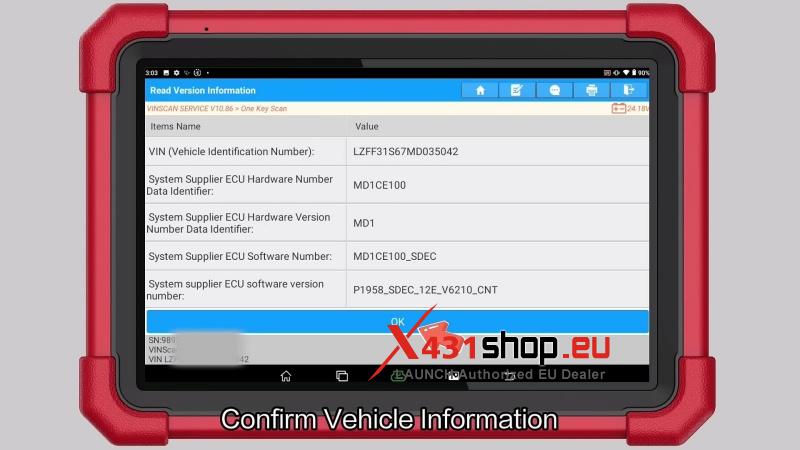
- Confirm the displayed vehicle information and press OK.
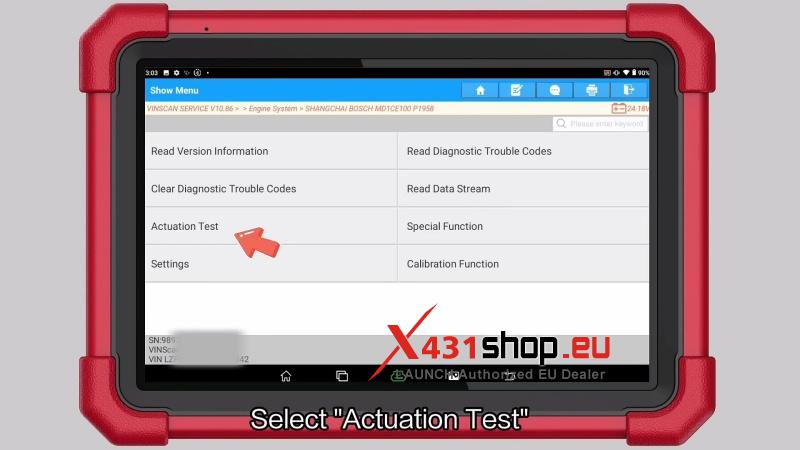
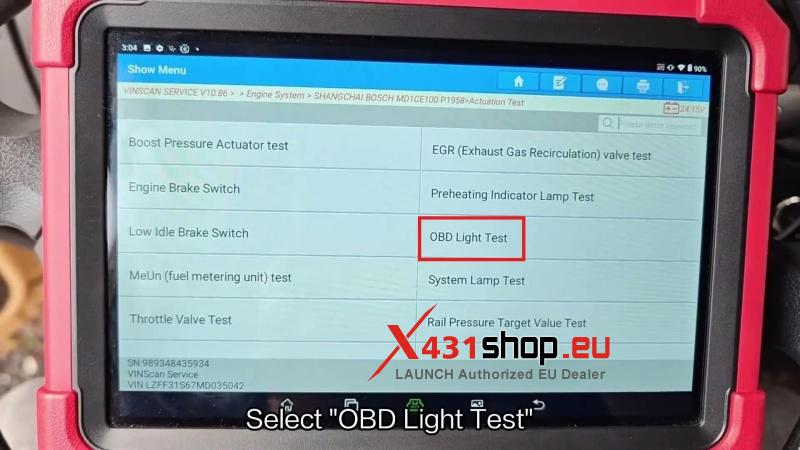
- Select Actuation Test, then choose OBD Light Test.

Check Test Conditions
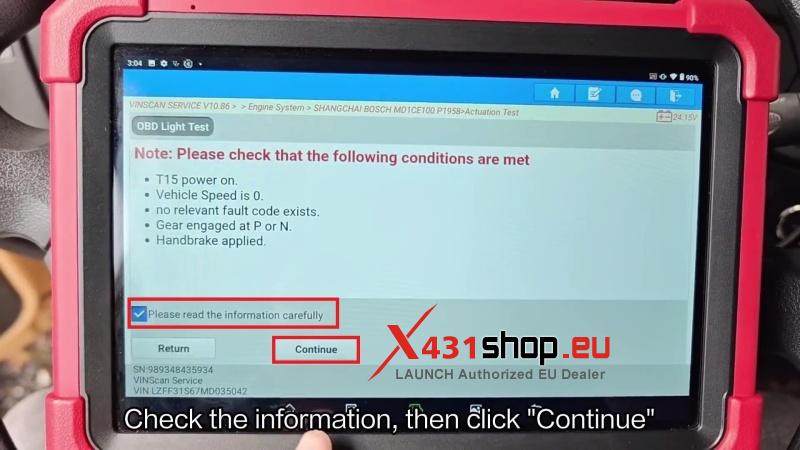
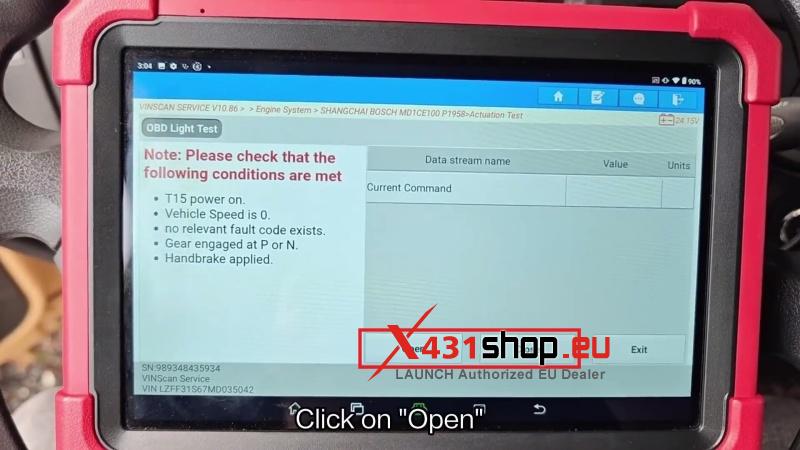
Before running the test, make sure:
- T15 ignition is ON.
- Vehicle speed is 0.
- No related fault codes are present.
- Transmission is in P or N.
- Parking brake is applied.
After confirming the conditions, review the information on screen and press Continue.
Run the Test
- Press Open to activate the OBD light.
- Press Close to deactivate the OBD light.
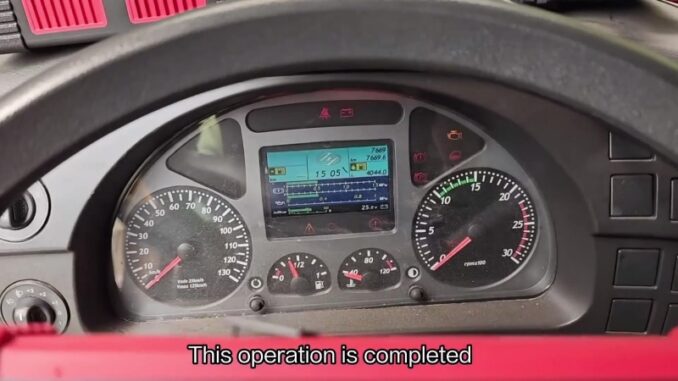
The OBD light test is now complete.
Verification
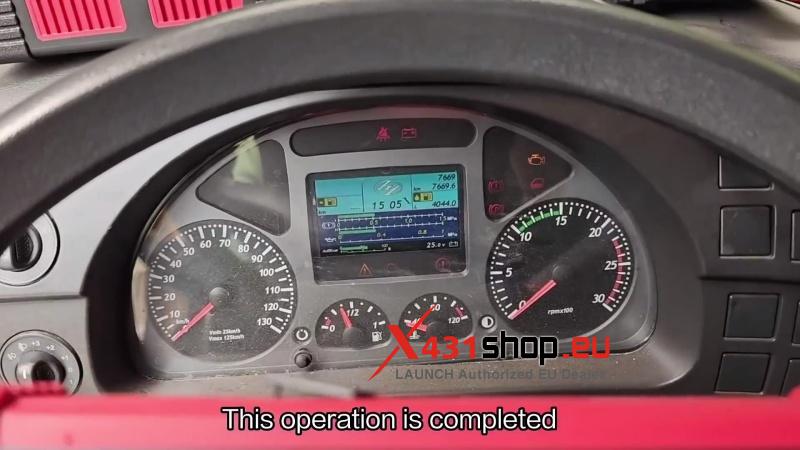
Confirm that the OBD indicator responds correctly during the Open/Close commands and that the vehicle remains in normal operating condition after the test.
Workshop Notes
This function is available through the engine system actuation menu on the Launch X431 PAD5 Elite HD and provides a quick way to verify OBD indicator operation without additional equipment.