


The LAUNCH X431 truck diagnostic tool can write VINs to vehicles. This article will use a 2022 Isuzu TAGA as an example to illustrate how to perform the VIN writing operation.
Tools that support this function: LAUNCH X431 PRO series, X431 PRO3 series, X431 PRO5, and X431 PAD series with truck diagnostics enabled.
Operation Procedure:
1) Connect the SmartLink HD to the vehicle. Open the app on the X431 tool and select [Diagnose] -> [Isuzu].
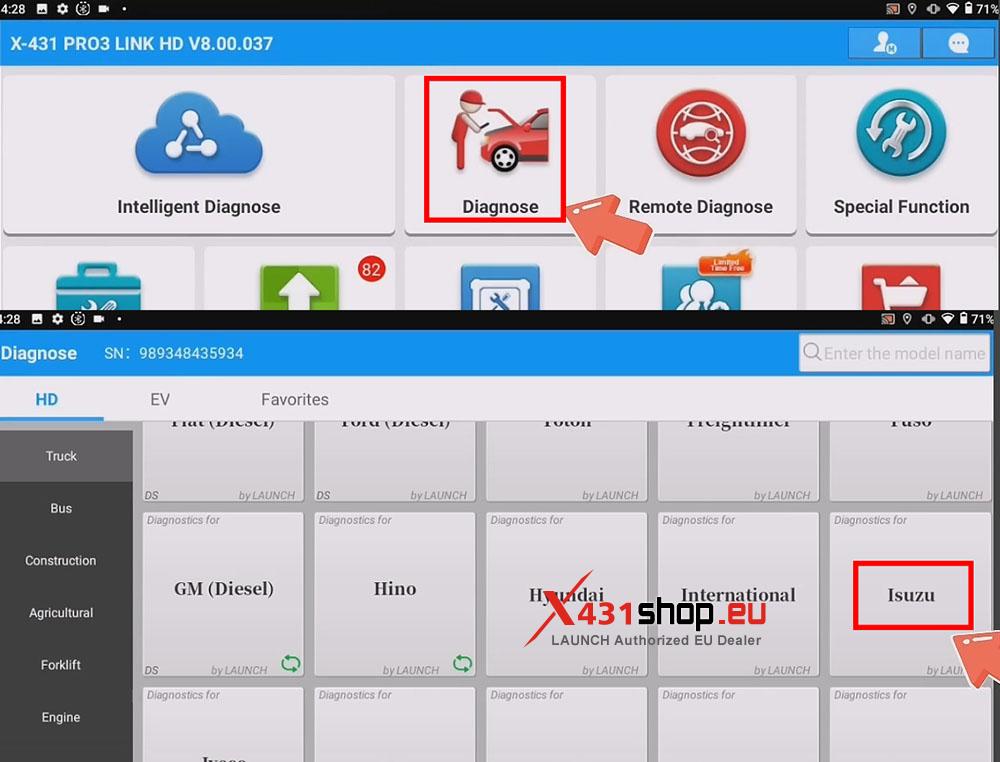
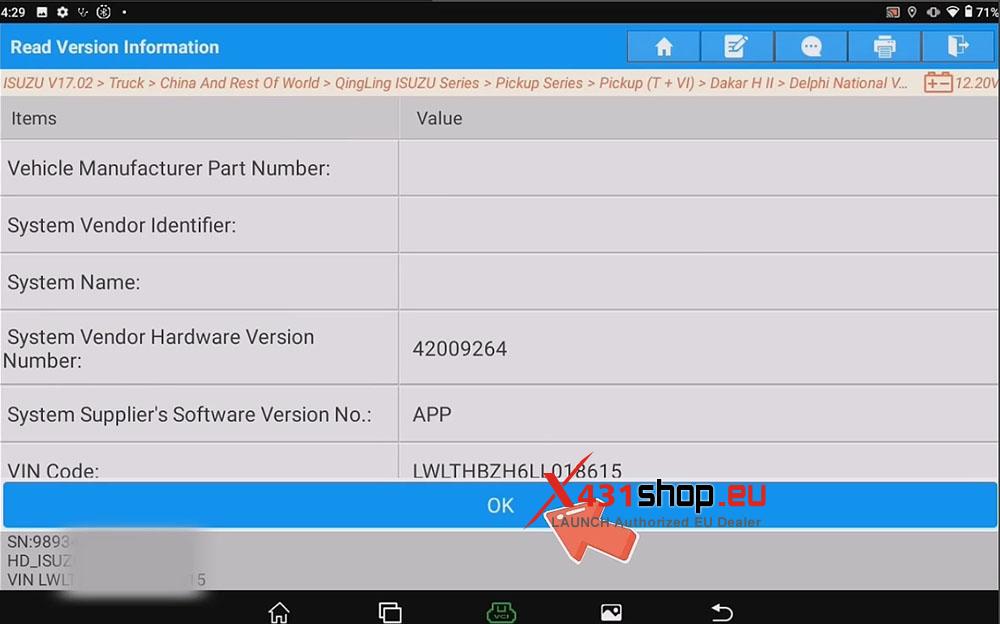
2) Select your vehicle model. In this article, we can select [Truck] -> [China And Rest Of World] -> [QingLing ISUZU Series] -> [Pickup Series] -> [Pickup (T +VI)] -> [Dakar H II] -> [Delphi National VI Diesel Engine].
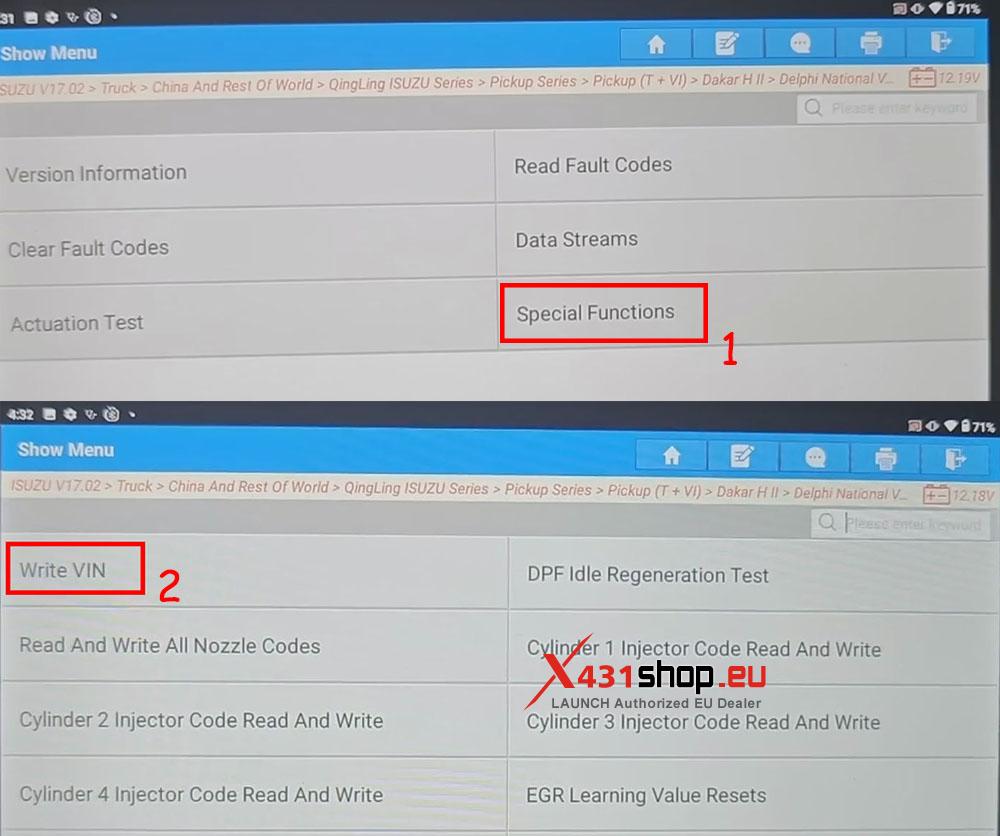
3) Click [Special Functions] -> [Write VIN].
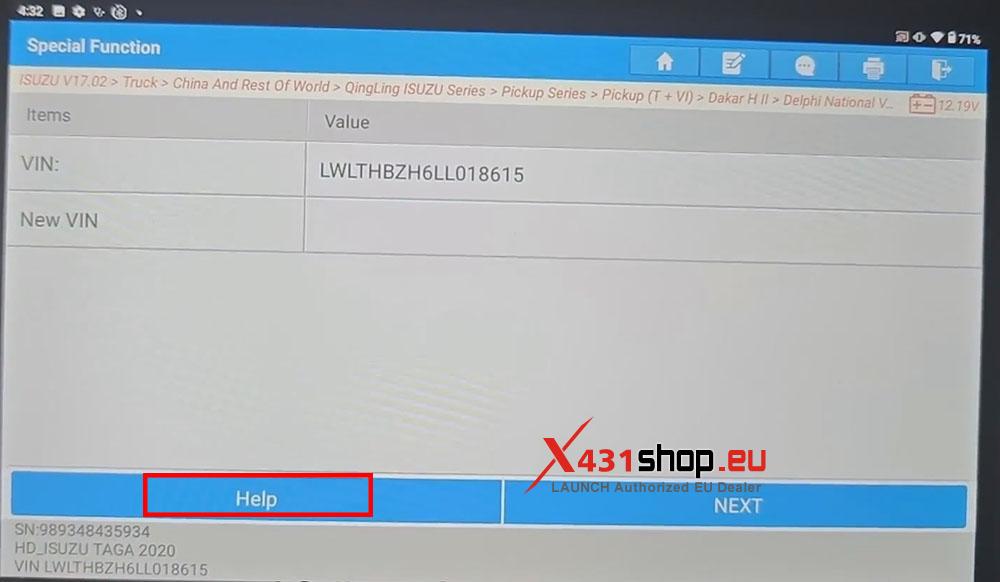
4) Click “Help” and follow the on-screen prompts.
Note:
1.The Engine Must Not Be Running When Reprogramming.
2.When Writing The Data, Please Click Above The Edit Box Of The Corresponding Item.
3.After The Data Being Successfully Written, Press ‘NEXT’ To Complete The Programming.
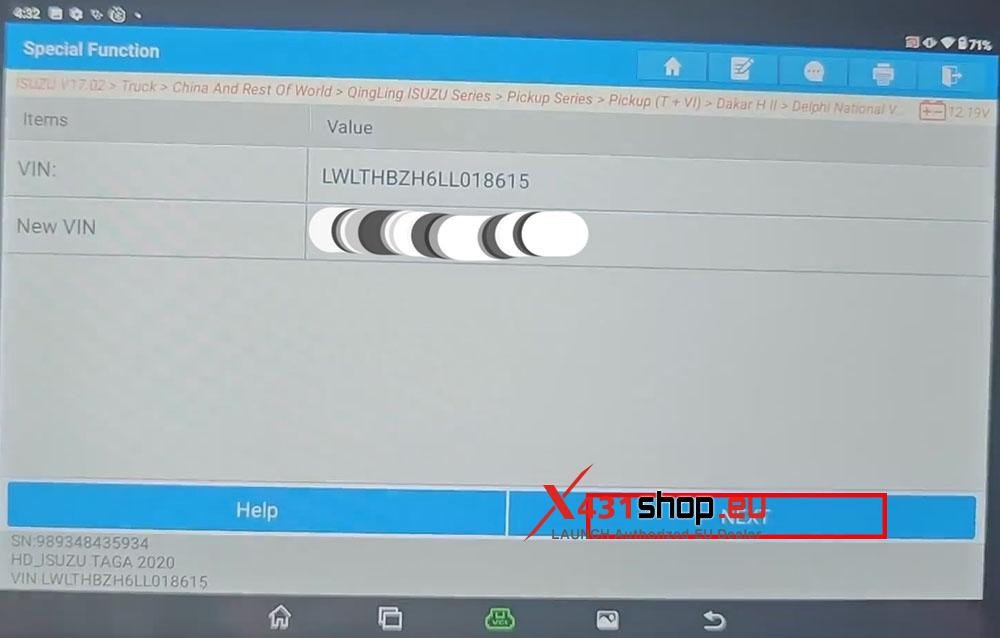
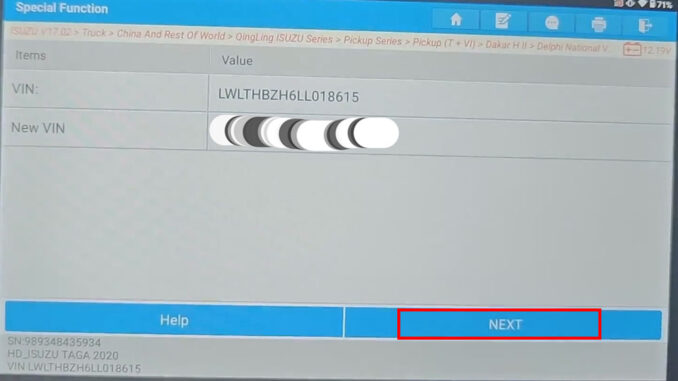
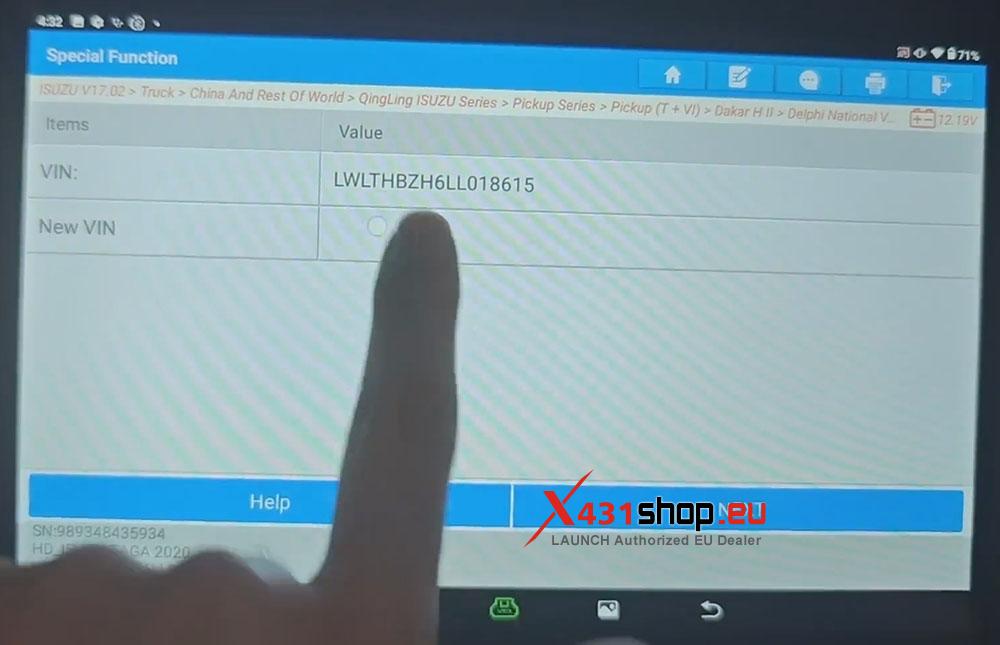
5) Click the blank box next to “New VIN”.
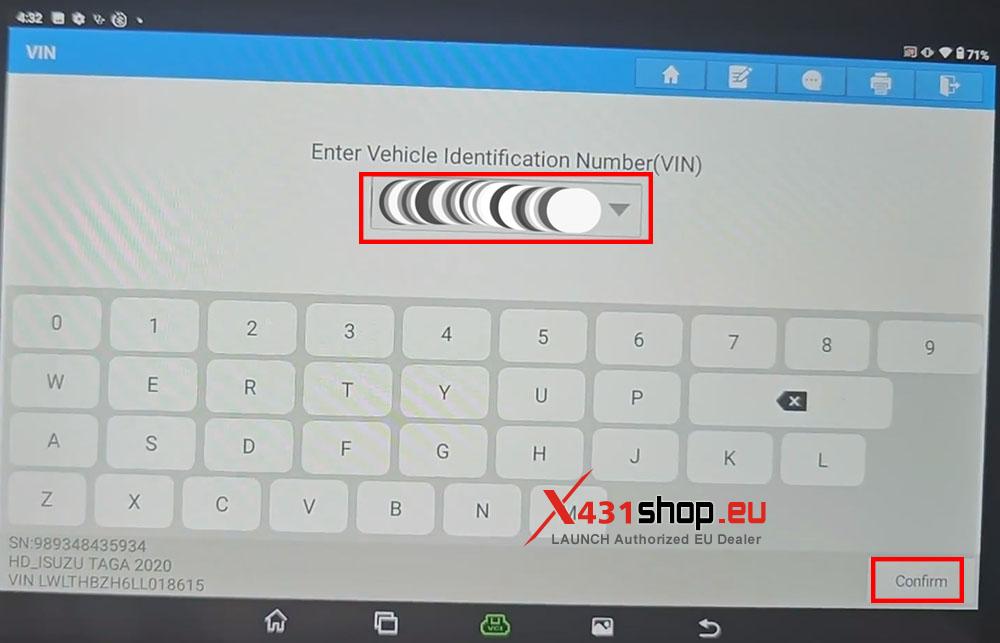
6) Enter the Vehicle Identification Number (VIN), then click [Confirm].
7) Click [NEXT] to complete the VIN writing process.