




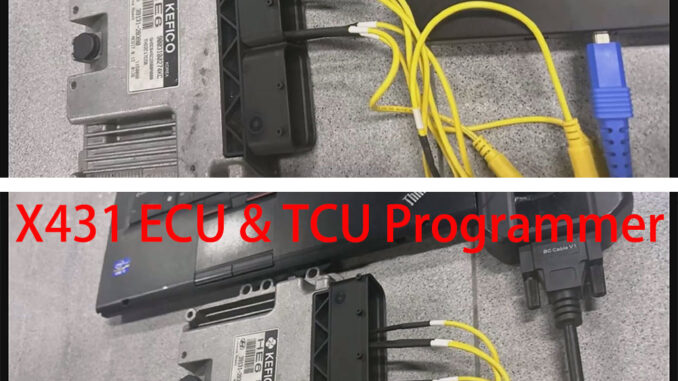
This article will introduce how to clone a Kia Bosch MEG17.9.12 ECU using the LAUNCH X431 ECU tool (XPROG3 + PC Adaptor/ X431 ECU & TCU Programmer).
The demonstration uses LAUNCH XPROG3 + PC Adaptor; the same operation can be performed using X431 ECU & TCU Programmer.
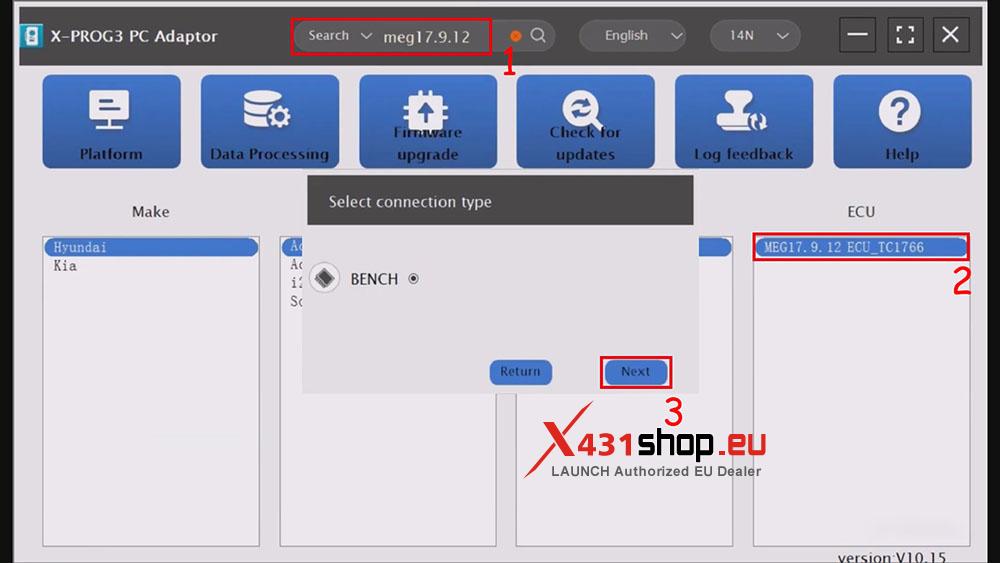
1) Open the XPROG3 PC Adaptor software and search for “MEG17.9.12” in the search bar. Click on the corresponding ECU in the search results and select BENCH mode.
2) Click [Direct connection of diagram] and connect the ECU according to the wiring diagram.
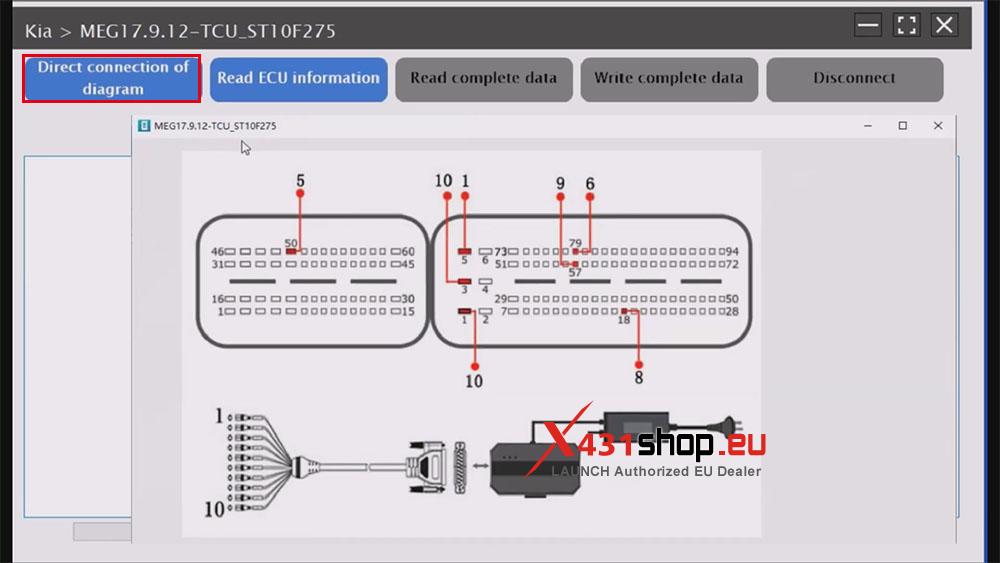
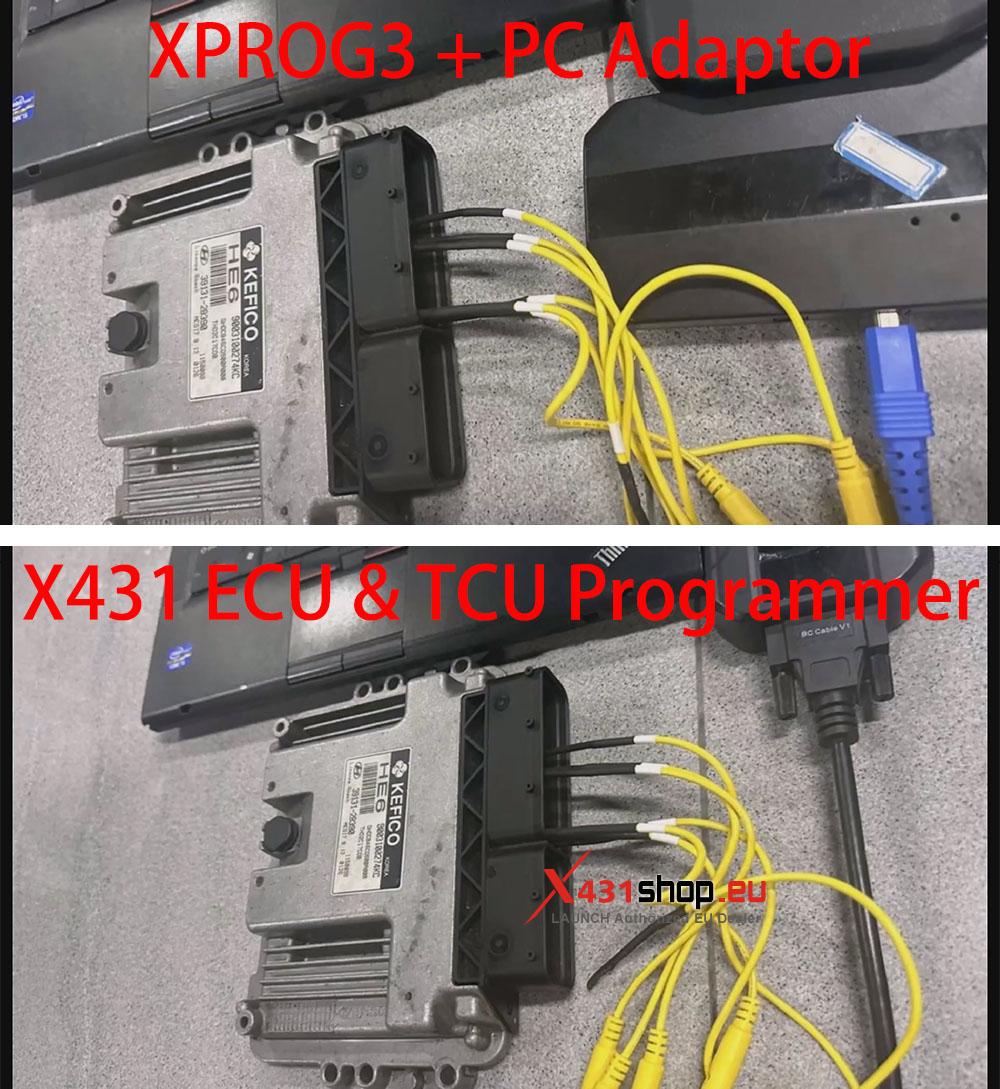
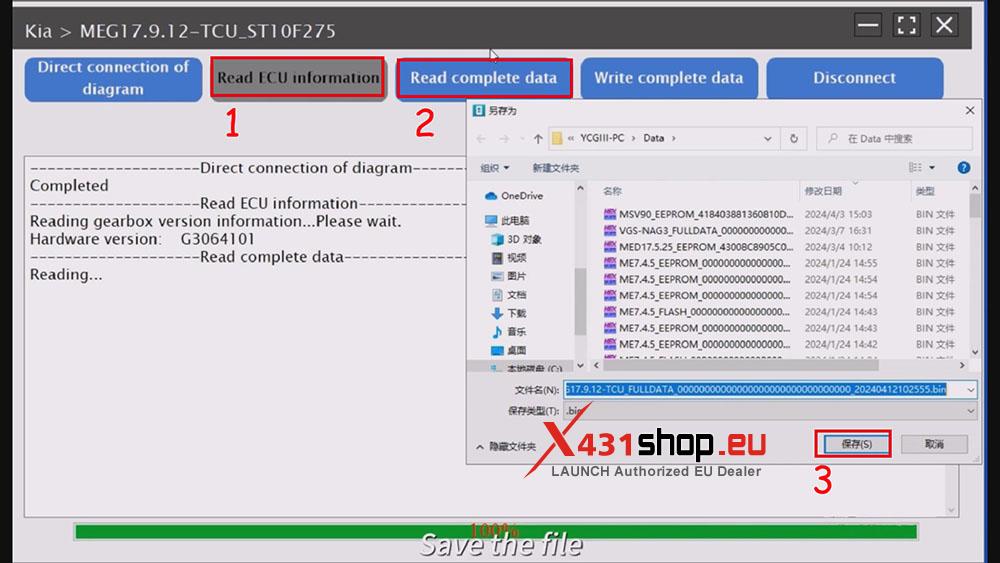
3) After connection, click [Read ECU information] -> [Read complete data] in sequence. Save the read file, and then click [Disconnect].
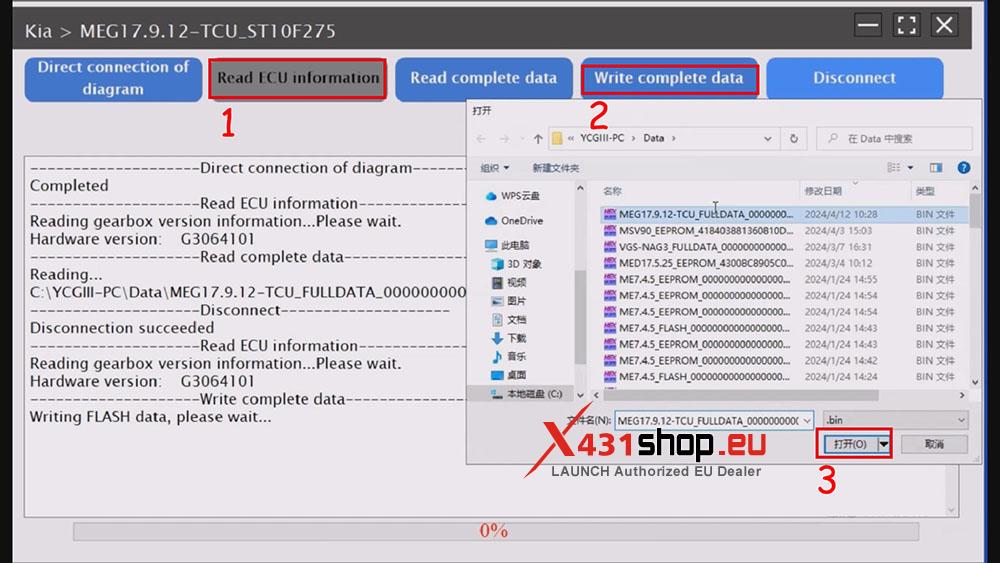
4) Replace the ECU that needs to be replaced and rewire it. After rewiring, click [Read ECU information], then click [Write complete data] to write the original data back to the ECU.
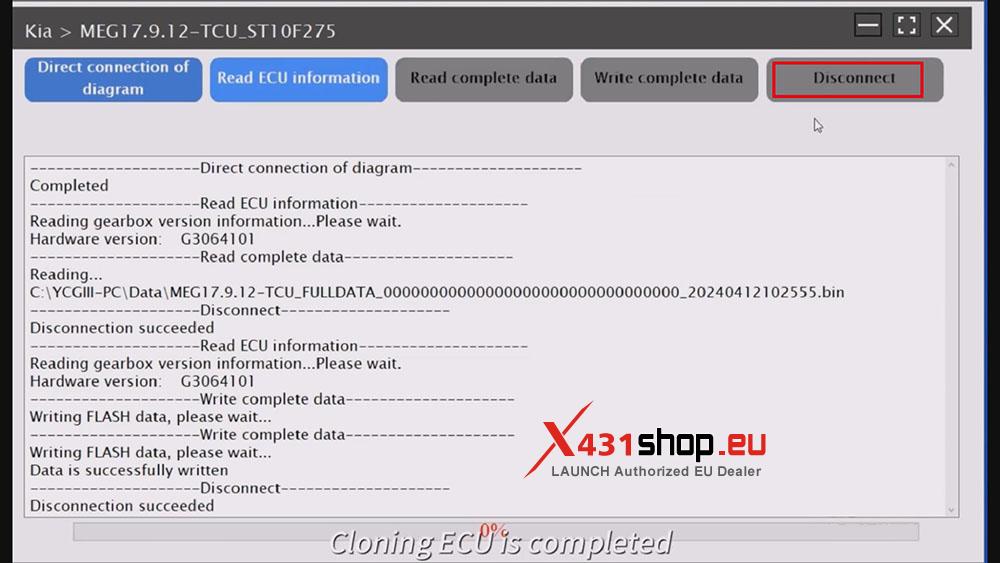
5) After the software prompts “Data is successfully written,” click [Disconnect]. The ECU cloning operation is complete.
Video tutorial reference: