
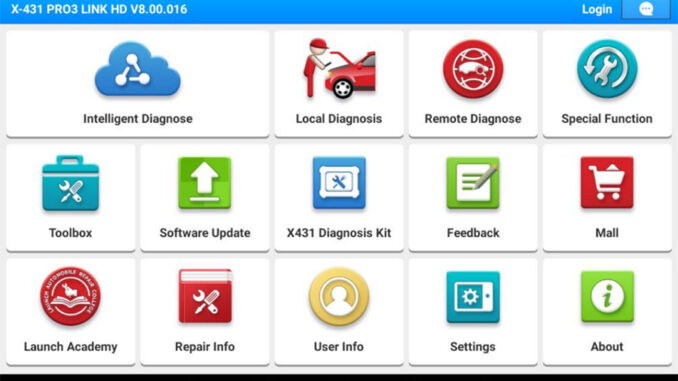
To provide a better customer experience and easier management of software functions, LAUNCH has decided to switch the software “X-431 HD APP” on the original LAUNCH X431 truck diagnostic tool to “X-431 APP“.
This upgrade involves the following equipment:
[301181124] LAUNCH X431 V+ SmartLink HD (Standard configuration for commercial vehicles)
[301190906] LAUNCH X431 PRO3S+ SmartLink HD (Standard configuration for passenger/commercial vehicles)
What are the benefits of upgrading to the X-431 APP?
- New features will be rolled out exclusively on the X-431 APP, while the X-431 HD will only receive routine maintenance.
- Compared with the X-431 HD, the X-431 APP supports more diagnostic tools and software.
- The X-431 APP is compatible with the latest communication protocols.
- The X-431 APP offers an enhanced user experience with improved UE/ UI design.
NOTE: We recommend that users who have subscribed to software updates upgrade to the X-431 APP to receive the latest software feature updates; if your subscription has expired and you are used to the old software layout, you can continue to use the old software.
X-431 APK Software Update Guide
To facilitate software switching, please refer to the following instructions. (The following content is currently applicable only to X-431 HD PRO products)
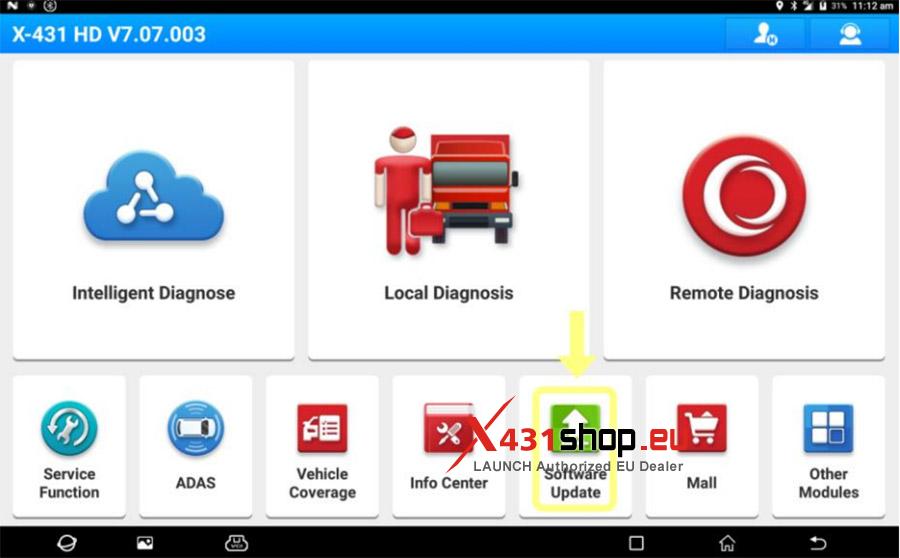
1. Open the X-431 HD APP. Click [Upgrade Center] to enter the software upgrade center.
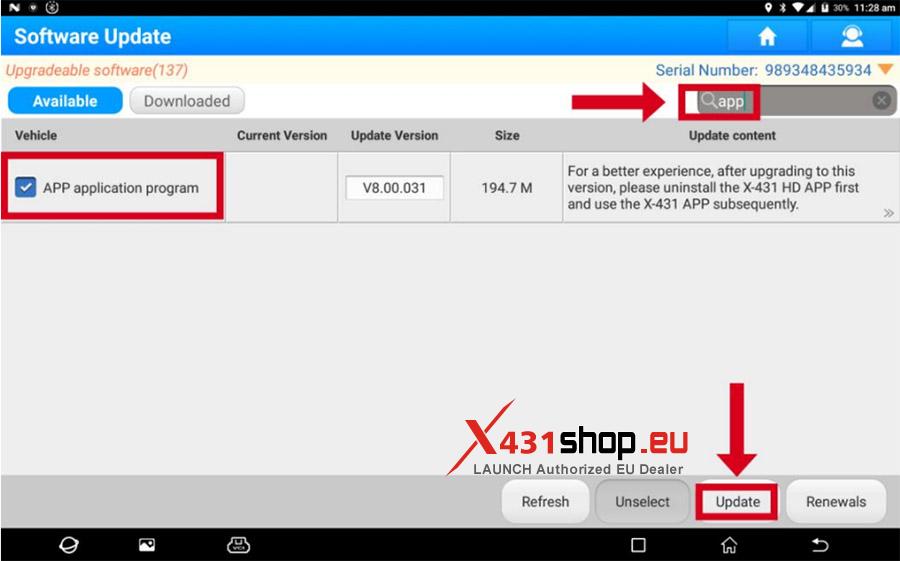
2. In the search box, type [App], locate the [APP Application] available for download, and click the [One-Click Upgrade] button to update the software.
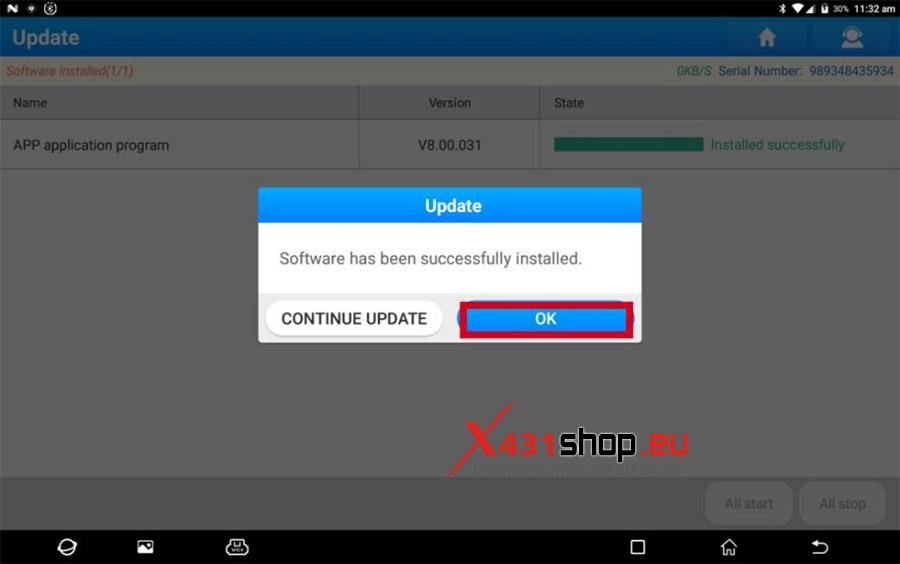
3. After the software is automatically downloaded, click [OK] to execute the installation.
Note: Please keep the network unobstructed during downloading to avoid software download failure.
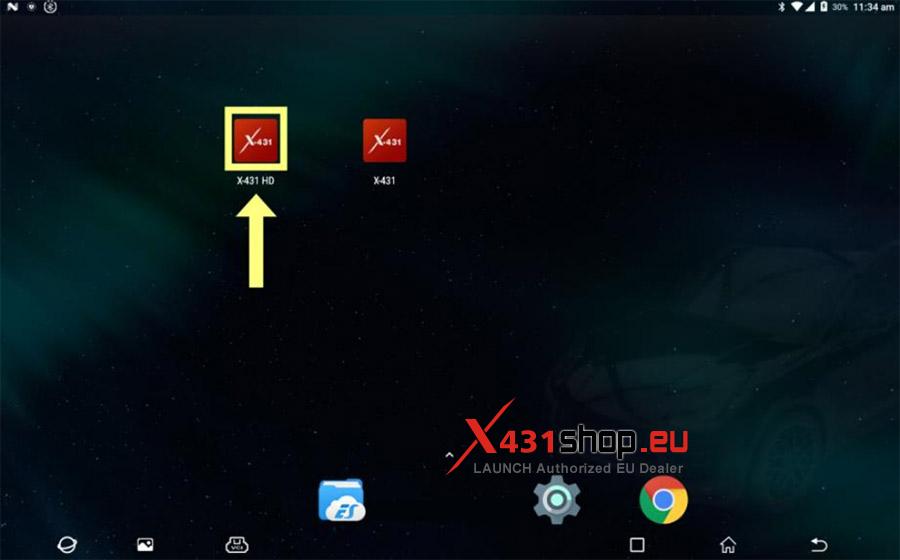
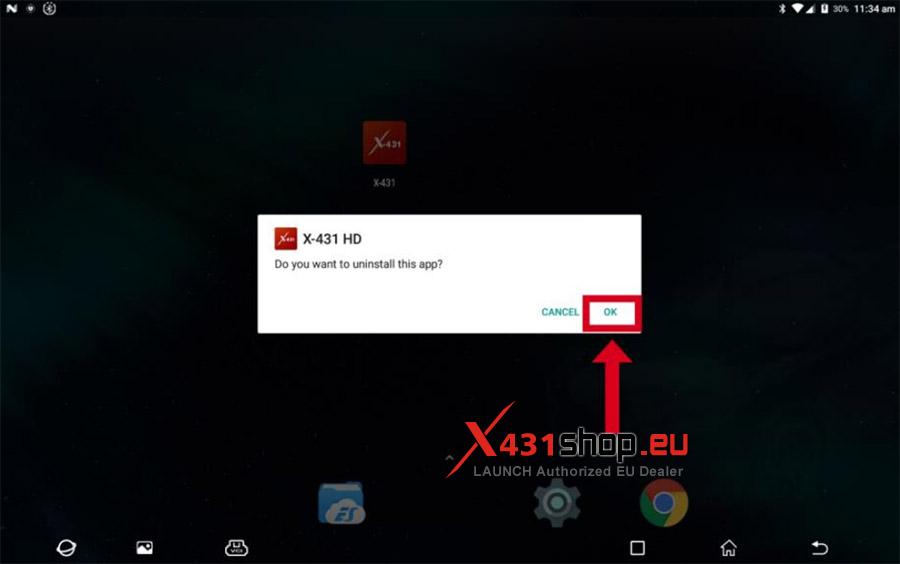
4. Return to the main interface; long-press the X-431 HD icon and uninstall all original X-431 HD APP icons.
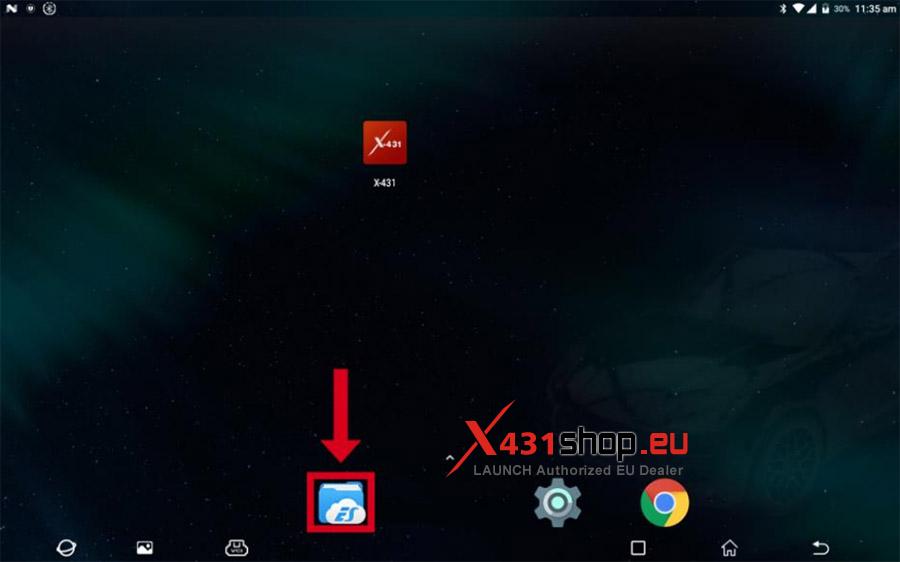
5. Select [ES Files].
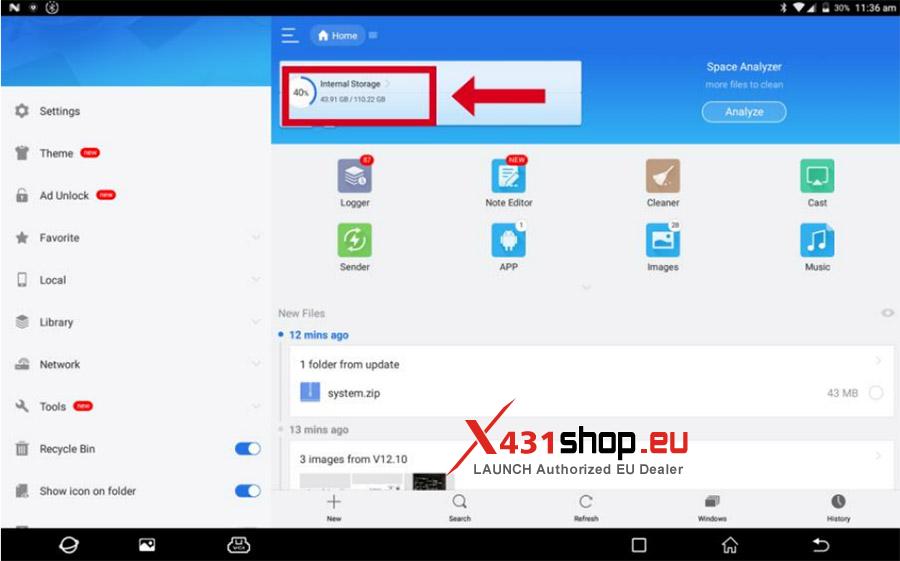
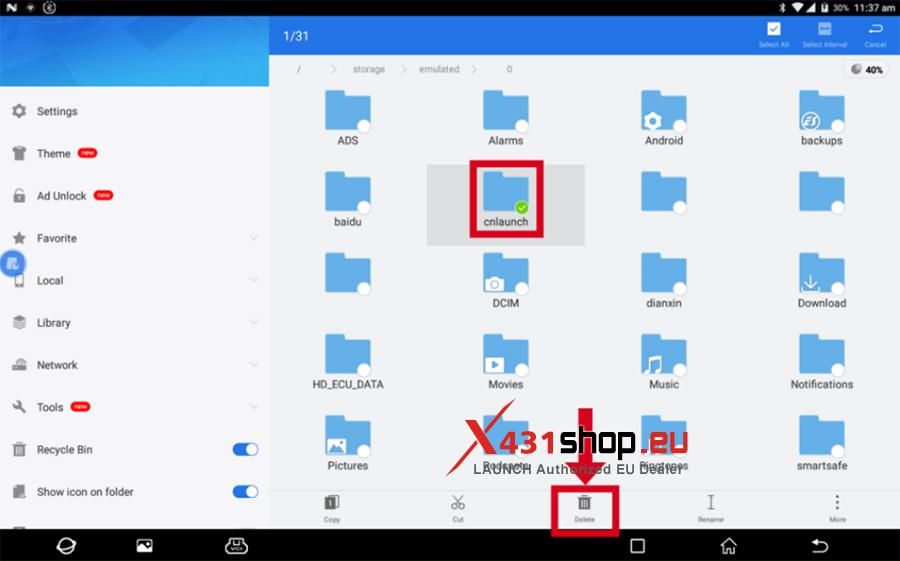
6. Click [Internal Storage], locate the [CNLAUNCH] folder, long-press it, select it, and delete it.
7. Return to the main interface and launch the X-431 software.
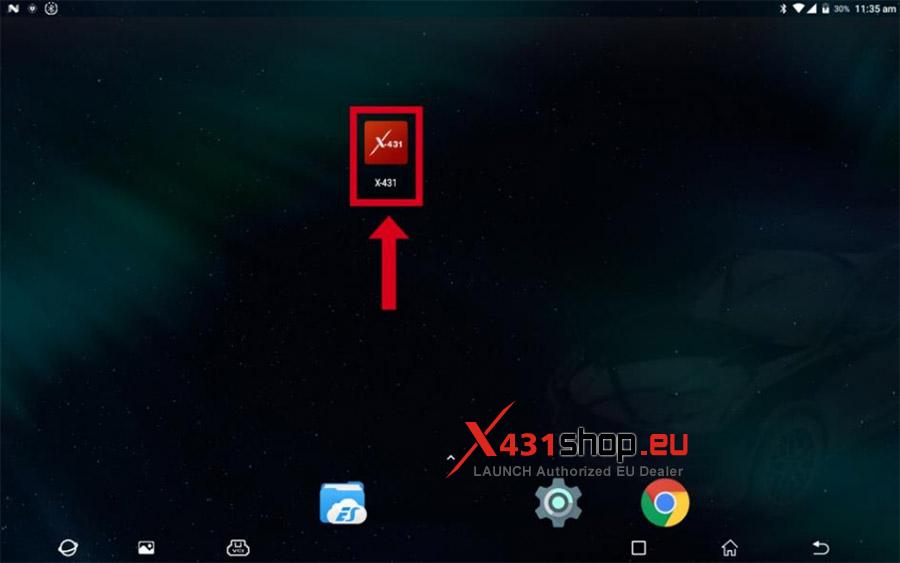
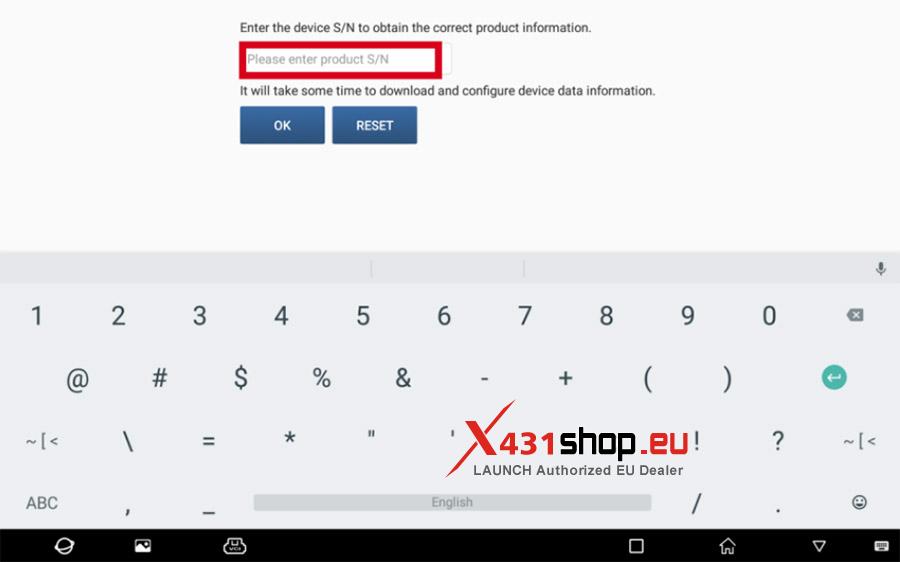
8. When launching for the first time, enter the product (connector) serial number and wait for the download to complete.
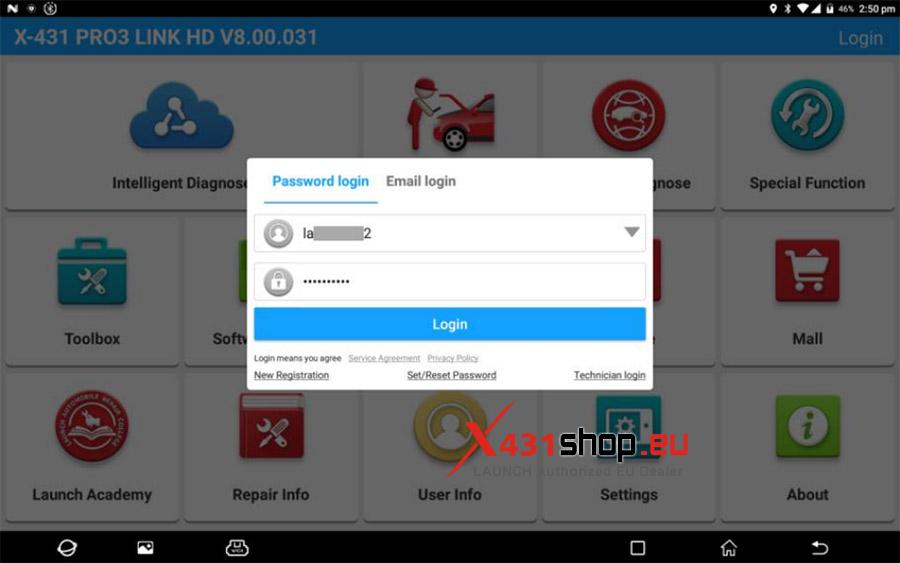
9. Enter the original account and password to log in.
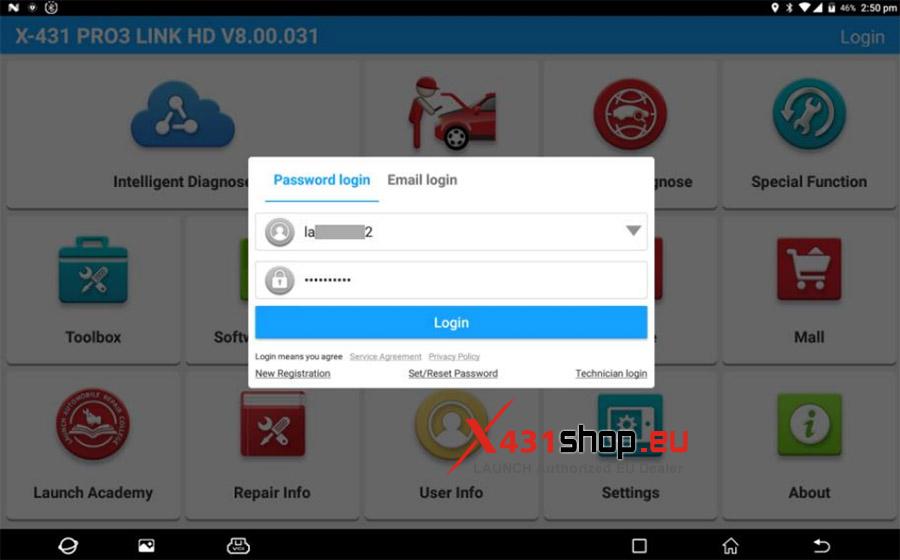
10. Re-enter the original account credentials to log in.
11. Click [Upgrade Center] to enter the upgrade center and download the required software.
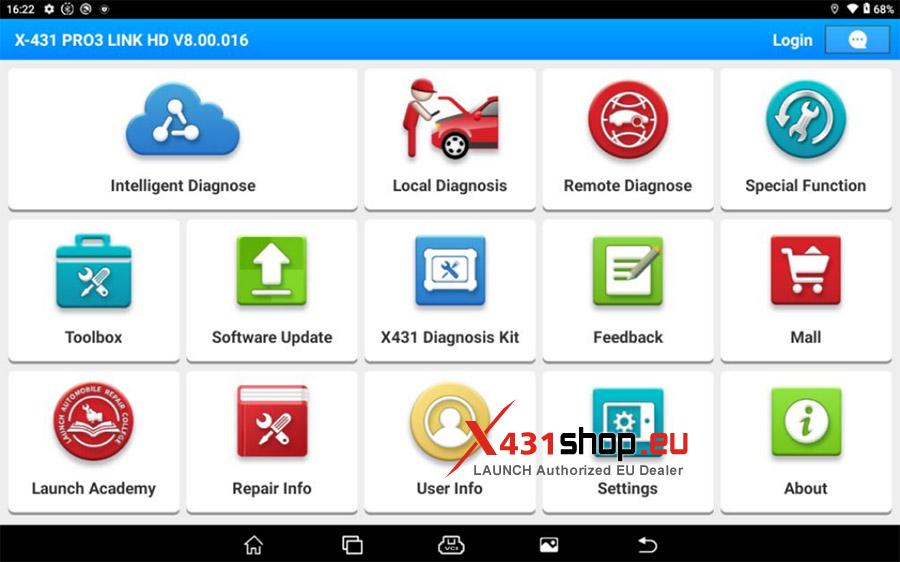
After the upgrade is complete, diagnosing commercial vehicles using the X-431 APP follows the same steps as diagnosing passenger vehicles; the X431 tool will automatically determine the vehicle type.