

The LAUNCH TSENSOR-05S (LTR-05S) is a new generation tire pressure sensor released in 2026. It supports 315MHz and 433MHz and can be reprogrammed an unlimited number of times. The LTR-05S is equipped with a new chip model, which solves the problem of poor compatibility of the old sensor with low-frequency tire pressure vehicles. It can replace the original tire pressure sensor and is compatible with 98% of vehicles on the market.
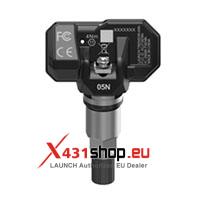
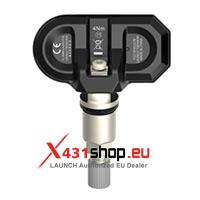
TSENSOR-05S vs. TSENSOR-03 vs. TSENSOR-05 vs. TSENSOR-05N vs. TSENSOR-B comparison table:
| Item | LAUNCH TSENSOR-03 | LAUNCH TSENSOR-05 | LAUNCH TSENSOR-05S | LAUNCH TSENSOR-05N | LAUNCH TSENSOR-B |
| Image | 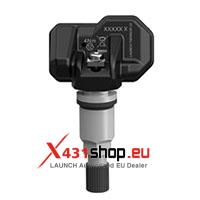 |
 |
 |
 |
 |
| Angle adjustment | Adjustable angle | Non-adjustable angle | Adjustable angle | Adjustable angle | Adjustable angle |
| Chip type | RF Senasic Generation 1 Chip | RF Senasic Generation 1 Chip | RF Senasic Generation 2 Chip (NEW) | RF NXP Chip (Out of Stock) | Bluetooth Tire Pressure Sensor |
| Chip Model | SNP739D01CLE | SNP739D01CLE | SNP739D81CLE | NXP NTM88H135T1 (Out of Stock) | SNP74601CLE (Bluetooth Tire Pressure Sensor) |
| Programming Time | 45 seconds per sensor | 45 seconds per sensor | 25 seconds per sensor | 8 seconds per sensor | – |
| Number of simultaneously programmable sensors: | 1 | 1 | 4 (App main program needs to be upgraded to version V1.50) | 8 (App main program needs to be upgraded to version V1.25) | No programming required |
LAUNCH TSENSOR-05S Parameter Table
| Parameter | Value |
| Battery life | 4-5 years / 100,000 km |
| Battery capacity | 345 mAh |
| Operating frequency | 433 MHz / 315 MHz |
| Pressure monitoring range | 0-800 kPa (1 bar = 100 kPa = 0.1 MPa) |
| Storage temperature | -40℃ ~ 125℃ |
| Operating temperature | -40℃ ~ 125℃ |
| Operating humidity | ≤ 90% |
| Pressure reading accuracy | ±10 kPa |
| Temperature reading accuracy | ±5℃ |
| Acceleration (G) sensor reading accuracy | ±15% |
| Transmit power | 5-8 dBmW |
| Weight | < 35 g |
| Dimensions | 72*51*27 mm |
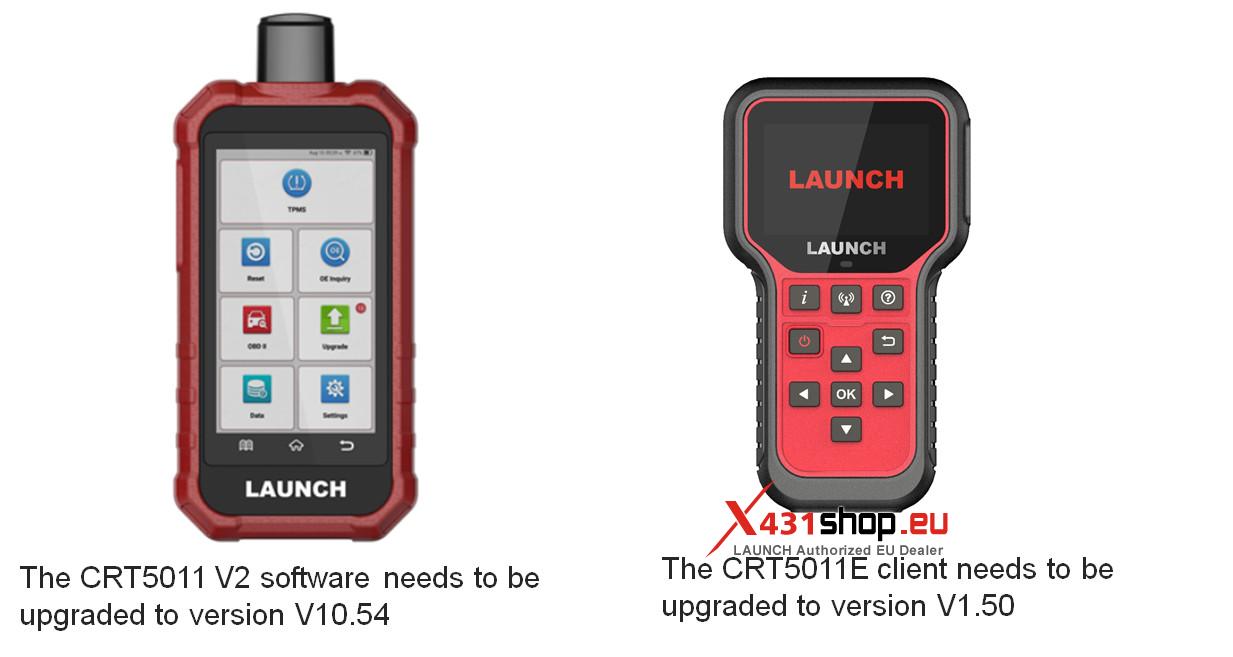
The TSENSOR-05S can be programmed using the LAUNCH TPMS programming tool, but there are software version requirements:
LAUNCH CRT5011 V2 software needs to be upgraded to version V10.54;
LAUNCH CRT5011E client needs to be upgraded to version V1.50.
Frequently Asked Questions about LAUNCH tire pressure sensors and programmers:
Question 1: Sensor activation failed
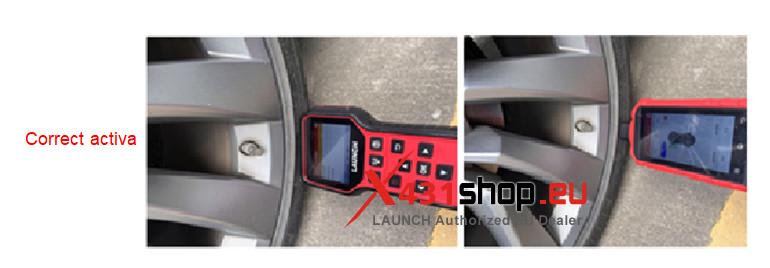
Answer: Confirm the menu is correct: Check the OE number of the original vehicle sensor and re-select the menu based on the OE number.
For example, for a 2019 BMW 3 Series, the original sensor OE is 407004CB0B. Compare this OE with the model and year OE of the device. If the OEs match, the menu is correct.
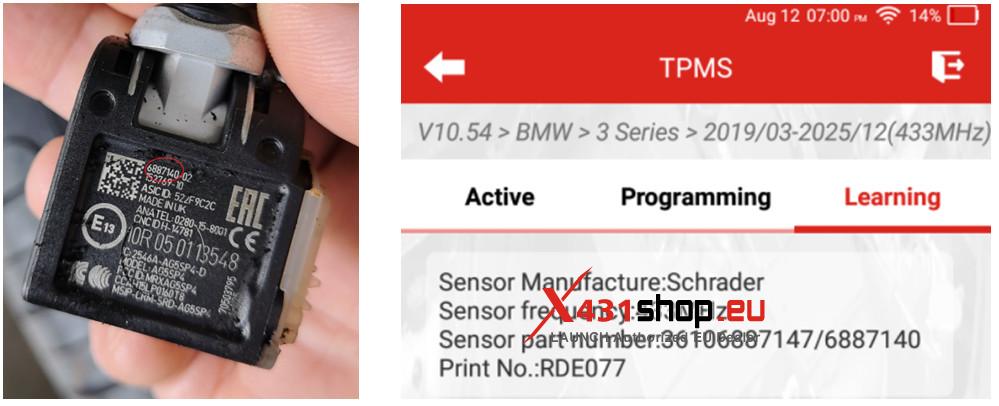
If the menu is correct and the sensor is in the correct activation position, but activation still fails, the sensor is considered damaged and needs replacement.
Question 2: TPMS System Access Failed
Answer: If you cannot access the tire pressure monitoring system, or if tire pressure system-related fault codes are present, you need to check the tire pressure module and its circuitry. A damaged tire pressure module typically manifests as a failure to communicate during diagnostics, inability to access the system, and inability to learn sensors. We recommend using the X431 diagnostic tool to perform a system scan.
Question 3: What should I do if I replaced all four Launch sensors but installed the tires in the wrong order?
Answer: Use a tire pressure monitoring system (TPMS) and select the “Sensor Activation” function. Activate the sensors in the following order: “front left -> front right -> rear right -> rear left”. Read the actual IDs of all four tires and then perform tire pressure learning.
Note: Marking the sensors with waterproof labels after programming will prevent this problem.
Question 4: The tire pressure reading on the Porsche dashboard appears normal, but the tire pressure warning light is on.
Answer: This is a tire pressure issue.
Adjust the LAUNCH TPMS tool to the tire pressure UI, then scroll down one page. The instrument will display the tire pressure deviation UI. Inflate or deflate the tires according to the deviation value indicated on the instrument panel to clear the abnormal tire pressure warning light.
Question 5: How to achieve tire pressure self-learning?
Answer: Many vehicles have a tire pressure self-learning function. The conditions for self-learning are the same:
Lock the doors and the car for 20 minutes;
The smart key must be at least 5 meters away from the car when locking;
After 20 minutes, conduct a road test at a speed of 30 km/h or higher until the tire pressure reading is normal.
Note: Some models (such as BMW, Tesla, Porsche, etc.) require resetting the tire pressure in the central instrument panel before conducting a road test at a speed of 30 km/h or higher until the tire pressure reading is normal.