


The LAUNCH X431 truck diagnostic tool can be used to diagnose whether the urea system is working properly. This article will introduce how to perform a urea system diagnostic after adding urea to a truck.
Function Description:
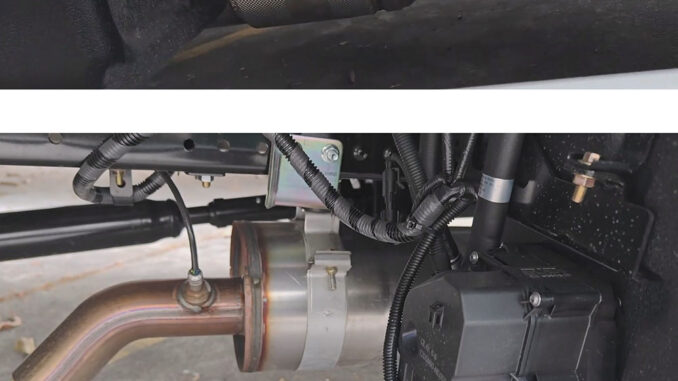
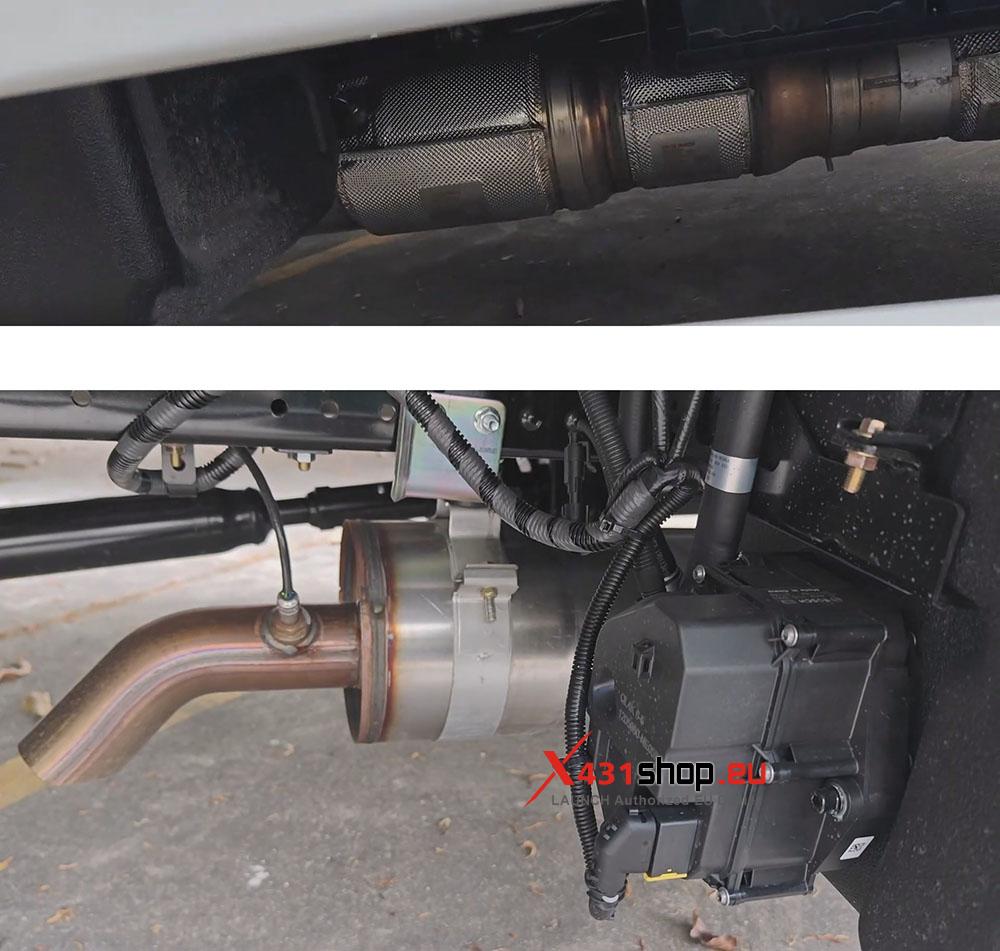
After injecting (adding) urea into a truck, it’s necessary to check the dashboard indicator lights, whether there is crystallization in the exhaust pipe, the urea level, and the urea pump pressure. If the urea is not consumed normally or a system alarm sounds, it can easily lead to engine torque limiting and speed reduction. The LAUNCH X431 truck diagnostic tool’s “Aftertreatment Urea System Test” can diagnose the vehicle’s urea system.
NOTE: If the truck system has already triggered the “torque limiting/speed reduction” mode (e.g., reduced engine power), even if the urea is fully added, some models will require connecting the X431 diagnostic tool to clear historical fault codes or performing a “urea system refill” operation before the vehicle can return to normal.
Tools used: LAUNCH X431 PAD V ELITE (with HD Package)
Test vehicle: 2026 Isuzu ELF KV100
Operating procedures:
1) Connect SmartLink to the vehicle’s OBD port, open the diagnostic software on the X431 PAD V, and select [Local Diagnose] -> [Isuzu].
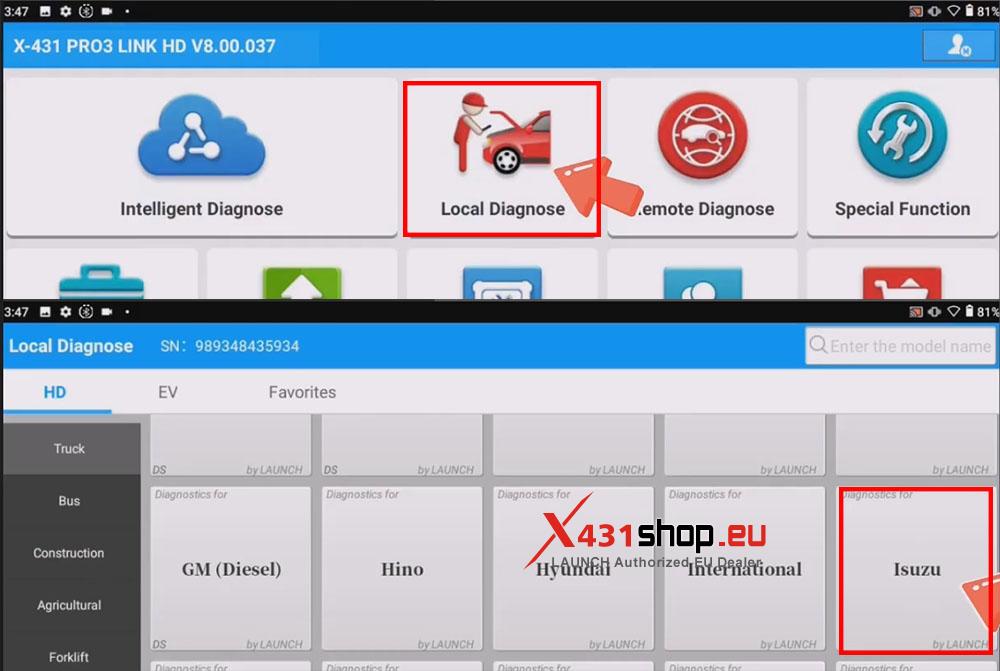
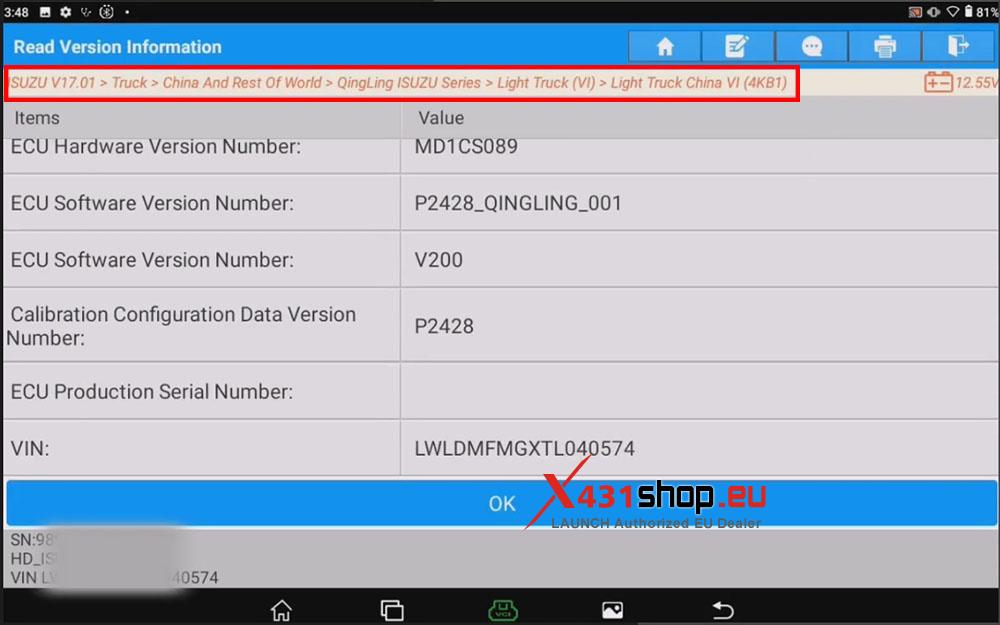
2) Manually select the directory according to your truck model. In this article, we selected the following path: [Truck] -> [China And Rest Of World] -> [QingLing ISUZU Series] -> [Light Truck (VI)] -> [Light Truck China VI (4KB1)].
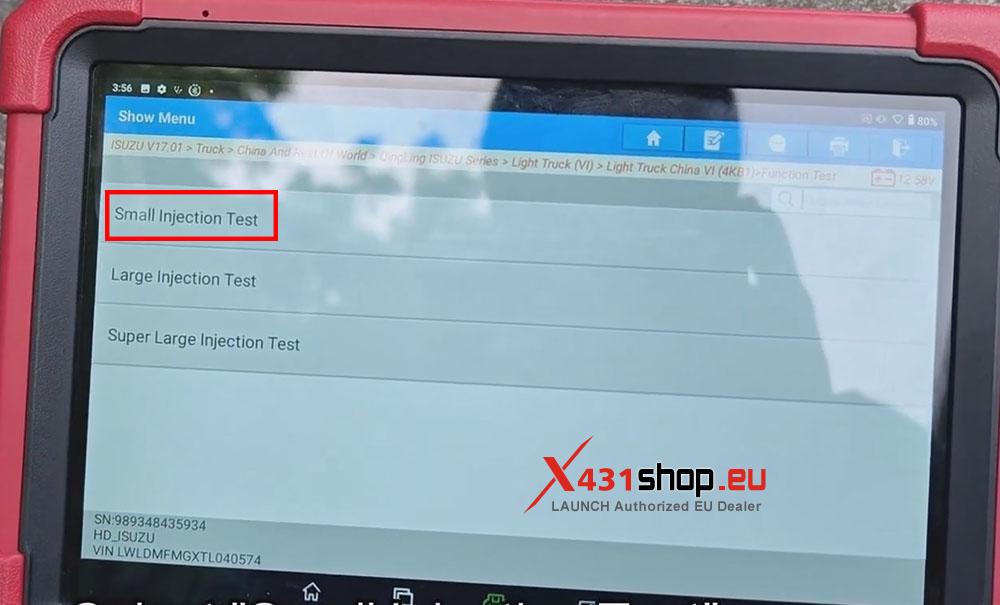
3) Select [Function Test] -> [Aftertreatment Urea System Test] -> [Injection Test] -> [Small Injection Test].
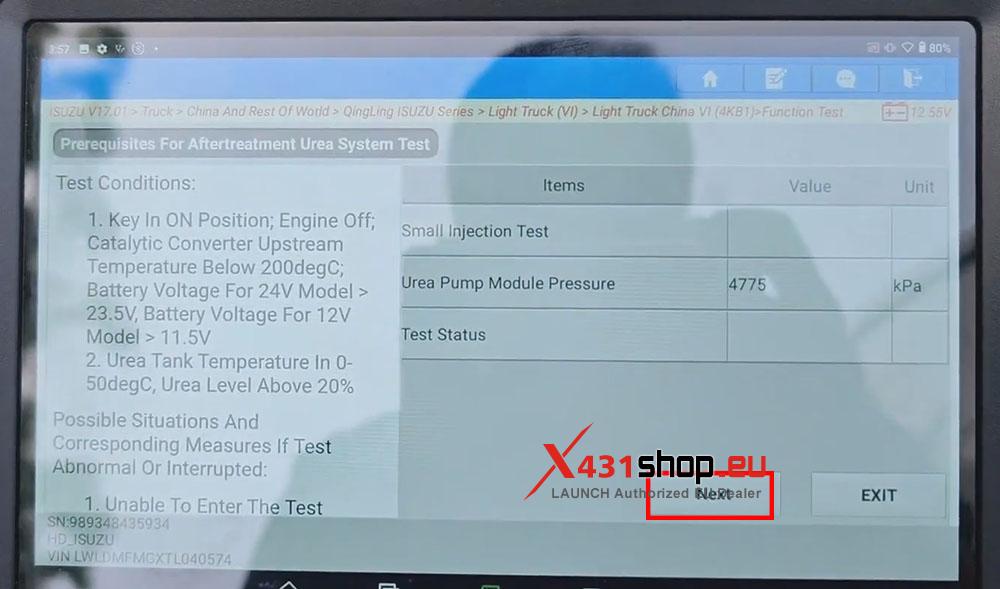
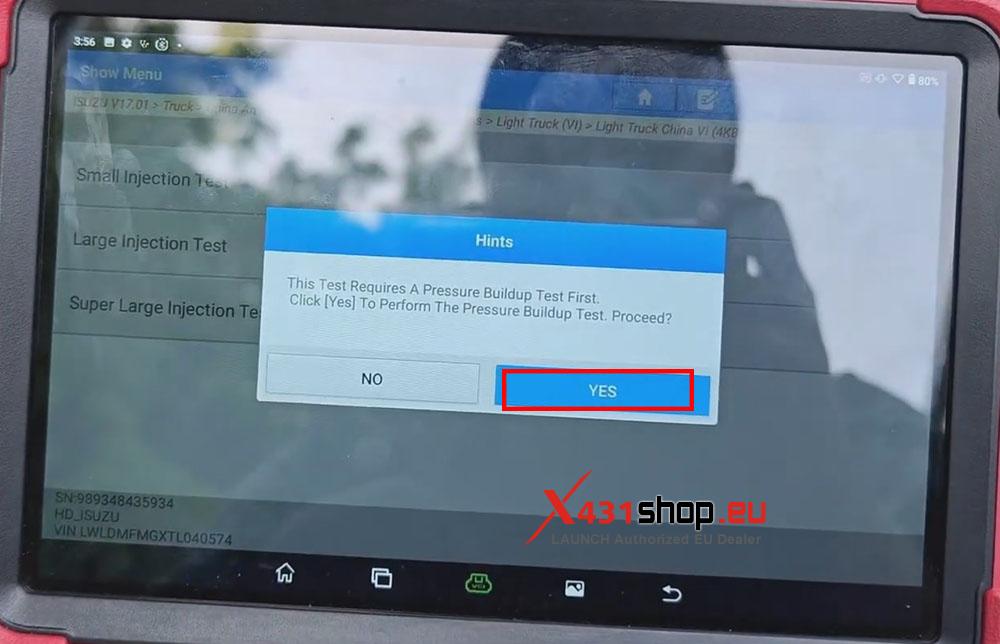
4) This Test Requires A Pressure Buildup Test First, Click [Yes] To Perform The Pressure Buildup Test. Perform the test according to the prompts, and Check [Next].
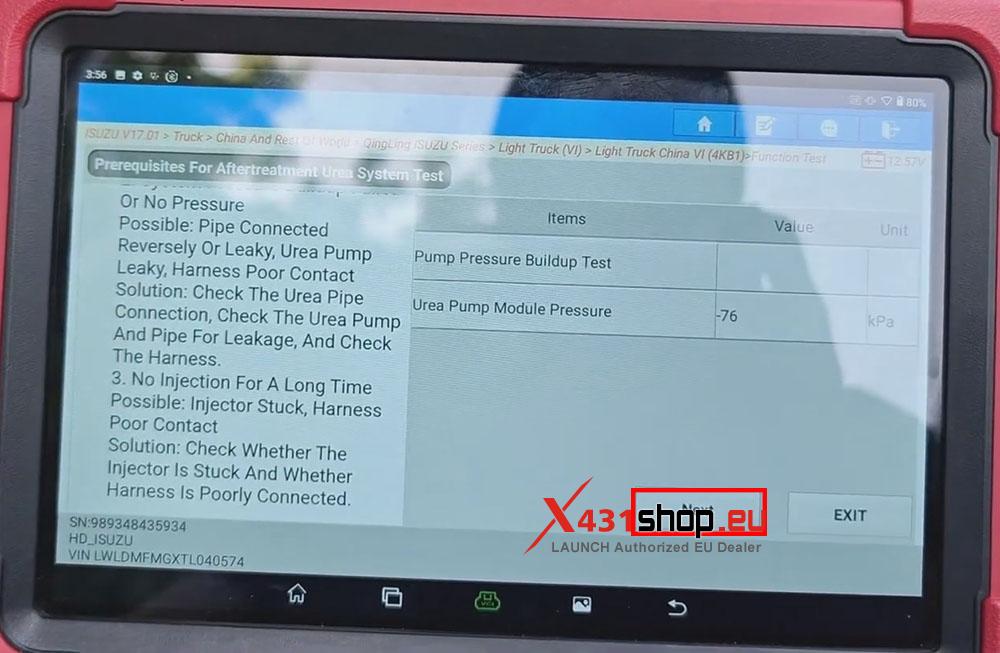
NOTE 1: Test Conditions:
Key In ON Position; Engine Off;
Catalytic Converter Upstream Temperature Below 200degC;
Battery Voltage For 24V Model >23.5V;
Battery Voltage For 12V Model > 11.5V.
Urea Tank Temperature In 0-50degC, Urea Level Above 20%.
NOTE 2: Corresponding measures for Abnormal or interrupted test:
- Failed To Enter The Test
Possible Reason: Test Conditions Are Not Satisfied.
Solution: Check The Speed, Exhaust Temperature, Urea Tank Temperature And Urea Level.
- System Pressure Buildup Failure Or No Pressure
Possible Reason: Pipeline Leakage Or Reversely Connected, Urea Pump Leakage, Harness Poor Contact.
Solution: Check The Connection Of The Urea Pipeline; Whether The Urea Pump And Pipeline Has Leakage; Check The Harness.
- No Injection For Long Time
Possible Reason: Injector Stuck, Harness Poor Contact.
Solution: Check Whether The Injector Is Stuck And Whether The Harness Contact Is Poor.
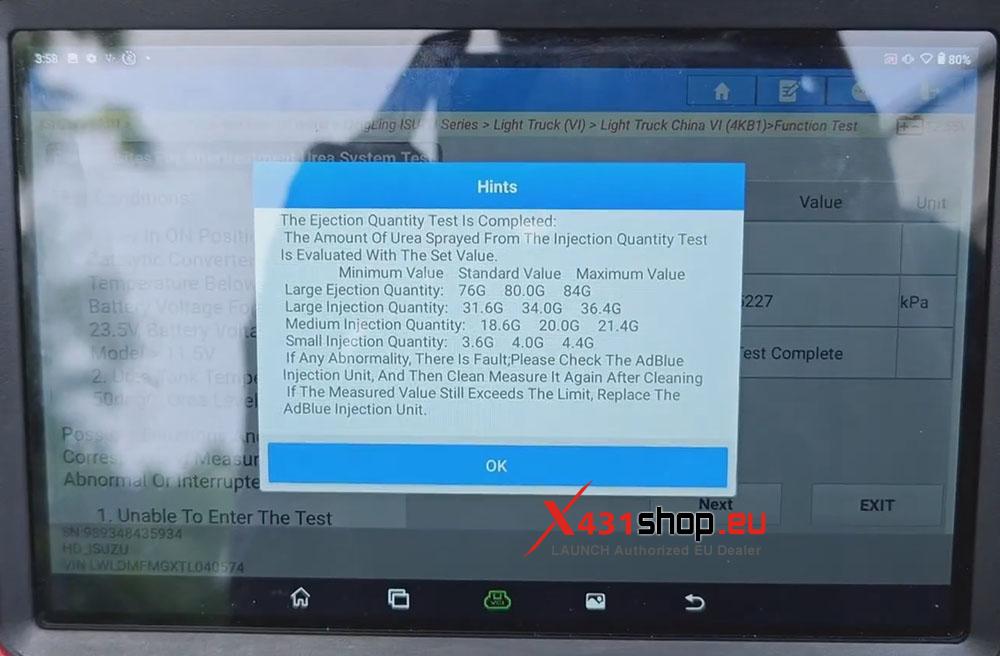
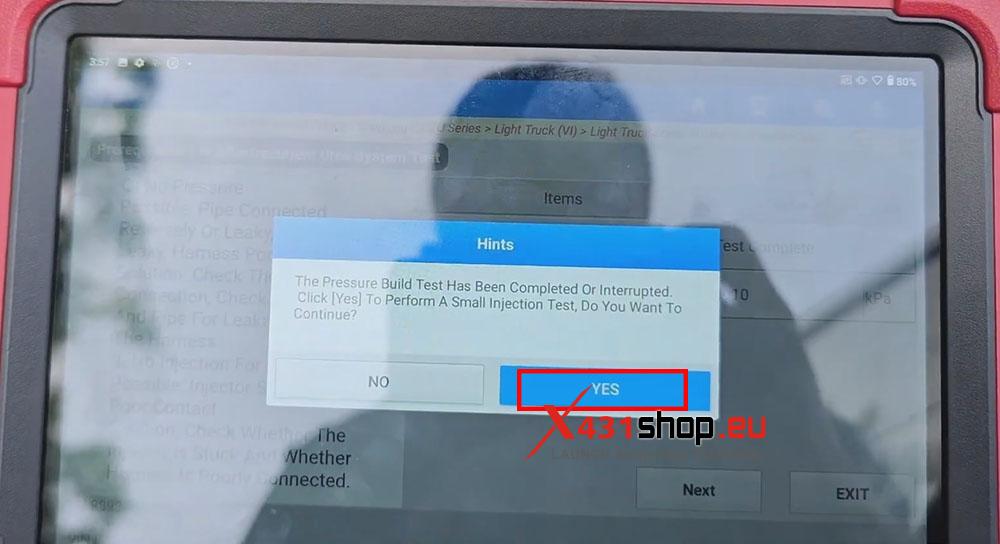
5) Wait for the pressure build test to complete, Click [Yes] to perform a small injection test.
NOTE: Pump Pressure Buildup Testhas Been Completed:
Result OK: Pump Pressure Buildup Normal;
Result Not OK: Pump Pressure Buildup Failure.
6) Click [Next], simply wait for the program to finish running.