








The “Reset Remote Vehicle Start Disable History” function in the LAUNCH X431 device can clear start/stop events in the ECM. This record is a fault/event code (DTC) or service flag, not an operation log, and can be reset using the X431 diagnostic tool(After resetting, the original record is cleared, not exported).
Function Description:
It is necessary to perform this function after replacing the remote control or remote control battery, or replacing the vehicle control unit or related modules.
Supported X431 tools for this function: X431 PRO series (including X431 PRO3 series, PRO5), X431 PAD series.
Tools used in this test: LAUNCH X431 PRO3 V+ ELITE
Tested Model: 2021 – GM Chevrolet – Suburban
Operating procedures:
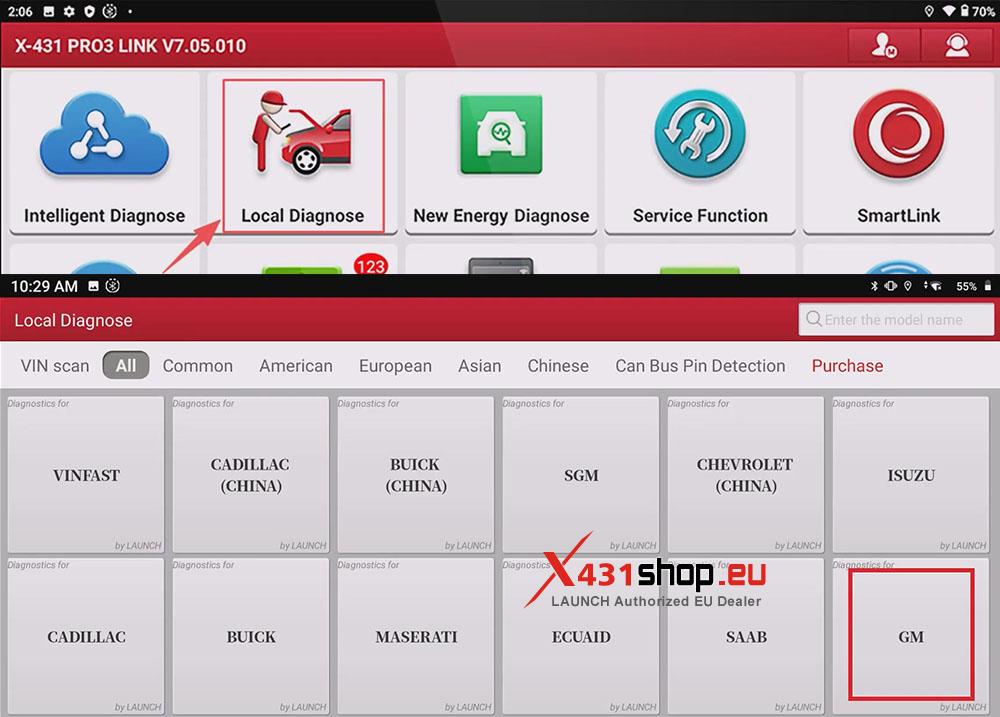
1) Connect the X431 tool to the vehicle’s OBD port via SmartLink. On the X431 PRO3 V+ ELITE, select: [Local Diagnose] -> [GM].
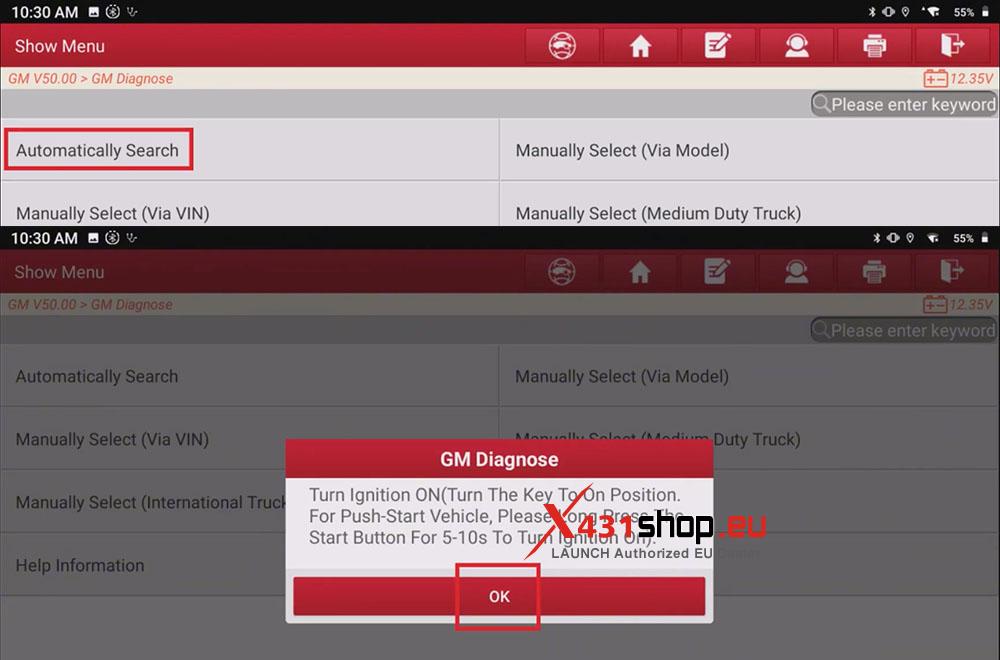
2) Click [Automatically Search], operate according to the prompt “Turn Ignition ON“. Click [OK].
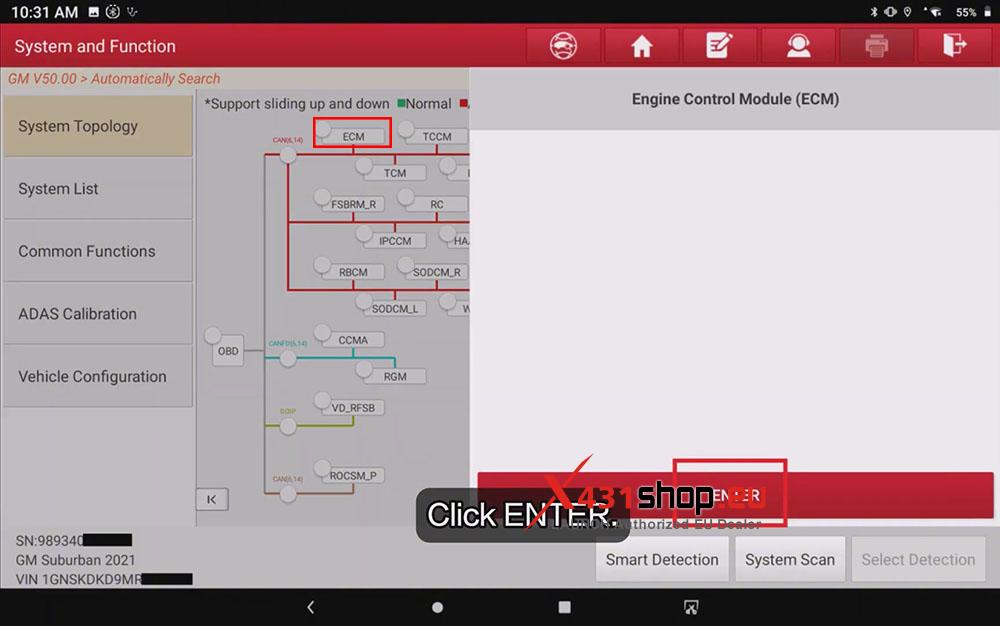
3) After confirming the information, enter the topology diagram interface and click [ECM] to access the system.
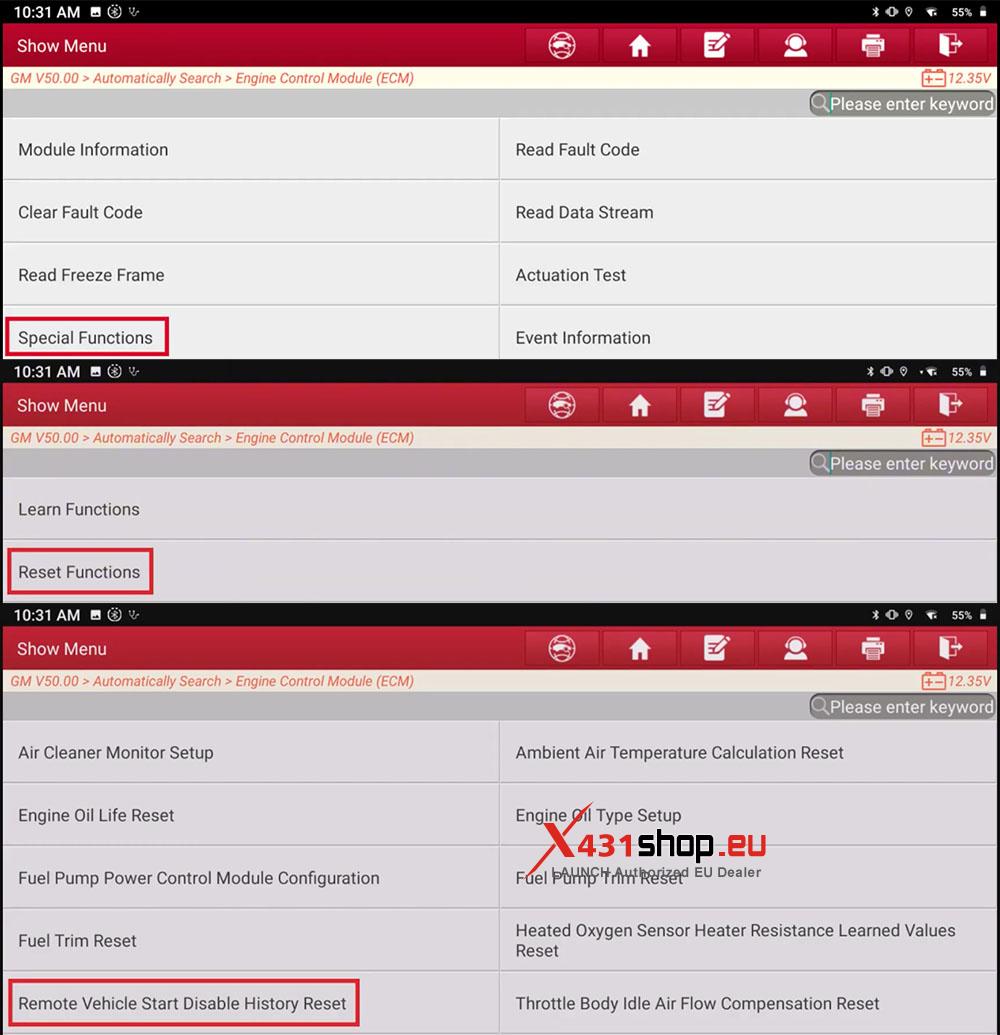
4) Click [Special Functions] -> [Reset Functions] -> [Remote Vehicle Start Disable History Reset].
5) We can see some remote vehicle start disable history, for example:
- Malfunction Indicator Lamp Illuminated
- Accelerator Pedal Position Out Of Range
- Transmission Not In Park
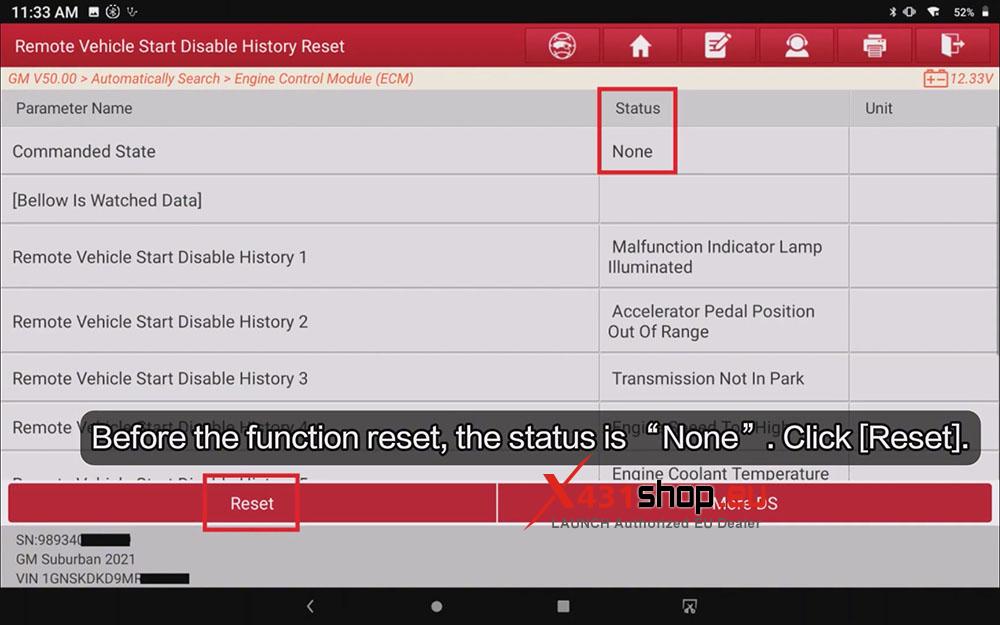
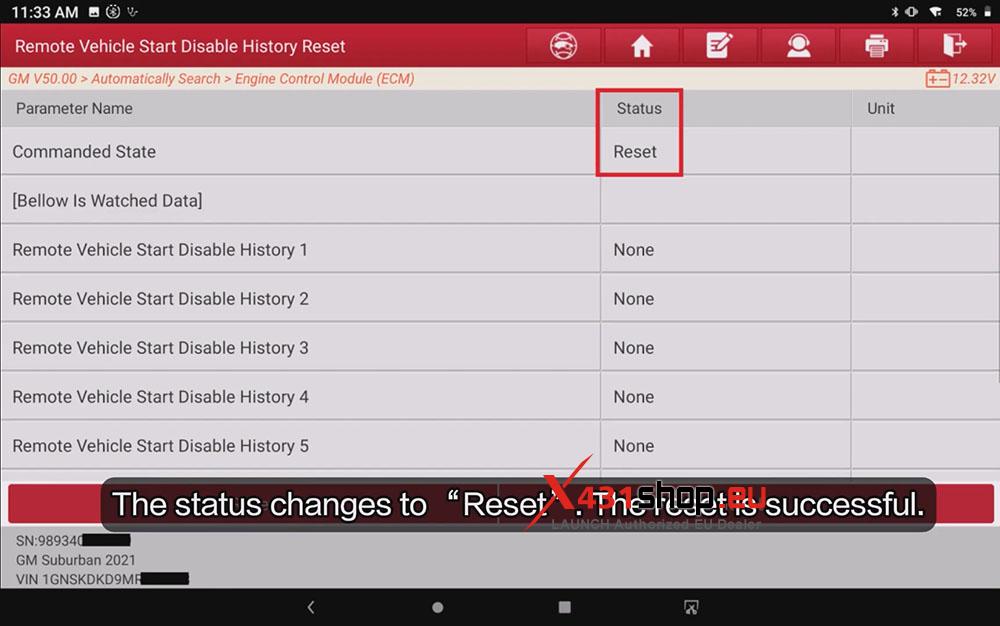
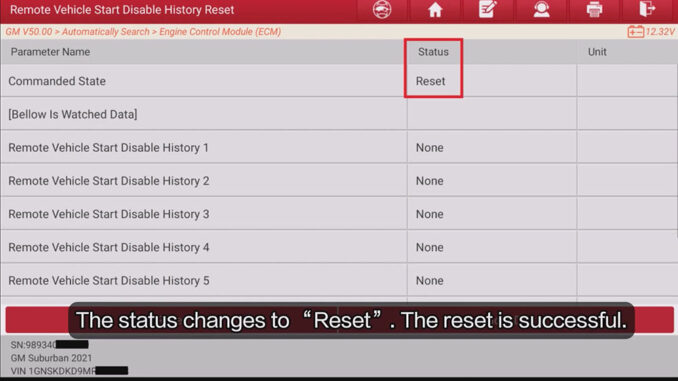
At this point, the “Commanded State” parameter is “None”. Click [Reset], and the status will change to “Reset”. The operation is now complete.