





Replacing the BSM (Blind Spot Monitoring) or ORC (Occupant Restraint Controller) on an FCA Group vehicle requires performing Longitudinal and Lateral Sensor Calibration to write the new values to the vehicle module. This article will introduce how to perform Longitudinal and Lateral Sensor Calibration on a 2021 FIAT 500X using the LAUNCH X431 PRO3 V+ ELITE.
Function Description:
This program is performed when the BSM or ORC is replaced or the ORC undergoes rework.
NOTE: Performing diagnostic functions on FIAT vehicles manufactured after 2018 requires unlocking the security gateway, which necessitates purchasing an FCA SGW license. See below for instructions on purchasing an FCA SGW license:
Tested Model: 2021 – Fiat – 500X.
Supported equipment:
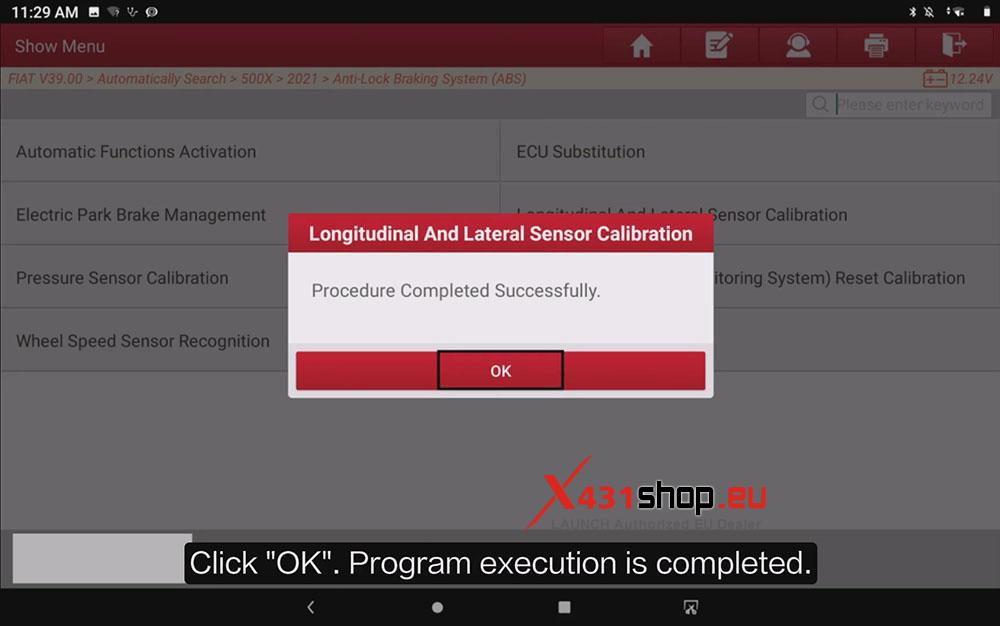
LAUNCH X431 PRO3 series, X431 PRO5, and X431 PAD series, the current one for Demo is X431 PRO3 V+ ELITE.
Operation Procedure:
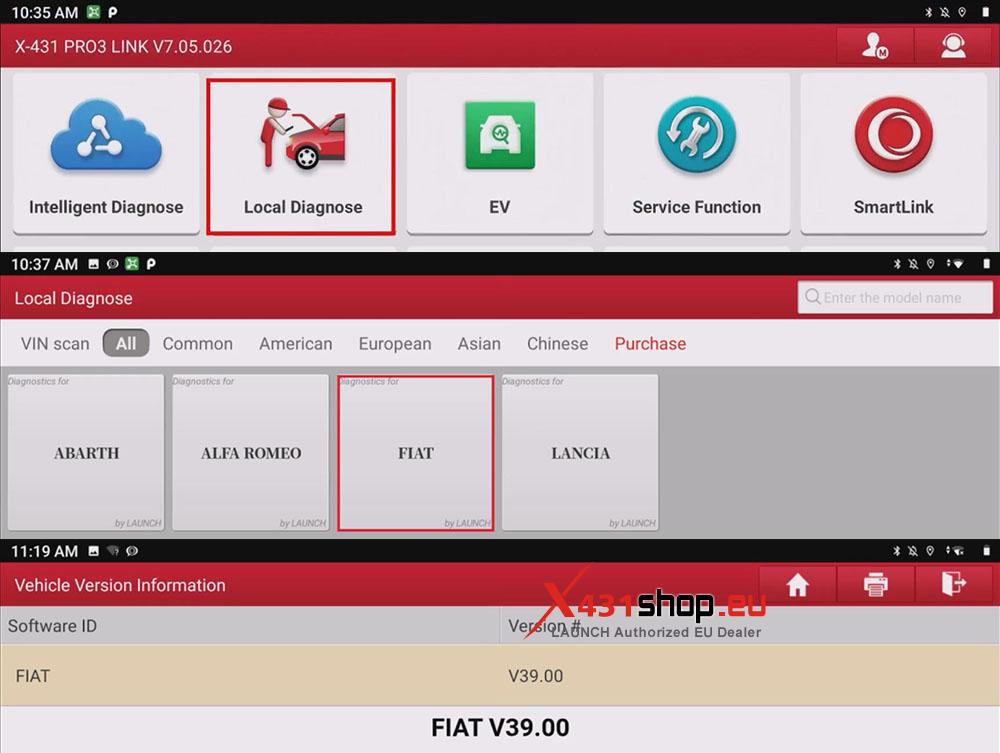
1) Connect the X431 device to the vehicle’s OBD port, then select [Local Diagnose] -> [FIAT]. For the Calibrate Longitudinal and Lateral Sensor function, it is recommended to use diagnostic software version V39.00 or above.
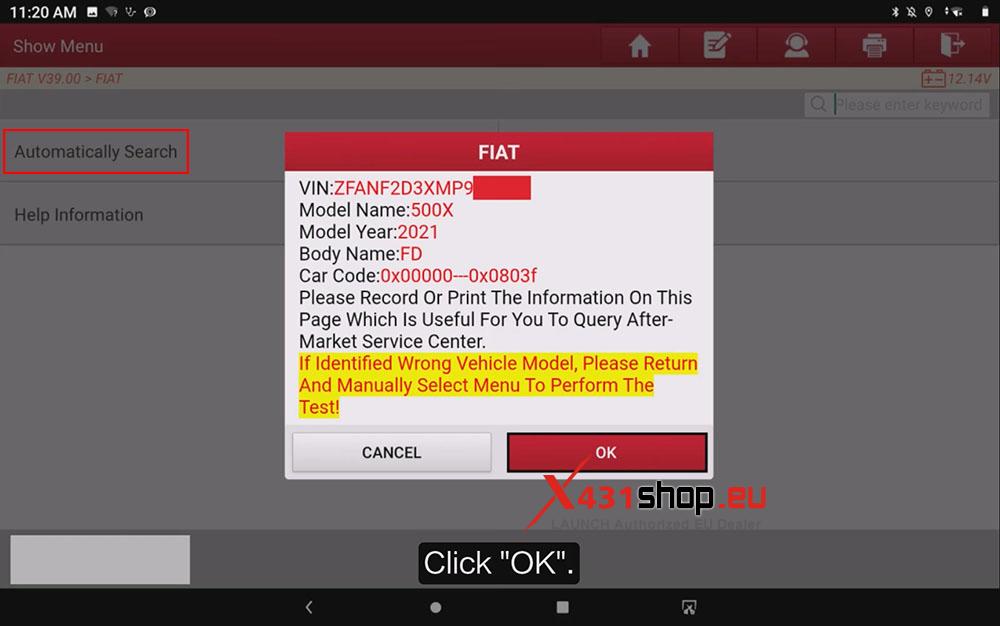
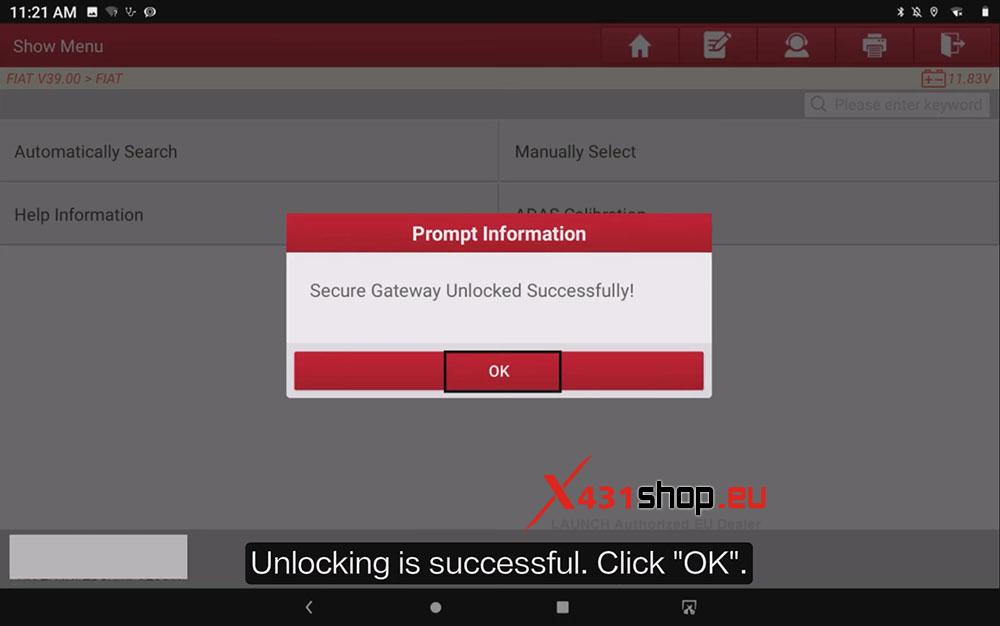
2) Tap [Automatically Search], confirm the vehicle information, and tap [OK]. Make sure the device has an internet connection. If you have purchased and bound an FCA SGW license, the device will automatically unlock the Security Gateway.
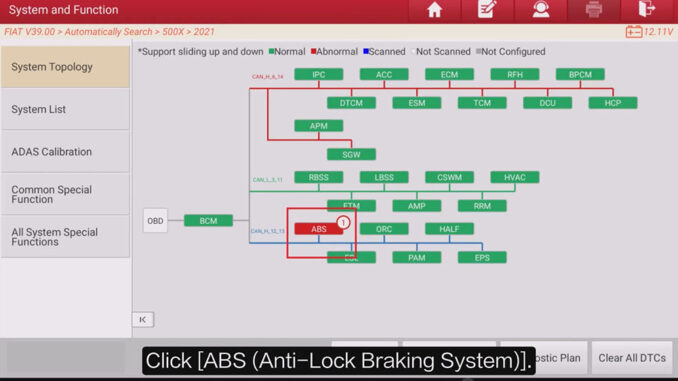
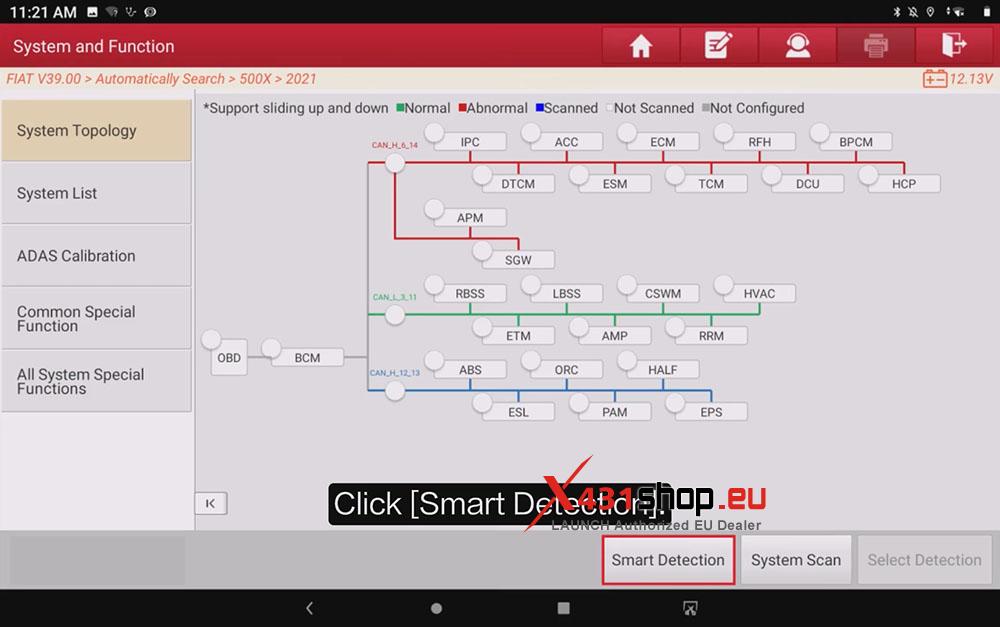
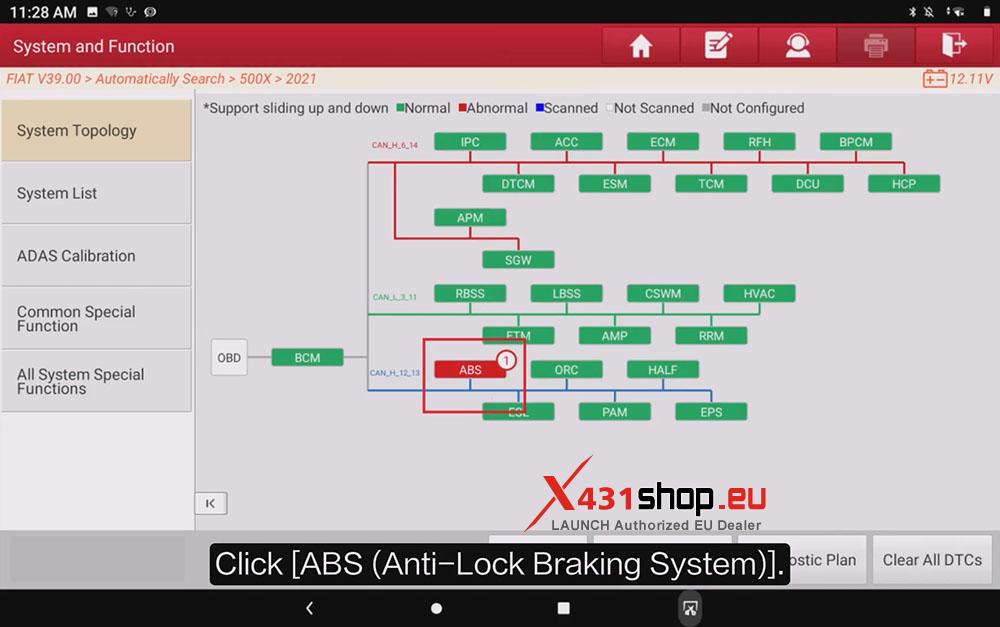
3) On the topology screen, tap [Smart Detection], then select the [ABS] (Anti-Lock Braking System) module and tap [ENTER] to access it.
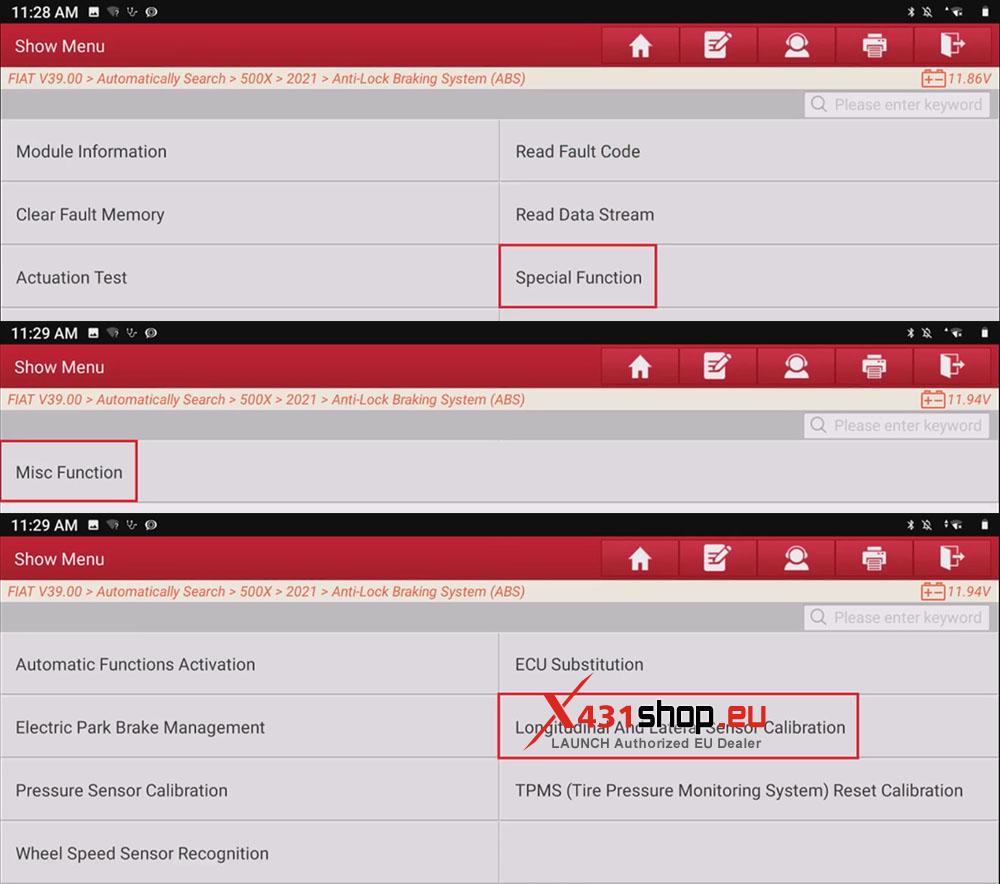
4) Tap [Special Function] -> [Misc Function] -> [Longitudinal And Lateral Sensor Calibration].
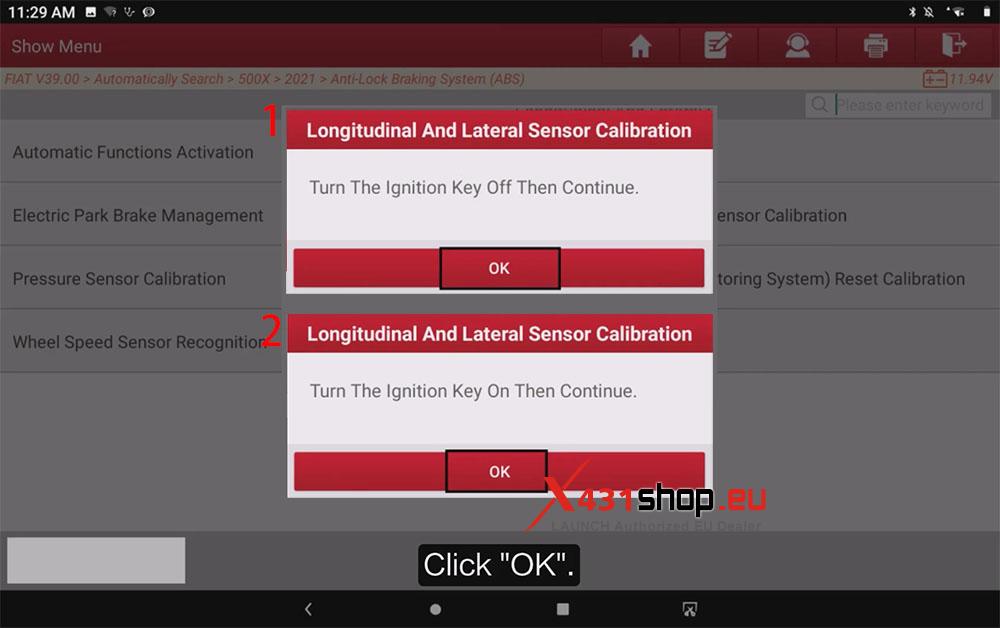
5) First, make sure all calibration conditions are met, then follow the X431 device prompts to turn the vehicle ignition on and off.
Calibration Conditions:
- The vehicle must be stationary on a flat surface.
- No fault codes are stored except DTC C006A-Xx or C006C-Xx.
6) When “Procedure Completed Successfully” appears, the procedure is complete. You can then exit the program.