



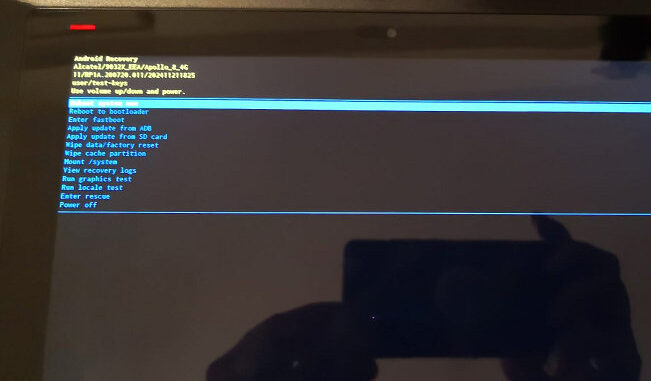
If the LAUNCH X431 diagnostic tool experiences an unexpected program interruption, it may damage system files. If your LAUNCH X431 diagnostic tool fails to boot up and is stuck in a continuous power cycle (turning off and on repeatedly) at the logo screen, you can try the following method to perform a factory reset.

Press and hold the power button for 3-5 seconds, then release it. Before the LAUNCH logo appears, quickly press the power button 5 times. This will enter engineering mode. In engineering mode, the power button acts as the confirmation button.
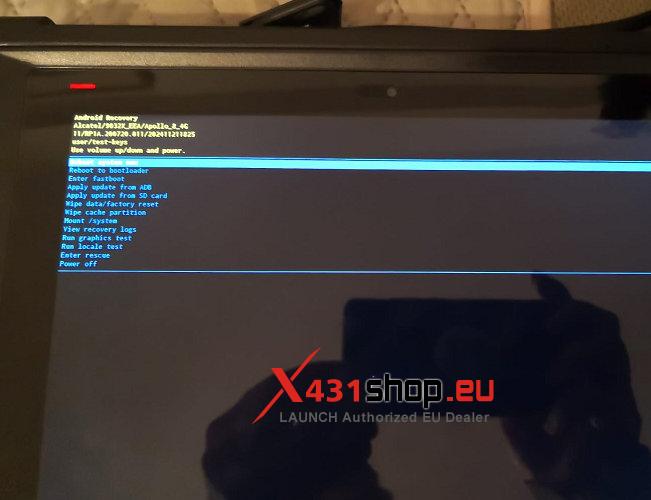
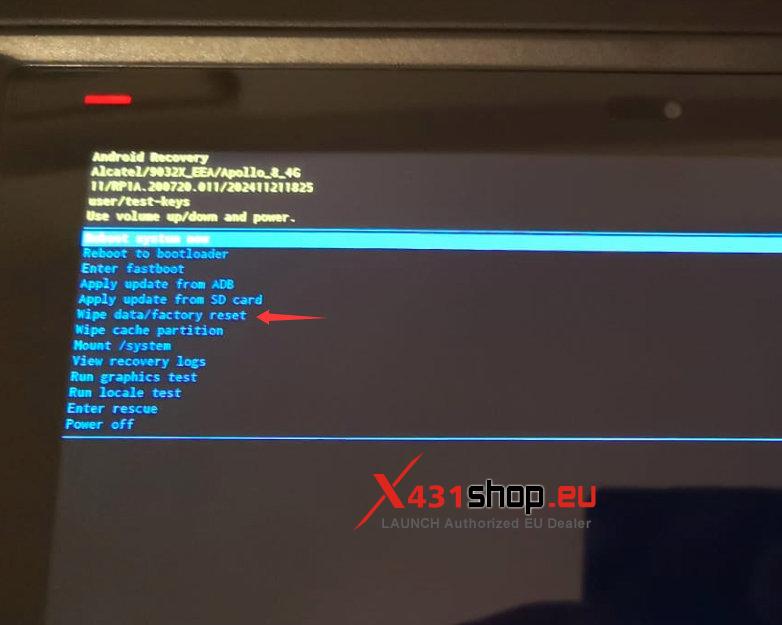
Select [Wipe data/factory reset] -> [Factory data reset]. This will reset the device to factory settings.
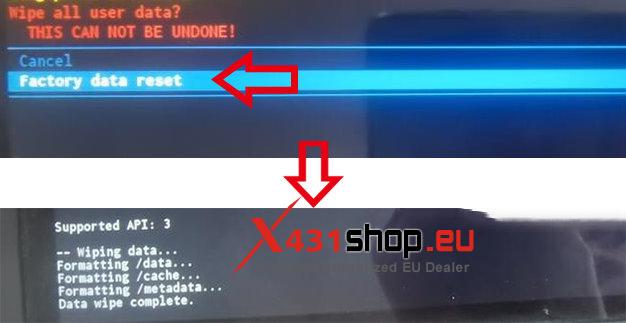
NOTE: After the device is reset to factory settings, you will need to log in again and download the software.