


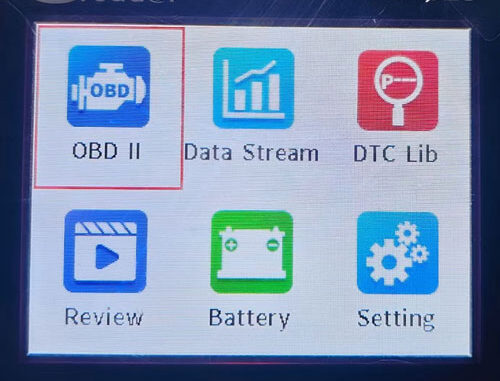
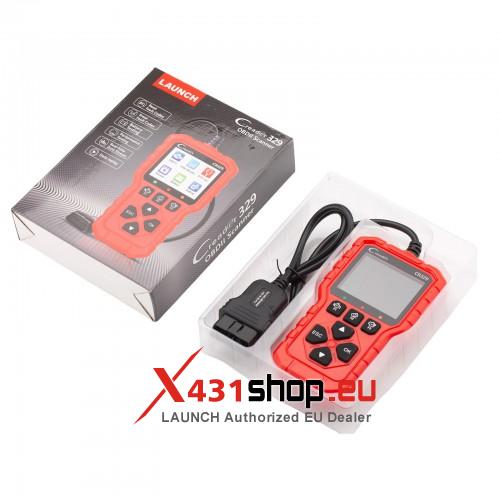
The LAUNCH Creader 329 is a professional-grade, entry-level OBD2 code reader designed specifically for passenger vehicle DIY enthusiasts and ecommerce markets. Featuring a 2.8-inch HD color screen and a user-friendly interface, it offers comprehensive diagnostics at your fingertips.
- Key Features & Highlights
- Full OBDII Functions: Supports all 10 OBDII test modes, including reading/clearing codes and I/M readiness.
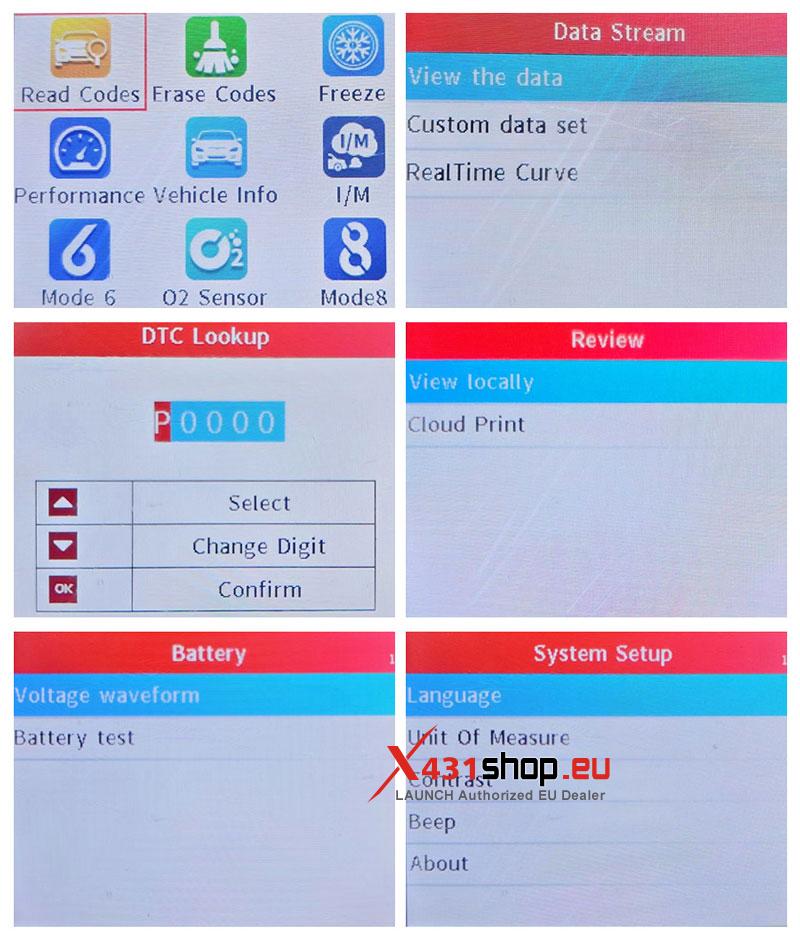
- Real-Time Data Visualization: View live data streams with real-time graphing and curves for precise diagnostics.
- Battery Health Check: Built-in battery voltage monitoring and waveform display to track battery performance.
- DTC Lookup Library: Instantly search for fault code definitions using the integrated database.
- Cloud Print Ready: Preview diagnostic reports and generate QR codes for easy cloud printing.
- Multi-Language Support: Operates in 10 languages, including English, French, Spanish, German, and Russian.
- Technical Specifications
| Feature | Specification |
| Display | 2.8-inch HD Color Screen |
| Input Voltage | 12V (Vehicle Powered) |
| Protocols | ISO15765, ISO9141, ISO-14230, SAE J1850 |
| Certifications | CE, FCC, IC, ROHS |
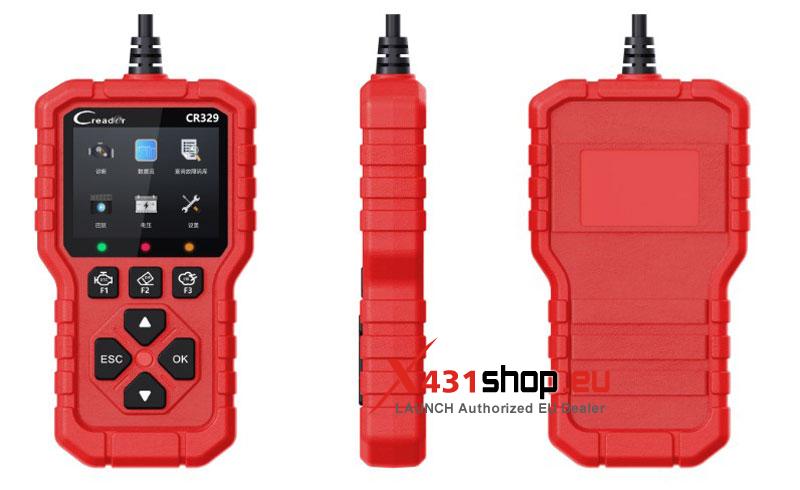
| Hotkeys | F1 (Read DTC), F2 (Clear DTC), F3 (I/M Readiness) |
- Quick Start Guide: 4 Easy Steps
LAUNCH CR329 is designed for “Plug-and-Play” simplicity. Follow these steps to start diagnosing:
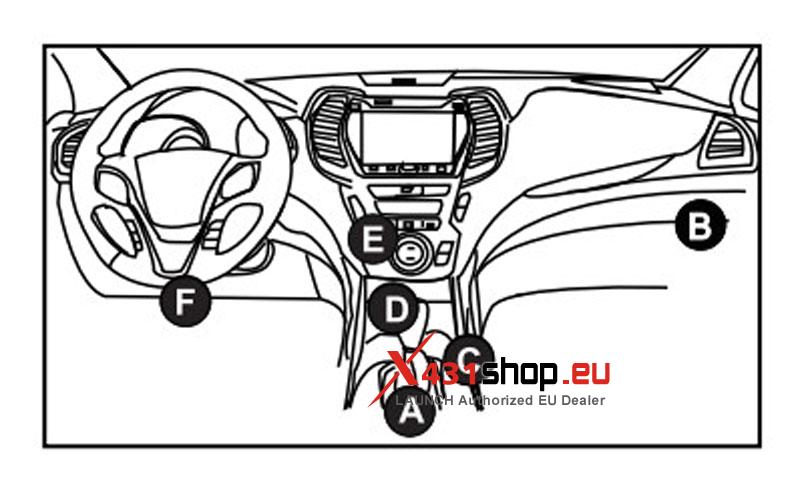
- Locate the DLC: Find your vehicle’s Data Link Connector (DLC) port, usually located under the dashboard on the driver’s side.
- Connect: Plug the CR329 diagnostic cable into the OBDII port. The device will power on automatically.
- Ignition ON: Turn the vehicle ignition to the “ON” position (engine can be off or running).
- Diagnose: Use the navigation keys or Hotkeys (F1, F2, F3) to quickly read codes, clear faults, or check emission readiness.
- Understanding Status Indicators
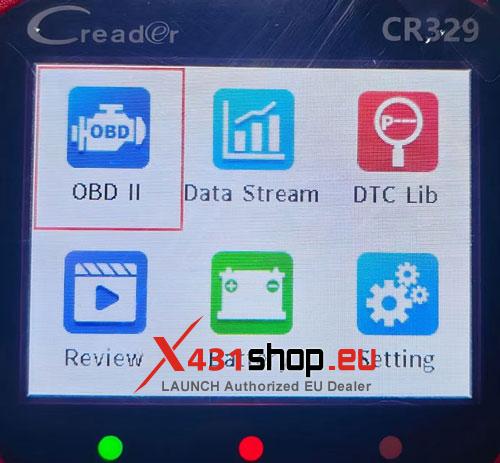
The CR329 features smart LED indicators for instant status updates:
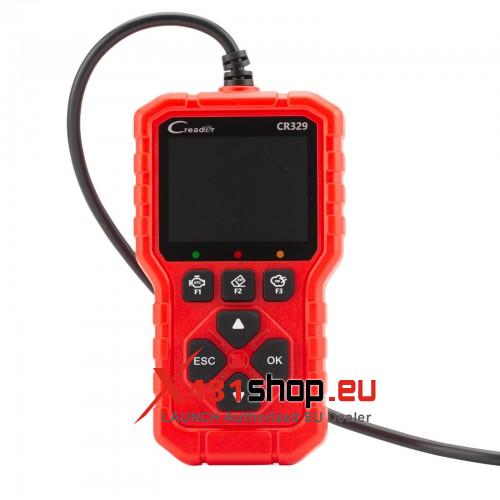
- Green Light: Device and vehicle are successfully paired.
- Yellow Light: Potential protocol incompatibility detected.
- Red Light: Diagnostic Trouble Codes (DTCs) have been detected in the system.
Why Choose LAUNCH CR329?
Whether you are performing routine maintenance or troubleshooting a “Check Engine” light, the LAUNCH Creader 329 provides the speed and accuracy of a professional tool in a portable, affordable package. Its robust build and intuitive “One-Click” functions make it the perfect companion for every car owner.