
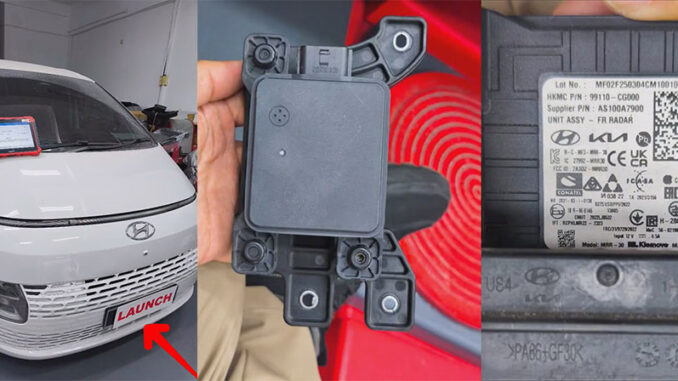
The LAUNCH X431 PAD tools supports ADAS calibration. For example, vehicle radar sensors require ADAS static calibration and need to be used with an ADAS calibrator. This article will use the LAUNCH X431 PAD9 with the LAUNCH X431 ADAS Radar 3-in-1 Calibration Set to calibrate the front radar sensor of a 2023 Hyundai Staria.
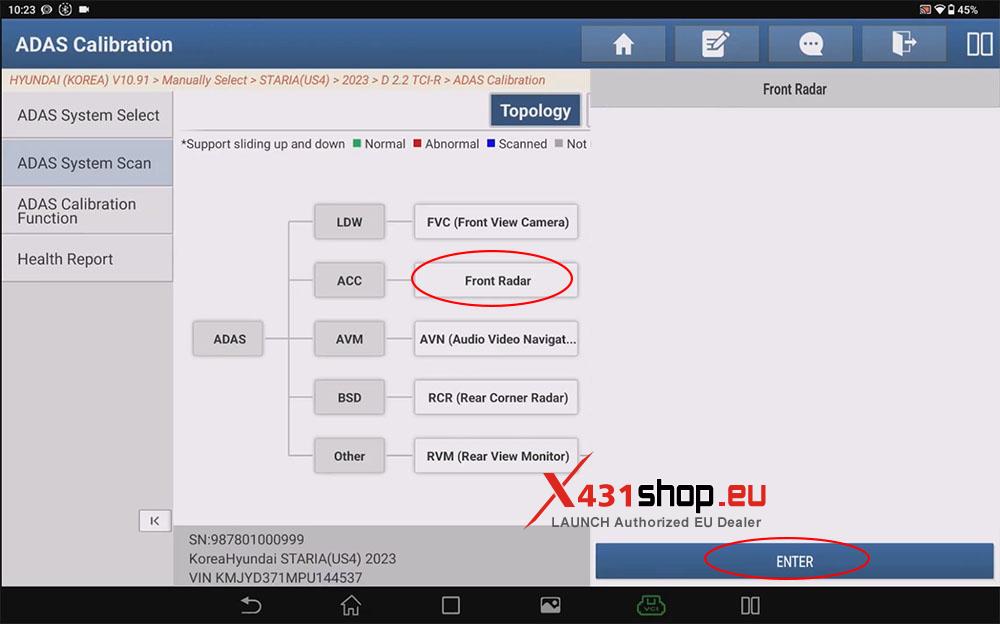
1) Click the [ADAS Calibration] menu, and in the [ADAS System Scan] section, click [Front Radar] -> [ENTER].
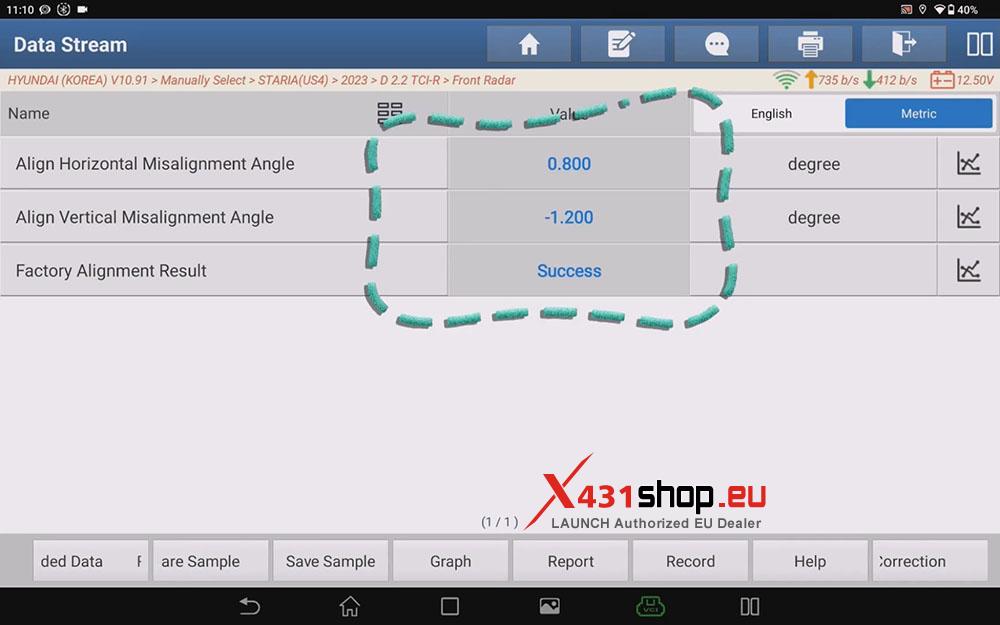
2) Click [Read Data Stream]. The system will automatically select the three options for front radar. Click [OK] to view the data stream.
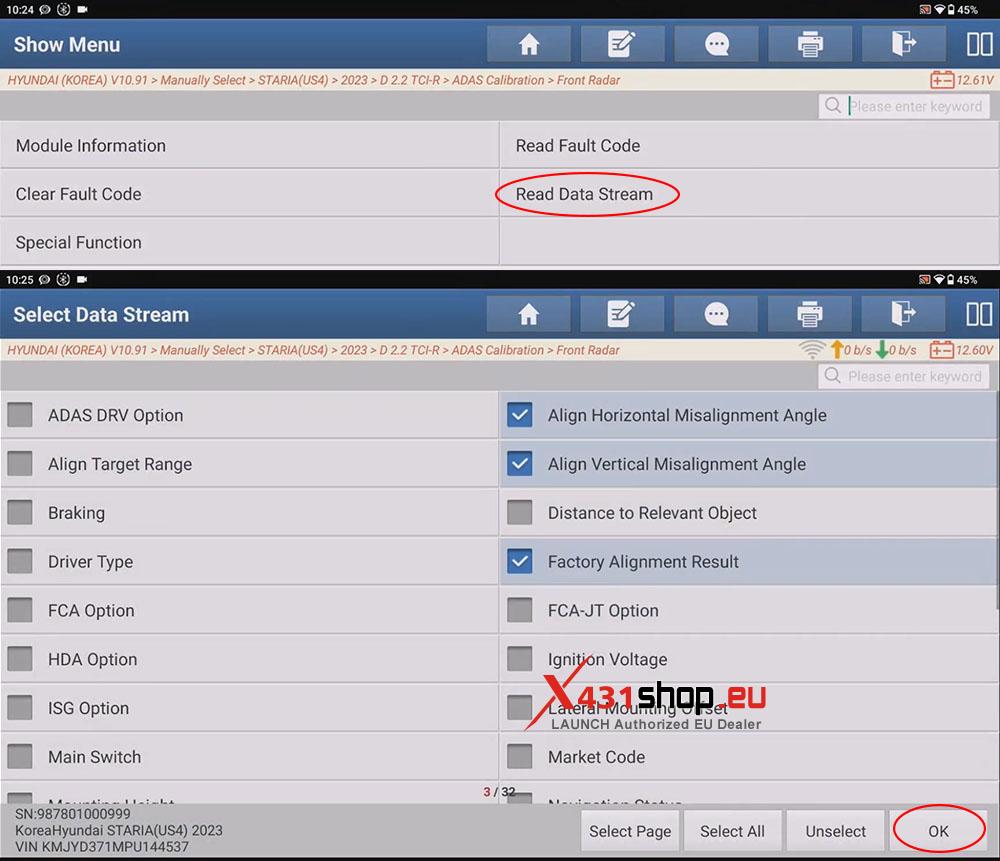
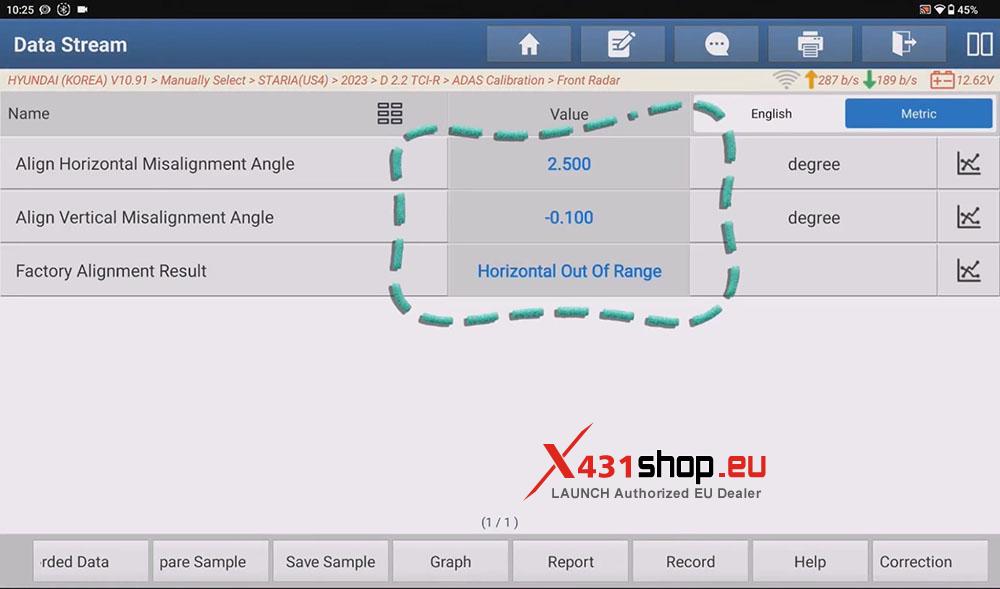
NOTE: The system will automatically select the three data stream options: “Align Horizontal Misalignment Angle“, “Align Vertical Misalignment Angle“, and “Factory Alignment Result“. If the system does not automatically select these options, users can manually select them.
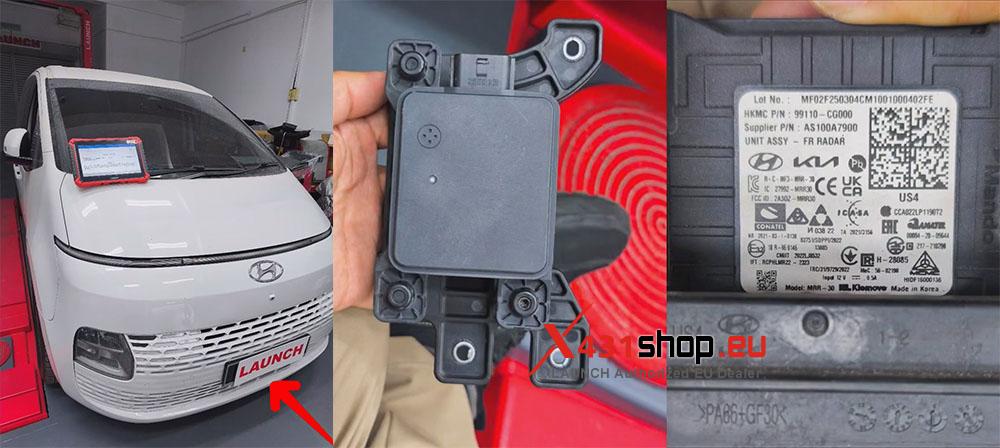
3) Check if the front bumper is deformed, and check if the vehicle’s front radar sensors are dirty, damaged, or deformed. Calibration can only proceed if everything is normal.
4) Ensure the X431 device is connected to the network and scan for vehicle information. Click [Automatically Search], check the vehicle information, and then click [OK].
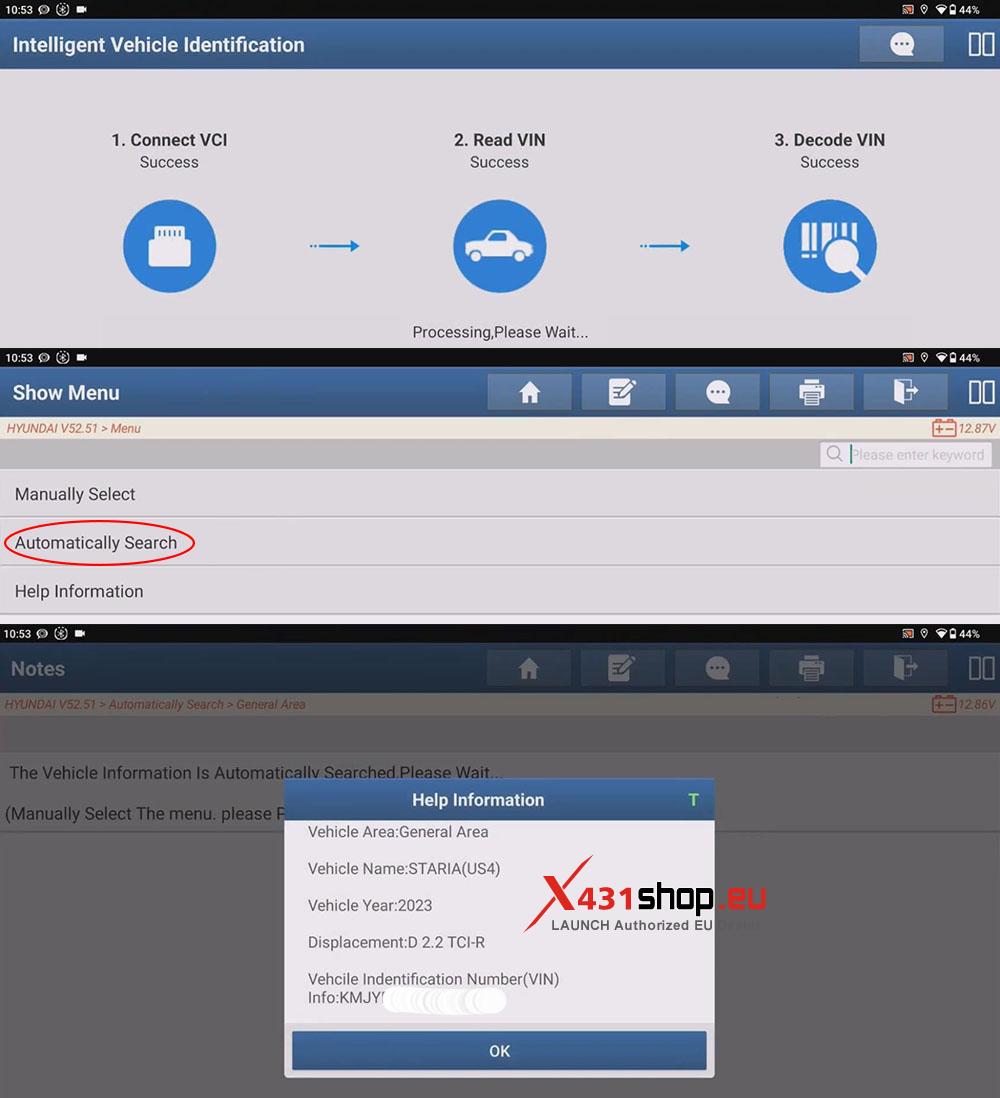
5) In the [ADAS System Select] section, click [FR (Front Radar)], then click [Special Function] -> [Inspection/correction of the front-radar mounting angle (FCA/SCC)].
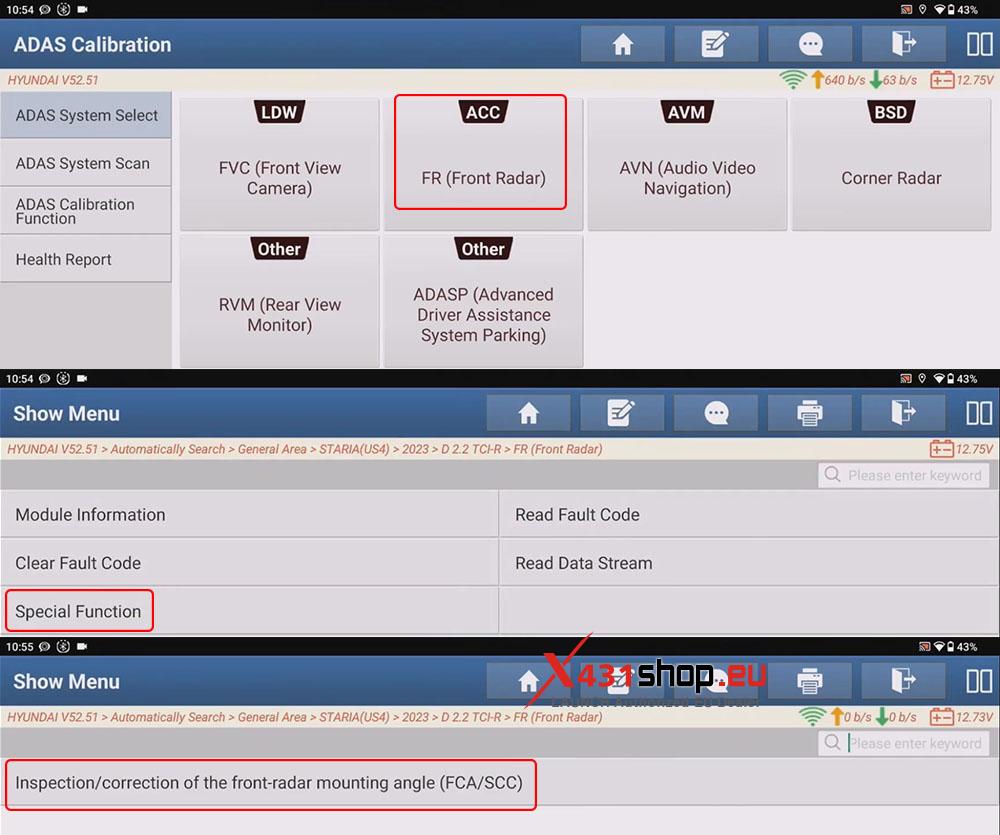
6) Follow the instructions provided by the X431 device.
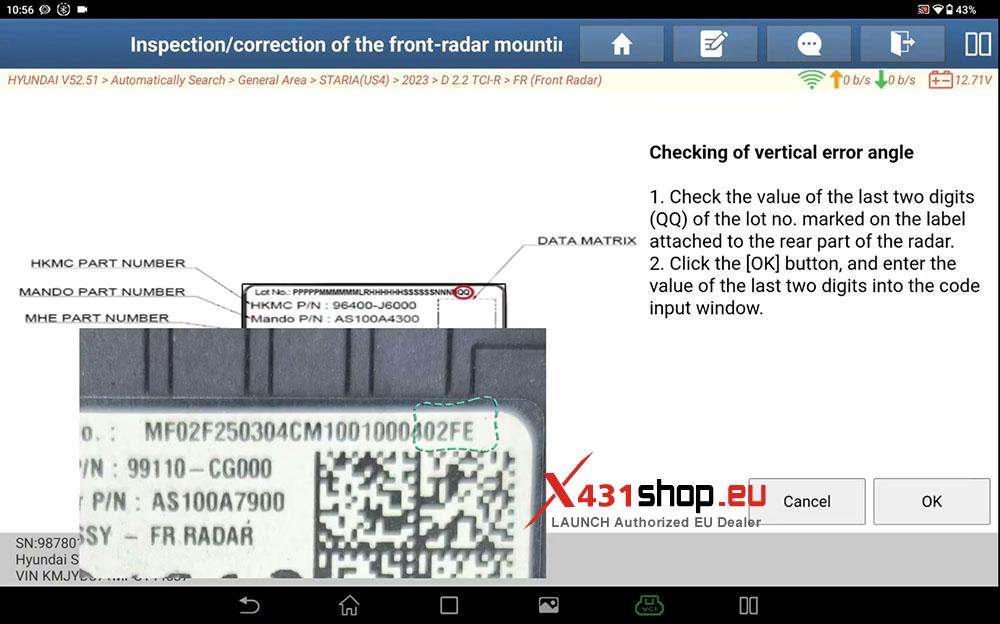
[Checking of vertical error angle]
1. Check the value of the last two digits (QQ) of the lot no. marked on the label attached to the rear part of the radar.
2. Click the [OK] button, and enter the value of the last two digits into the code input window.
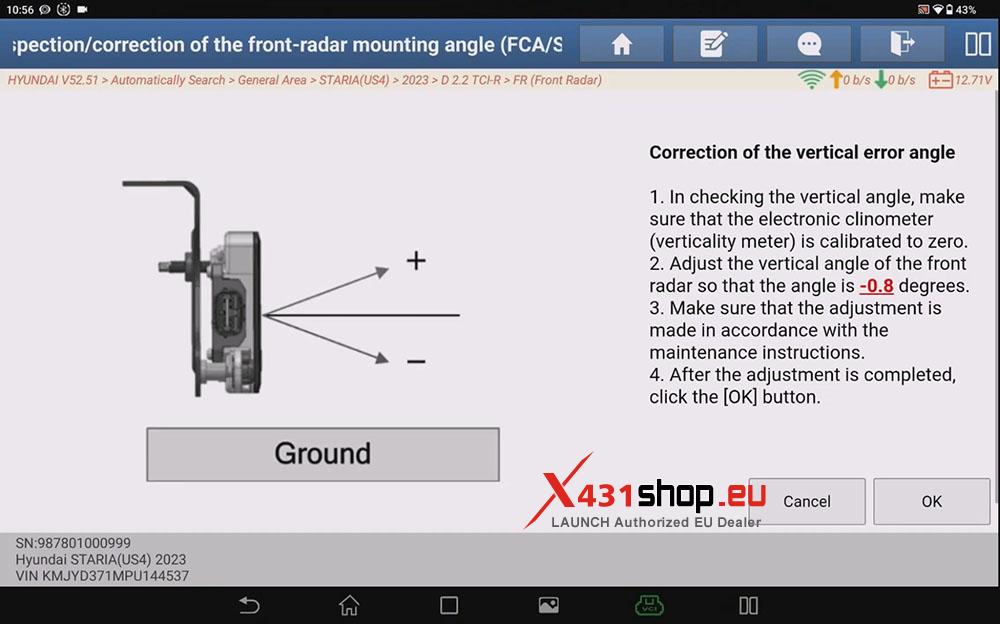
[Correction of the vertical error angle]
1. In checking the vertical angle, make sure that the electronic clinometer (verticality meter) is calibrated to zero.
2. Adjust the vertical angle of the front radar so that the angle is -0.8 degrees.
3. Make sure that the adjustment is made in accordance with the maintenance instructions.
4. After the adjustment is completed, click the [OK] button.
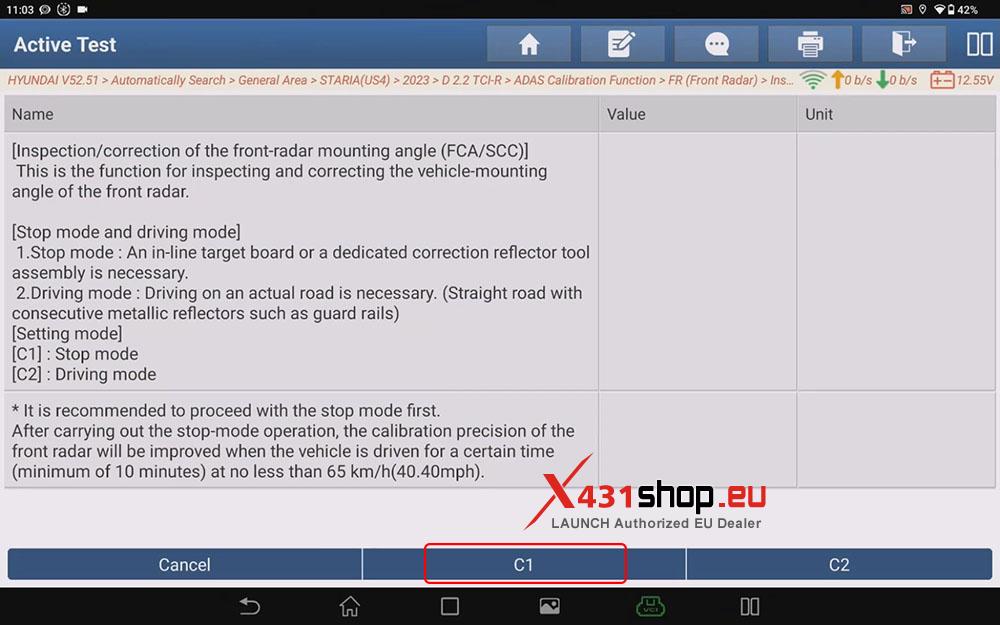
[Stop mode and driving mode]
1.Stop mode: An in-line target board or a dedicated correction reflector tool assembly is necessary.
2.Driving mode: Driving on an actual road is necessary. (Straight road with consecutive metallic reflectors such as guard rails)
[Setting mode]
[C1]: Stop mode
[C2] : Driving mode
Here we click [C1].
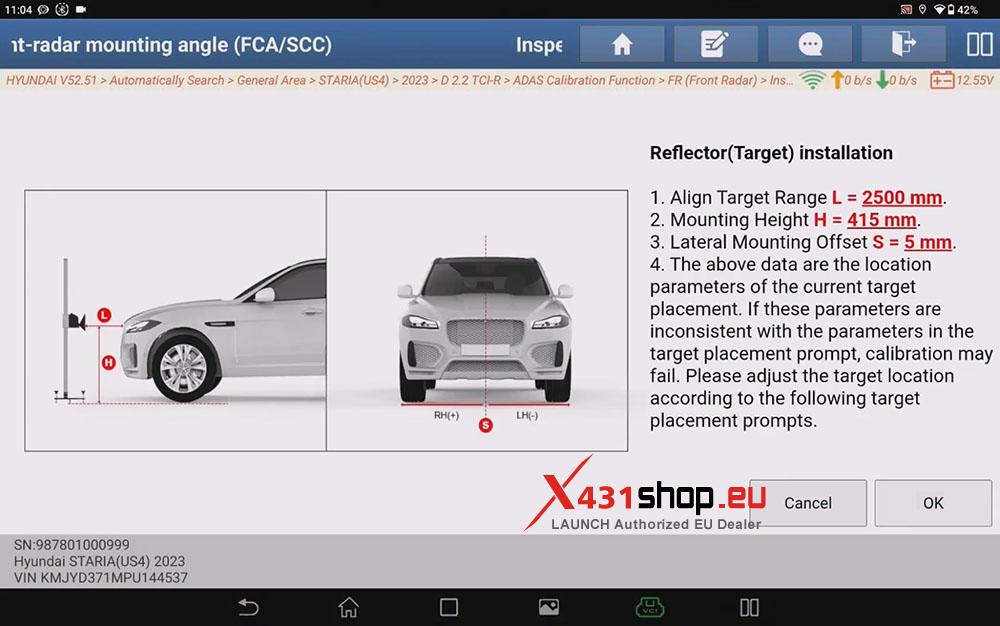
[Reflector(Target) installation]
1. Align Target Range L = 2500 mm.
2. Mounting Height H = 415 mm.
3. Lateral Mounting Offset S = 5 mm.
4. The above data are the location parameters of the current target placement. If these parameters are inconsistent with the parameters in the target placement prompt, calibration may fail. Please adjust the target location according to the following target placement prompts.
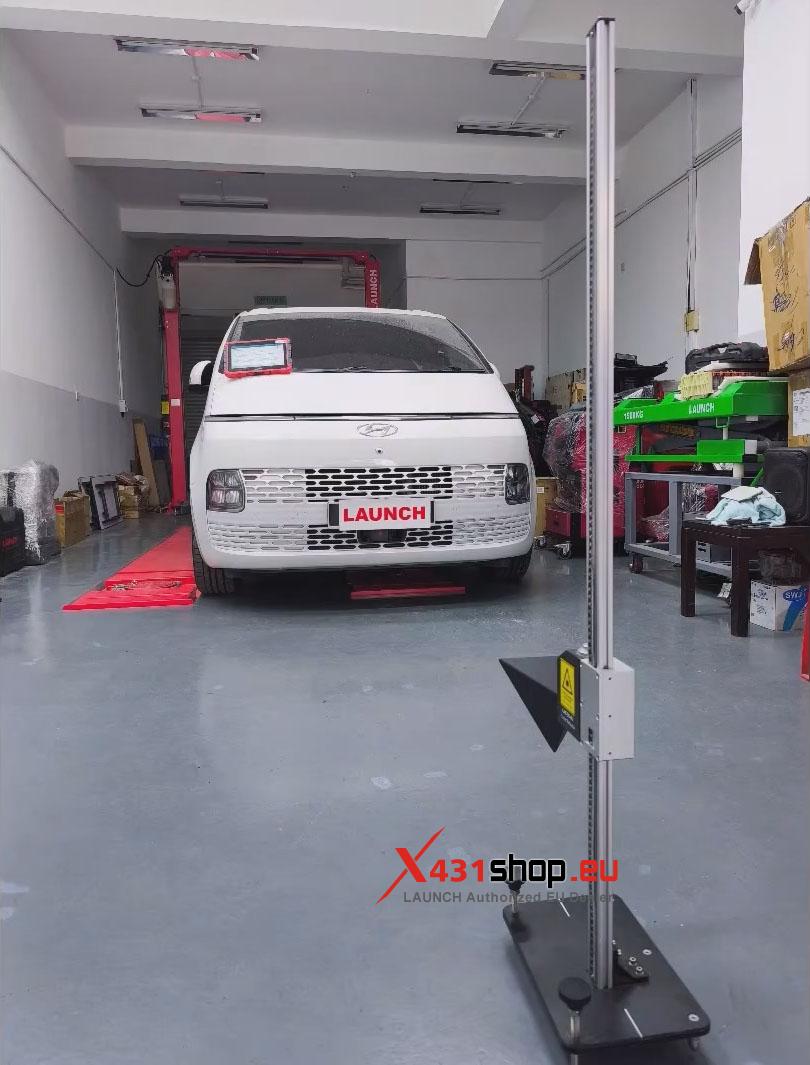
7) After performing the operation normally according to the prompts of the X431 device, the message “Alignment Completed” will be displayed, and the values of “Measured Vertical angle (DEG)” and “Measured Horizontal angle (DEG)” will have changed.
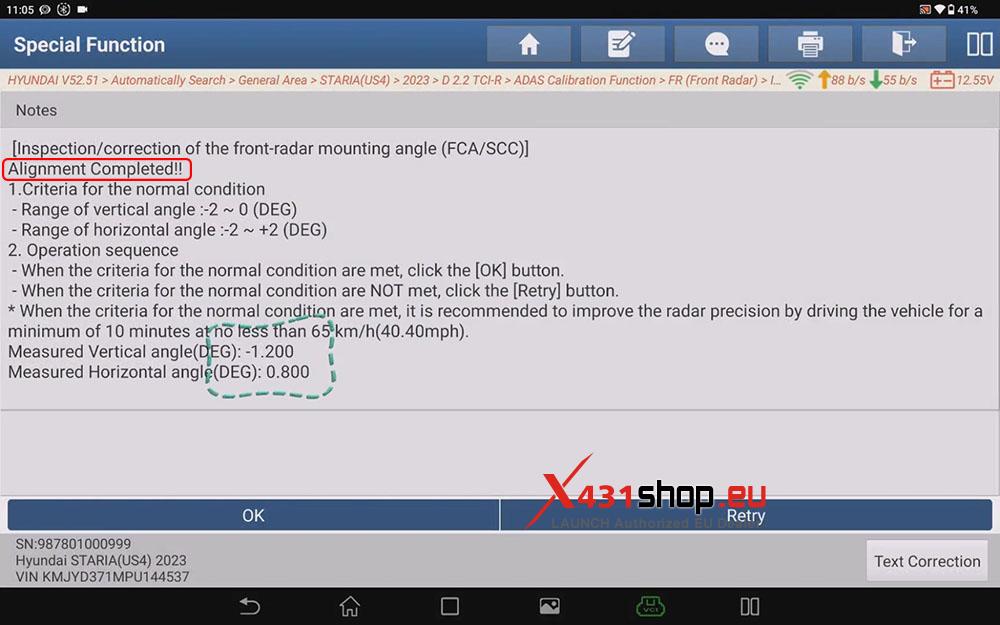
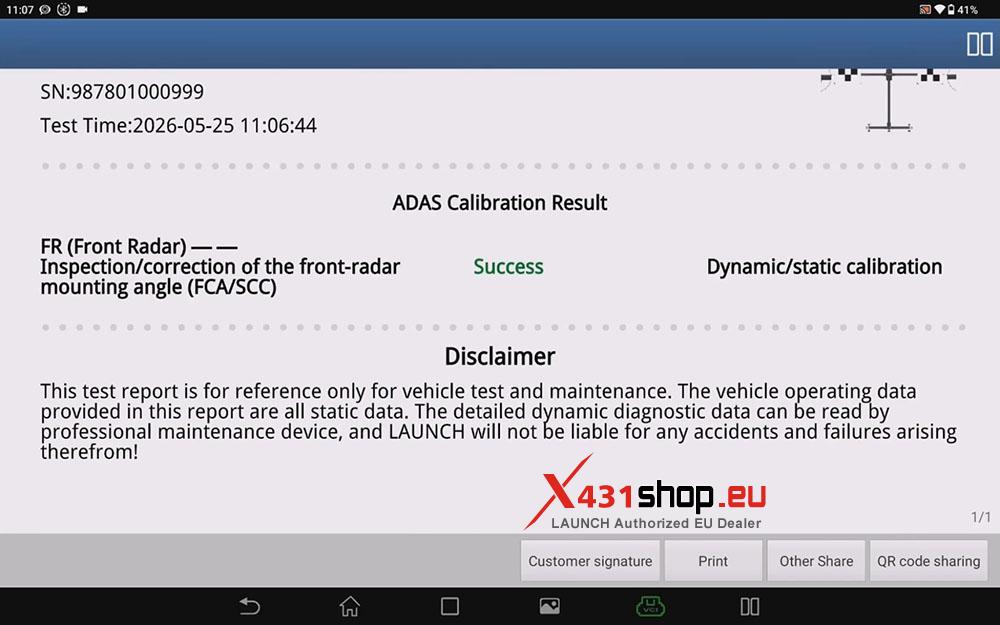
We can save this ADAS calibration report.
Repeat step two and check the data stream again; we can see that the value of the vehicle’s front radar has changed.
If conditions permit, testing can also be conducted on public roads.