

The Fuel Fired Booster Heater is used to preheat a vehicle’s engine, increasing cabin temperature and improving cold start performance. Some vehicles use a remote control to control the auxiliary heater; if a new remote control/heater is installed, re-pairing is required. We will now explain how to use the LAUNCH X431 tool to pair the Fuel Fired Booster Heater for Ford vehicles.
Function description: This function is used to pair a new or replacement remote control with the auxiliary heater control module on the vehicle, enabling it to remotely control the heater.
Supported equipment: Launch’s full range of comprehensive diagnostic equipment
Current equipment: LAUNCH X431 PAD V ELITE
Tested model: Ford – 2023 – Transit, VIN: WF0KXXTTRKPP*****
Operating procedures:
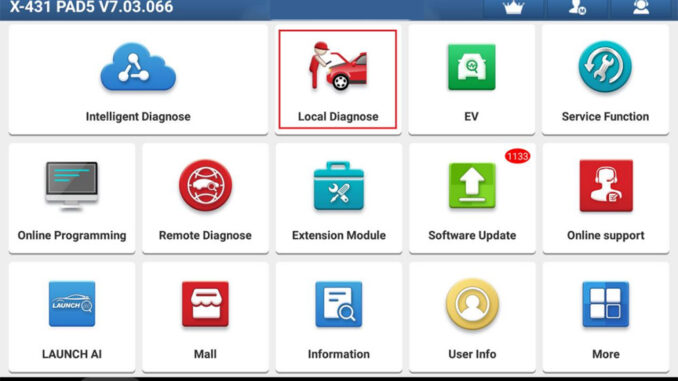
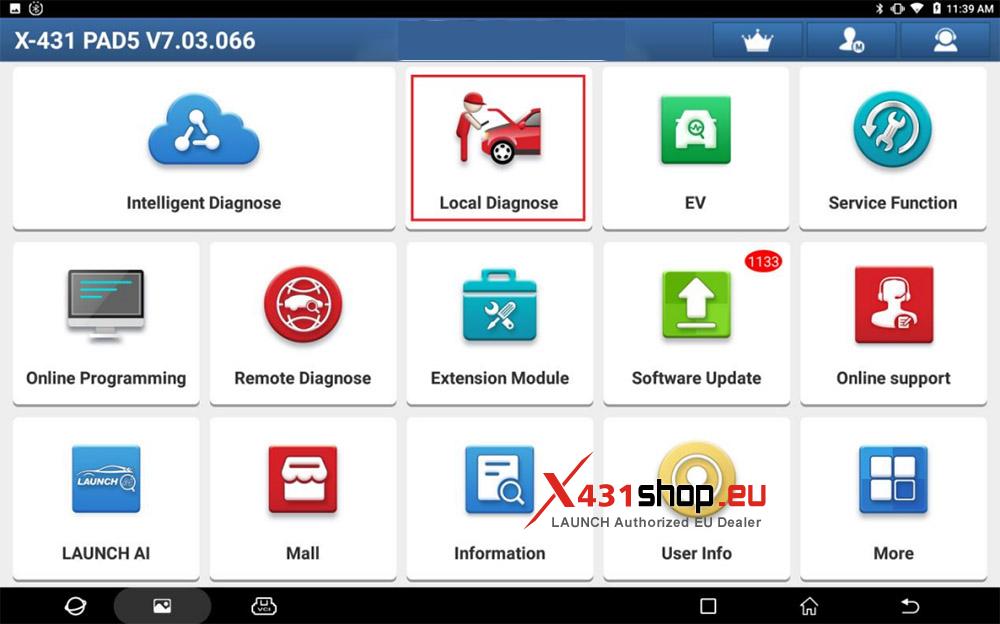
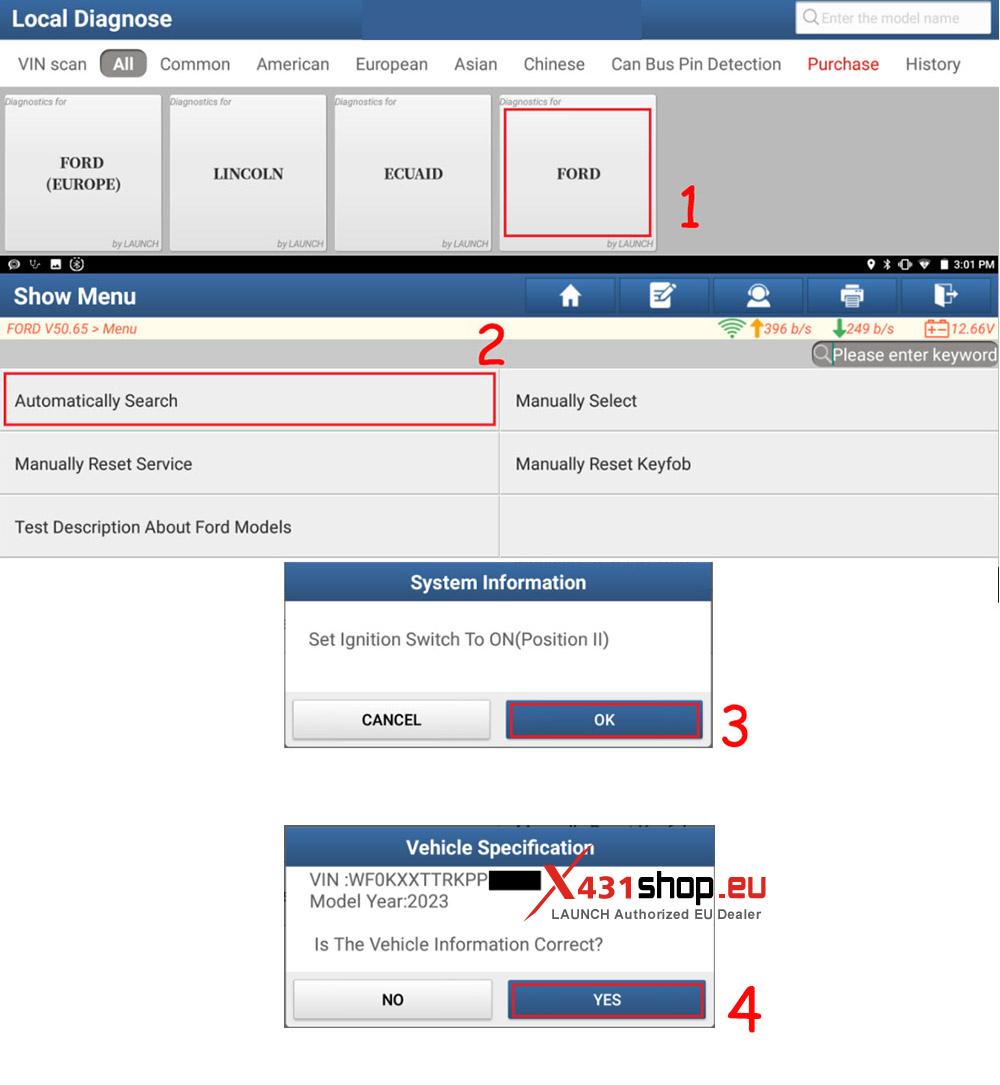
1. Connect the X431 PAD V ELITE to the vehicle’s OBD interface, and select [Local Diagnose] on the X431 PAD.
2. Choose [FORD] -> [Automatically Search] to identify car models automatically.
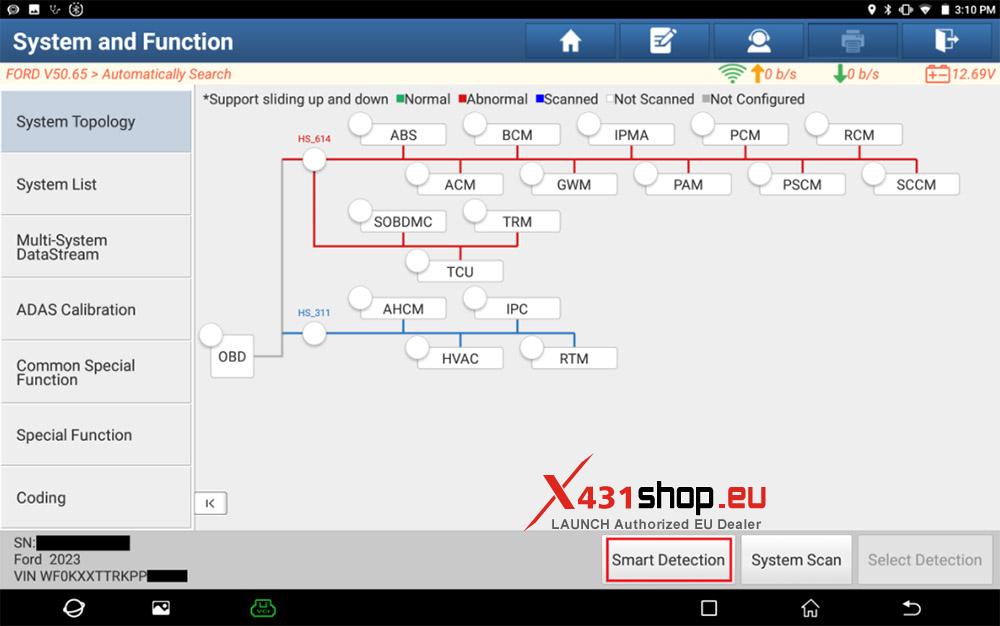
3. Click [Smart Detection] to scan the entire vehicle systems.
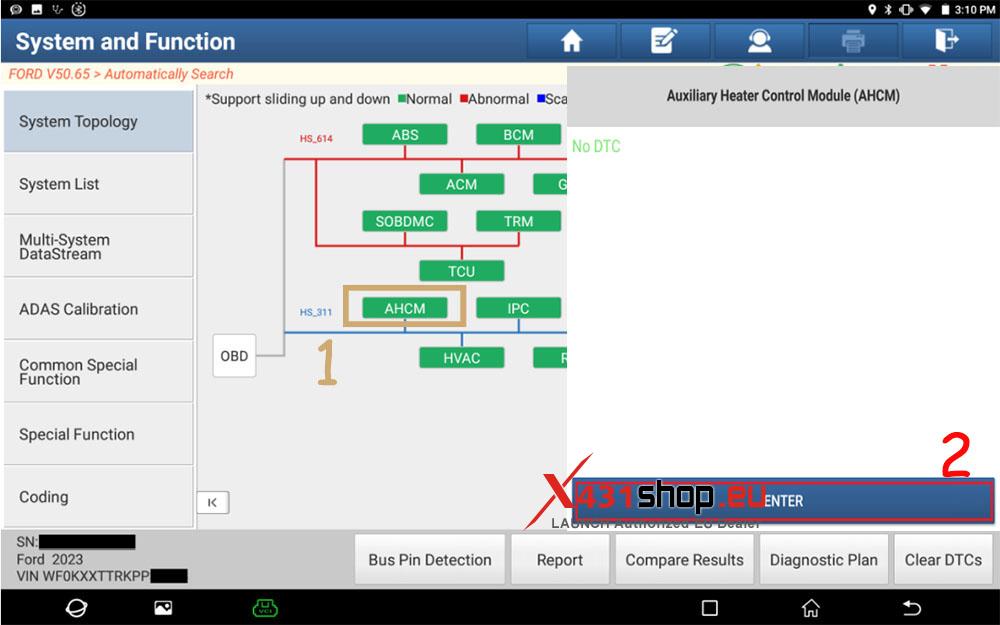
4. Click [AHCM (Auxiliary Heater Control Module)] to access the system.
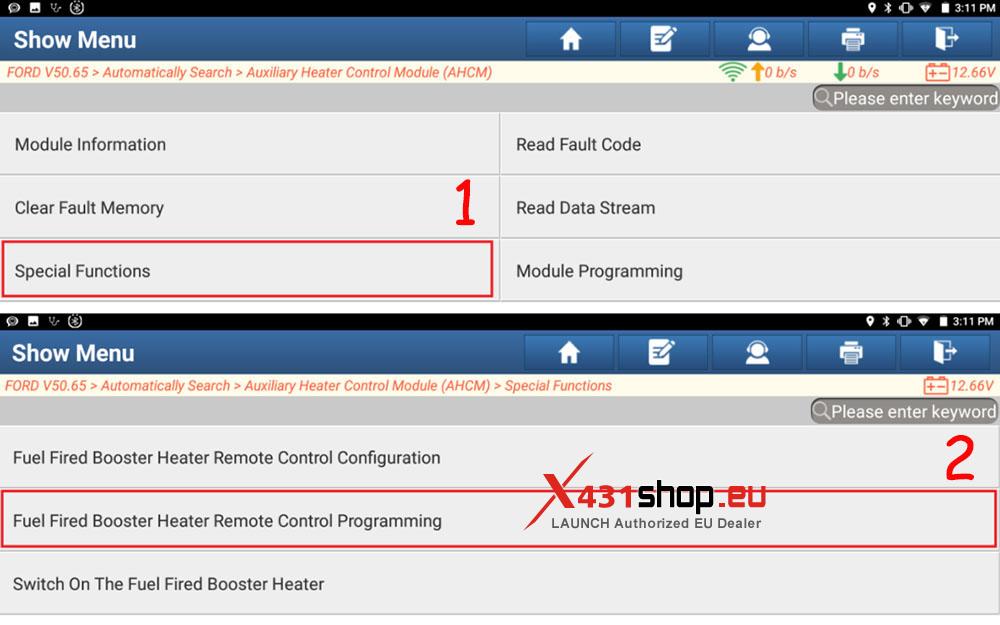
5. Click [Special Functions] -> [Fuel Fired Booster Heater Remote Control Programming].
6. Follow the on-screen instructions to set the ignition switch to ON (position II) and read the function description.
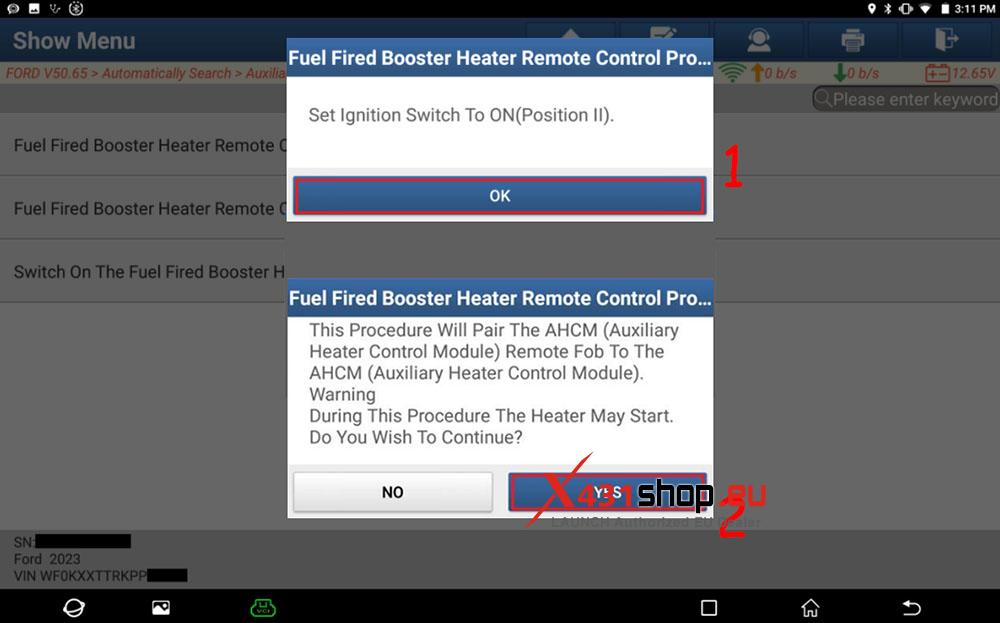
7. Read the AHCM (Auxiliary Heater Control Module) instructions and then follow the prompts.
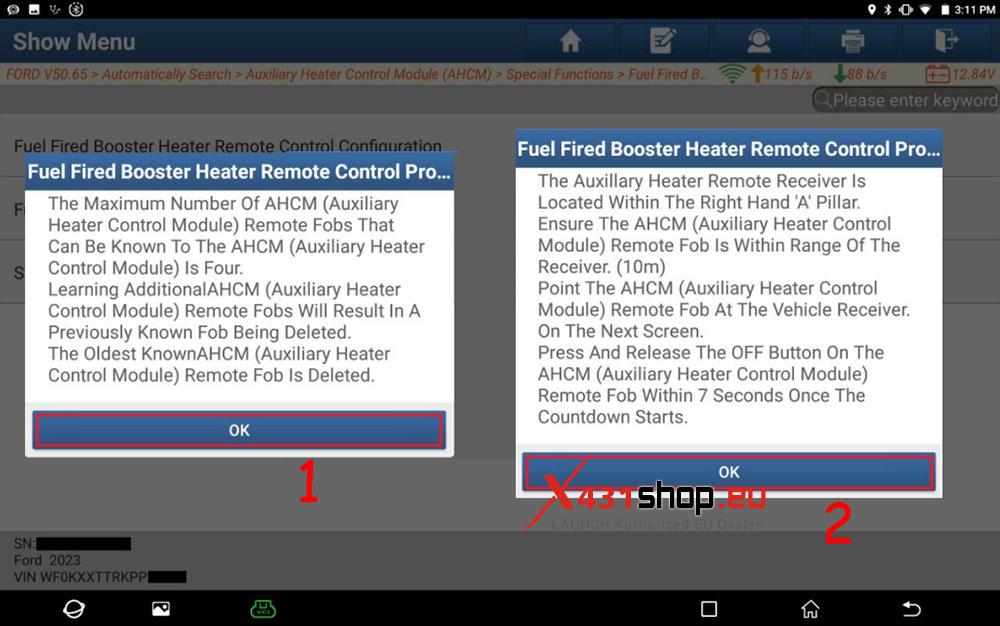
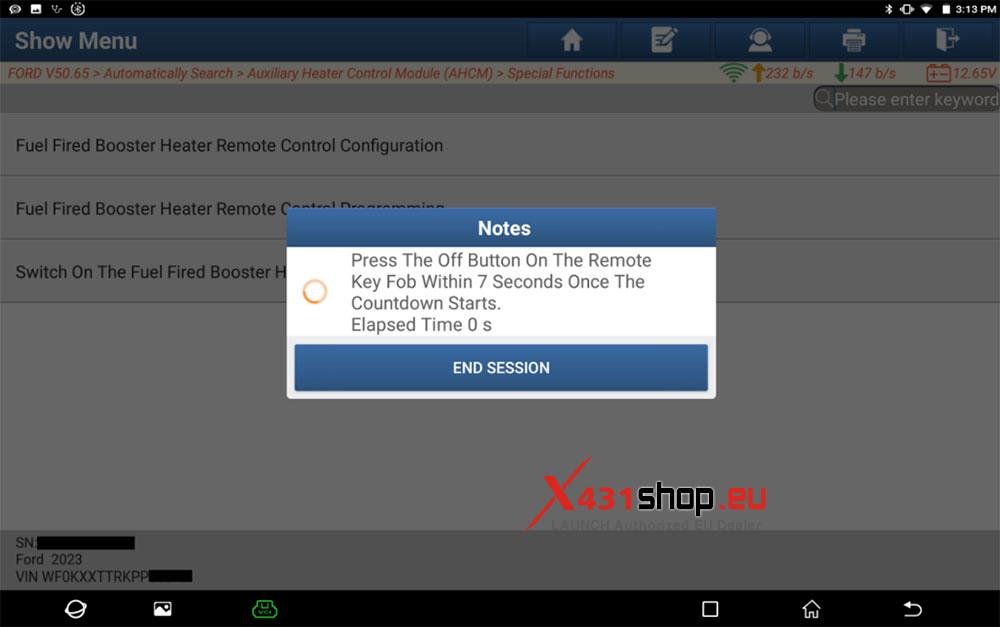
8. Press the power-off button on the remote control within 7 seconds.
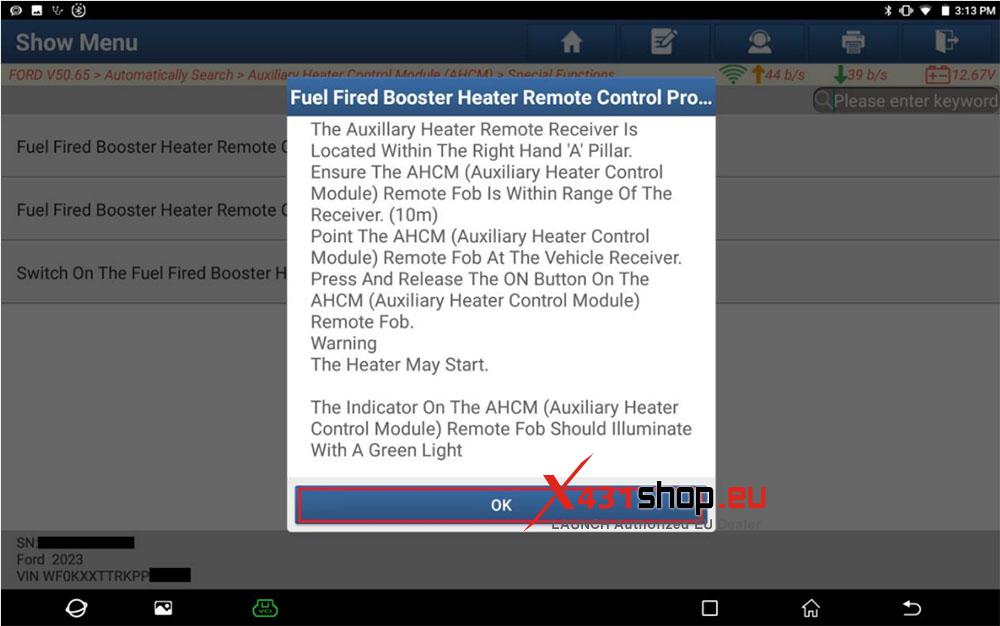
9. Follow the prompts to operate. The indicator lamp should turn green upon successful operation.
10. Set the ignition switch to the off position (position 0).
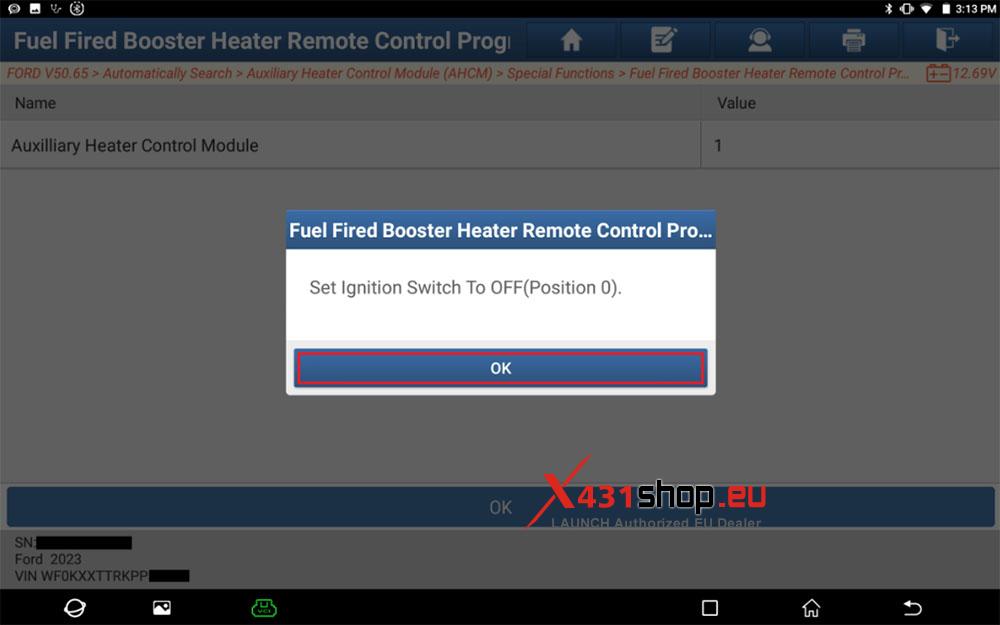
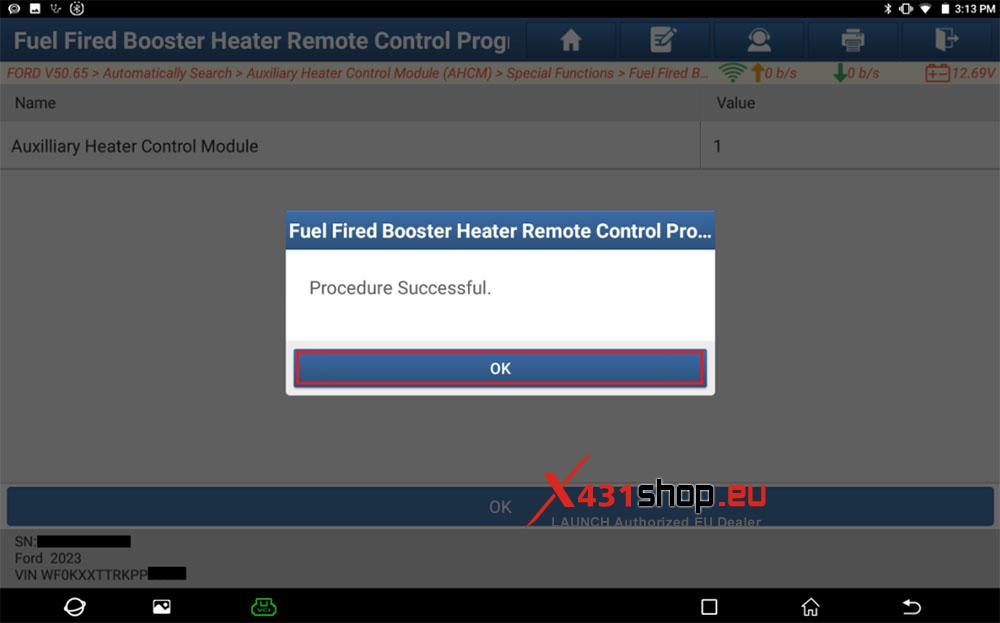
11. The program is successfully completed. Exit the program.