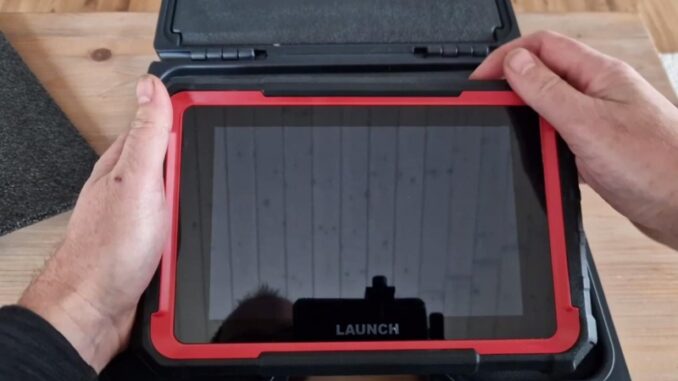
If I were shopping for a multi-brand diagnostic tool, the LAUNCH X431 PRO Elite would get my attention. It covers far more than basic fault-code reading, but here’s the catch: a long feature list and thousands of vehicle entries don’t guarantee the functions you need will work on your car.
What Matters in Real Use
- The Function List Is Its Biggest Selling Point
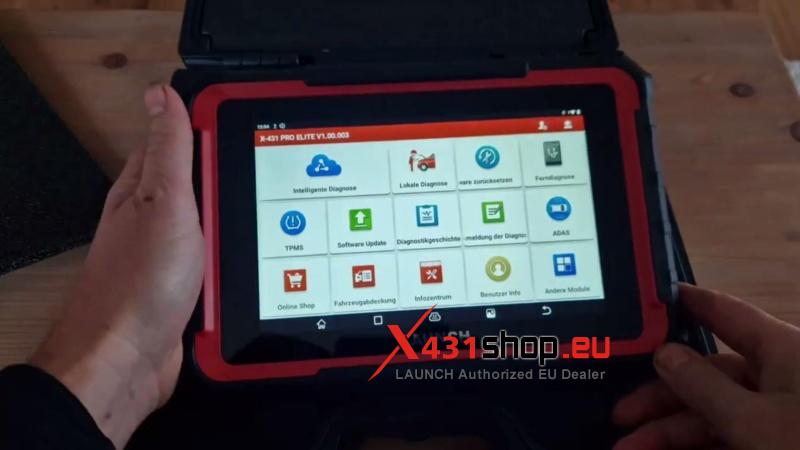
Reading codes is the bare minimum. The X431 PRO Elite goes further with live data, active tests, service resets, adaptations, and ECU coding.
- Why it matters: You get more options for diagnosing faults and handling routine workshop jobs with one tool.
- My take: This is where the PRO Elite makes its case. If you regularly work across different makes, these functions are more valuable than a scanner that only tells you what’s wrong.
Just remember that function availability varies by vehicle. Don’t assume every option works on every car.
- Don’t Be Fooled by the Vehicle Count
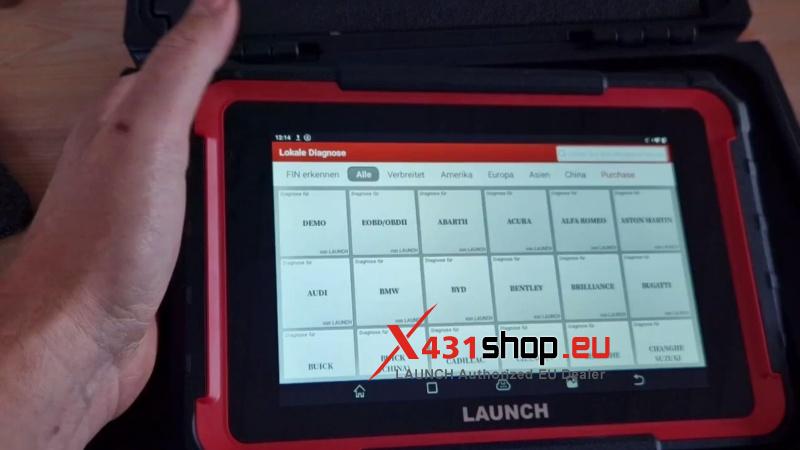
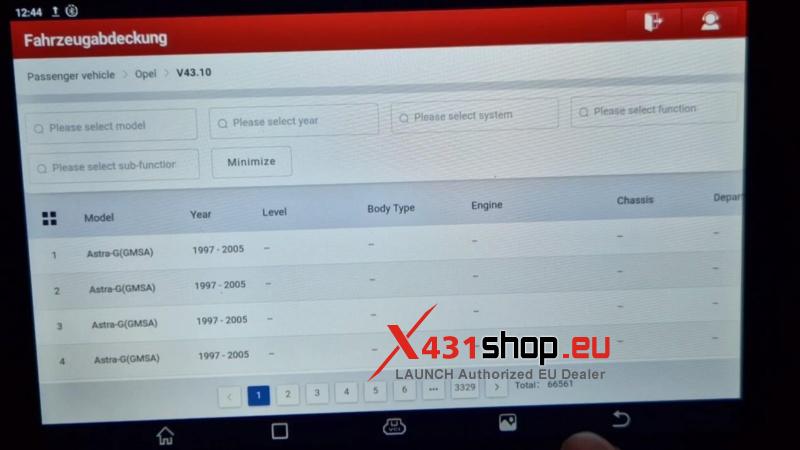
The video shows 107,079 Volkswagen entries and 66,561 Opel entries. The Golf alone spans almost 6,000 pages of model types.
Impressive? Yes. A reason to buy on its own? No.
- What matters more: Whether your specific model, year, and control units are supported.
- My take: Huge databases look good on a sales page, but they don’t tell you whether the tool can perform the coding or adaptation you need. Check your own vehicles before paying.
- The Demo Is Useful, but It Doesn’t Prove Much
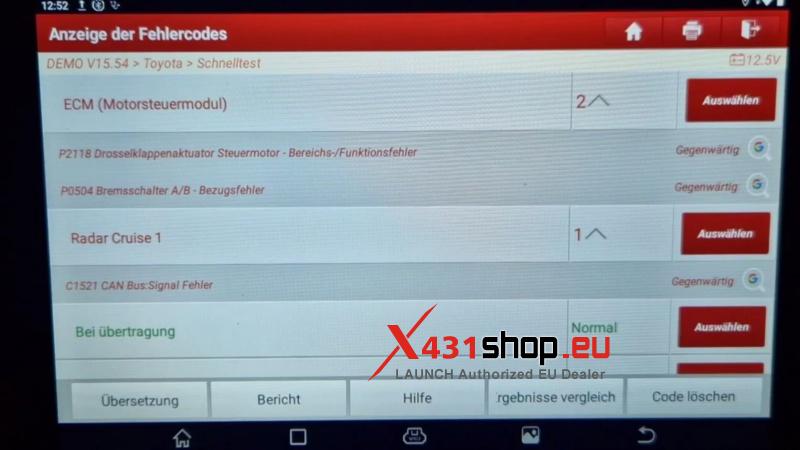
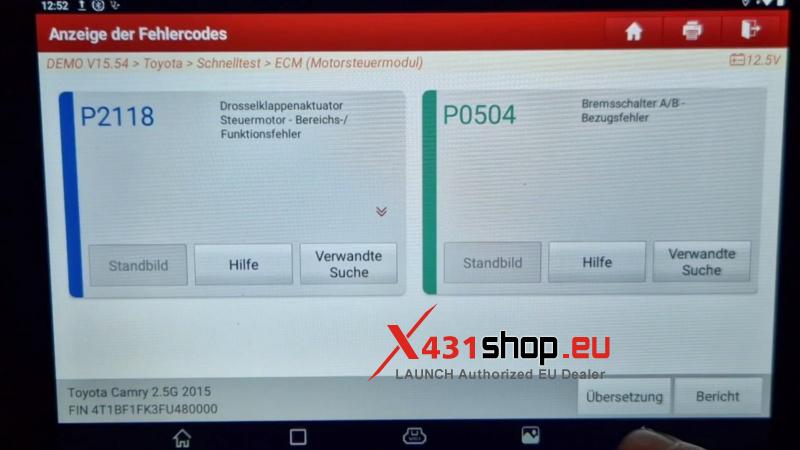
The Toyota demo shows a quick scan, fault-code reading, code clearing, and actuator-test options.
That’s enough to demonstrate the basic workflow. It isn’t enough to judge real-world diagnostic performance.
- The interface offers access to several diagnostic functions.
- Clearing a fault code doesn’t repair the fault.
- The video doesn’t demonstrate how those functions perform on a real vehicle.
I’d treat the demo as a preview of the software, not proof of what you’ll achieve in the workshop.
- Two Years of Updates Are Good. What Happens Next?
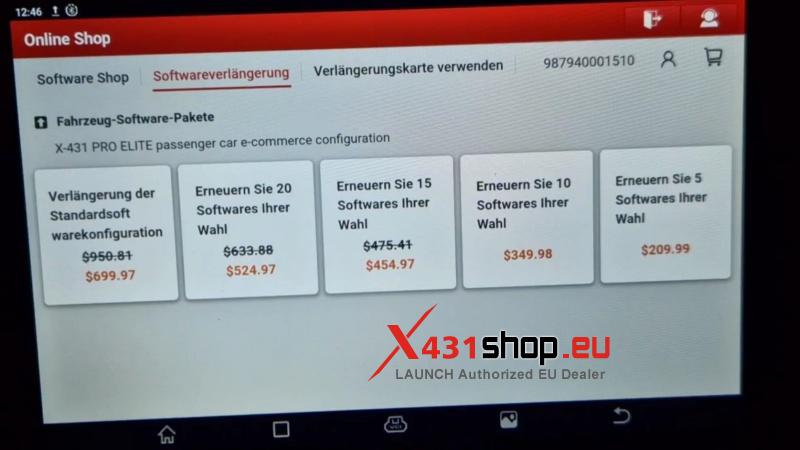
The X431 PRO Elite includes two years of software updates. After that, the presenter quotes around $209 for five software packages or €60 for one car brand.
Those are the prices quoted in the video, not verified current prices.
- For workshops: Keeping multiple brands updated may justify the cost.
- For DIY users: Paying for broad coverage may be unnecessary if you mainly work on one car.
My advice is simple: factor in renewal costs before buying, not two years later when you need newer vehicle coverage.
- Watch the Cost of Optional Extras
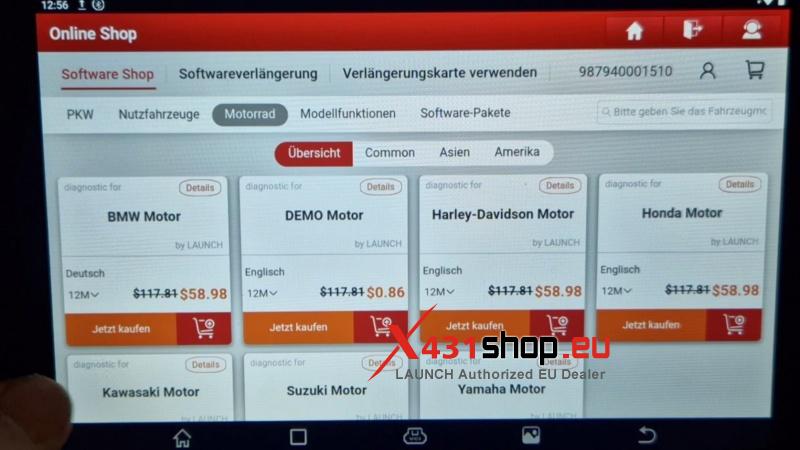
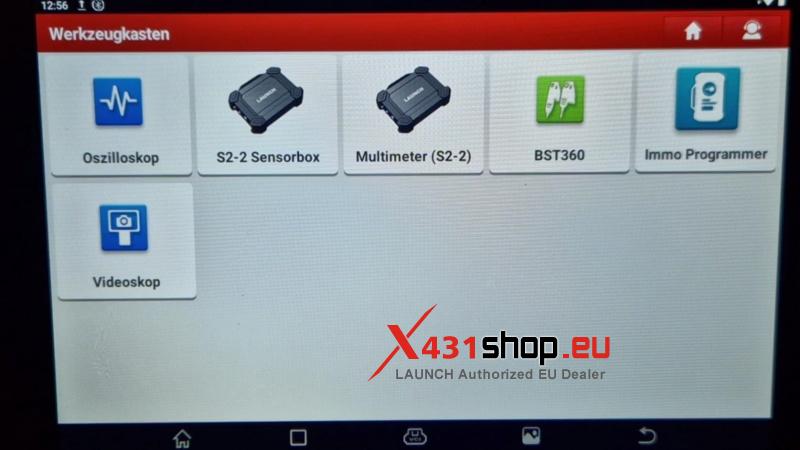
The tablet supports internet browsing and offers access to optional equipment, including an oscilloscope, videoscope, sensor box, and multimeter. Motorcycle software is also available through the online shop.
These are useful expansion options, but don’t confuse compatibility with what’s included in the package. Check the additional hardware, software, and licensing costs before budgeting for the complete setup.
What I Like vs. What Holds It Back
The strong points
- All-system diagnostics, live data, and active tests.
- Coding, adaptations, and service functions in one tablet.
- Two years of software updates included.
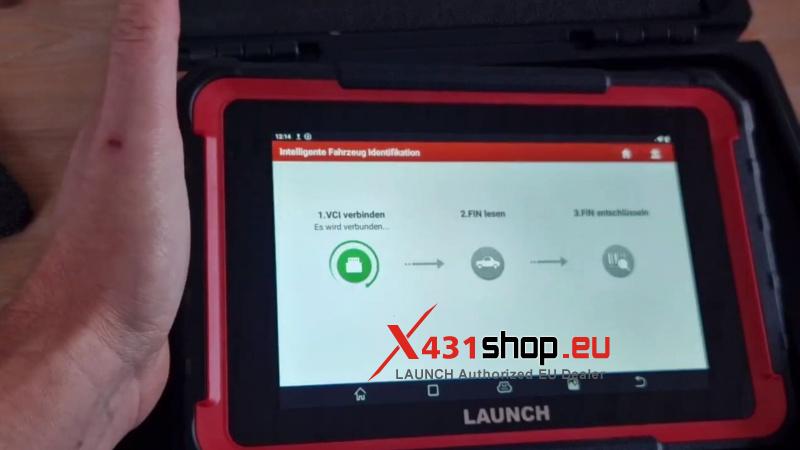
- Auto VIN and manual vehicle selection.
The compromises
- Vehicle database size doesn’t guarantee the functions you need.
- The demo doesn’t establish real-world performance.
- Renewal fees and optional extras affect the total cost.
Would I Buy It?
Yes, I’d seriously consider the LAUNCH X431 PRO Elite for a multi-brand workshop. Its mix of diagnostics, active tests, adaptations, and coding gives it a practical advantage over a basic scanner. It’s also worth considering for DIY users who maintain several vehicles. But if you only work on one older car, you may be paying for coverage you’ll rarely use.
Before buying, check two things: does it support your exact vehicles and required functions, and are you comfortable with the renewal costs? That’s a much better buying decision than counting database entries.