

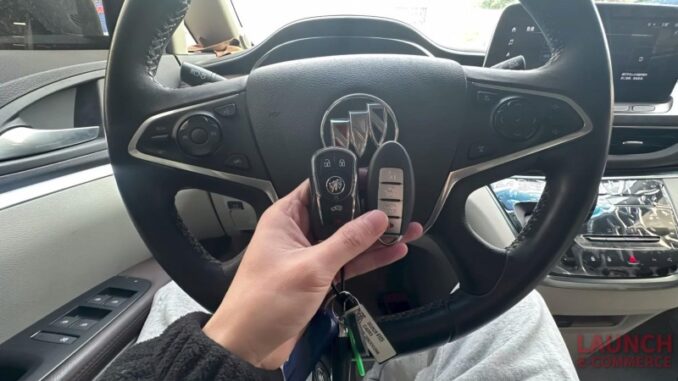
Mastering the smart key matching process for a Buick GL8 is made remarkably efficient with the right professional key programming tool. By leveraging the advanced diagnostic capabilities of the LAUNCH X431 IMMO Elite and the X431 IMMO Key Programmer, you can navigate complex anti-theft systems with precision and ease.
Preparation: Tools Required
To perform this procedure, you will need the following tools:
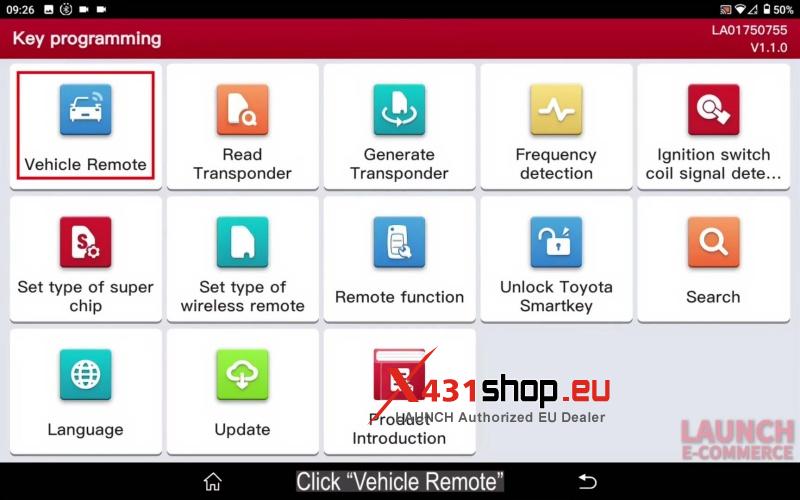
Step 1: Generate the Remote
Before matching the key to the vehicle, you must first prepare the remote hardware.
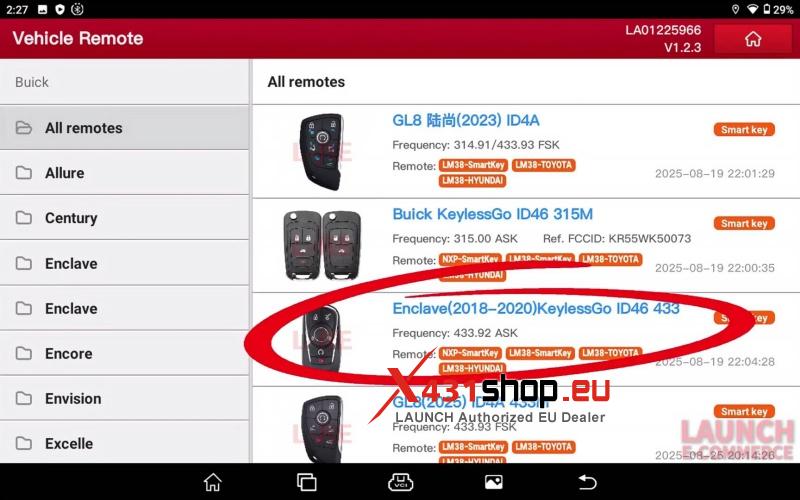
- Navigate to Vehicle remote > Buick > All remotes.
- Select Enclave (2018-2020) KeylessGo ID46 433.
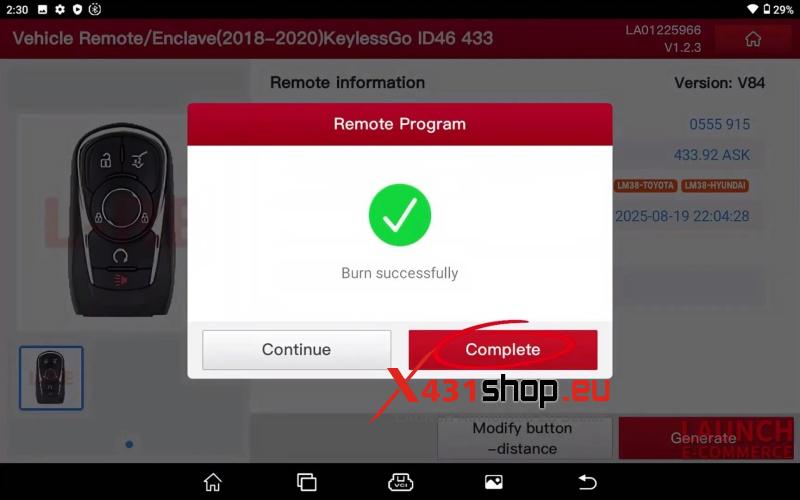
- Click Generate.
- The system will confirm “Burn successfully”.
Step 2: Smart Key Matching Procedure
Once the remote is generated, use the X431 IMMO Elite to pair it with the car.
Initial Setup
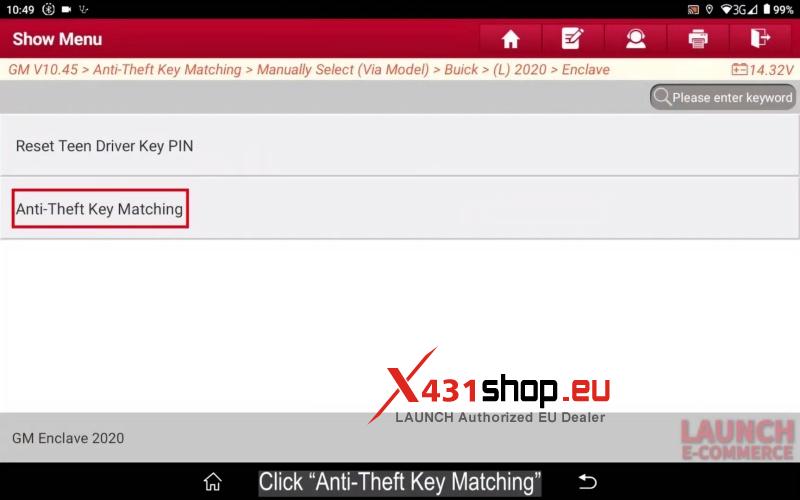
- Connect the tool and select IMMO > GM > Anti-Theft Key Matching.
- Select Manually Select (via Model) > Buick > (L)2020 > Enclave.
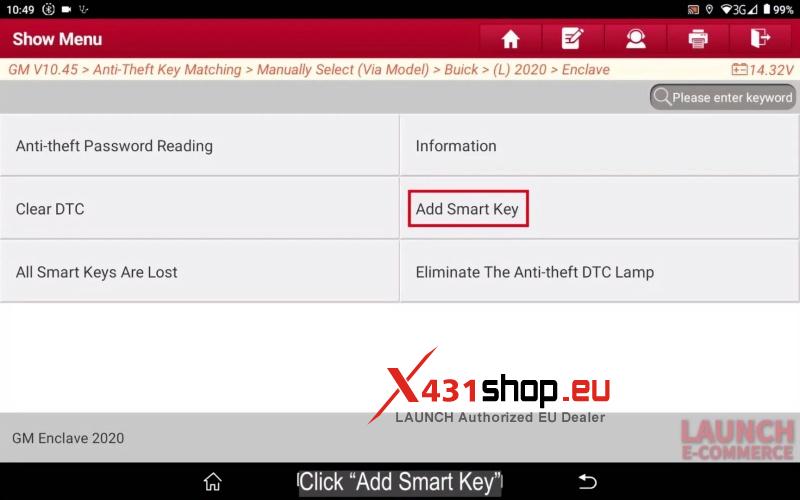
- Choose Anti-Theft Key Matching > Smart Key > Add Smart Key.
Key Programming Workflow
- Ignition ON: Turn the key to the “on” position. For push-start vehicles, long-press the start button for 5–10 seconds.
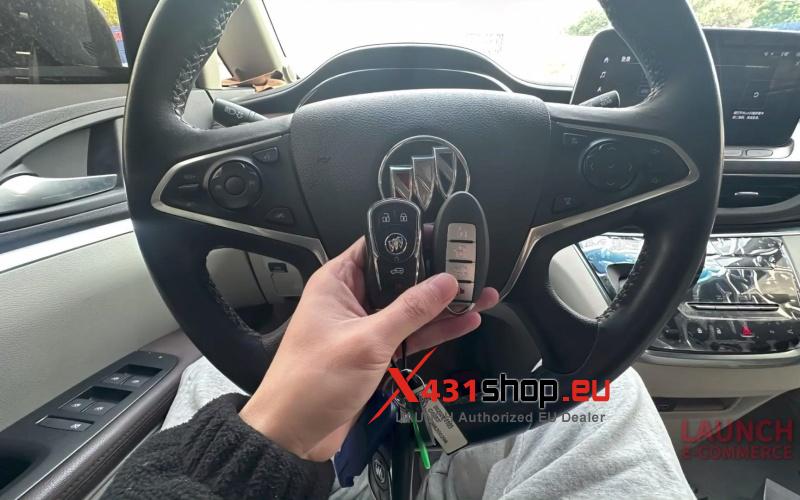
- Position the Key: Place the smart key to be matched into the key slot and remove all other smart keys from the vehicle.
- Locate the Slot: The key slot is typically located in the armrest box , below the saucer , near the ash pan , or in the button-type box.
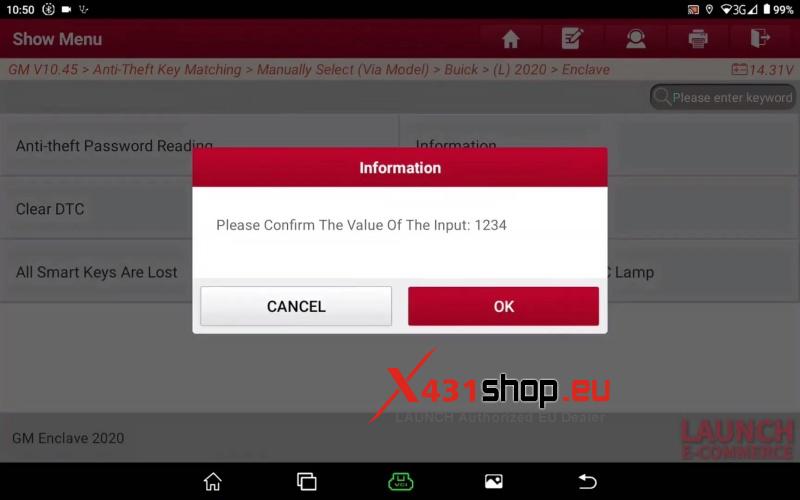
- Security Access: Input the 4-digit PIN (e.g., 1234) when prompted.
- System Cycling: Follow the prompts to turn the ignition off and on to finalize the link.
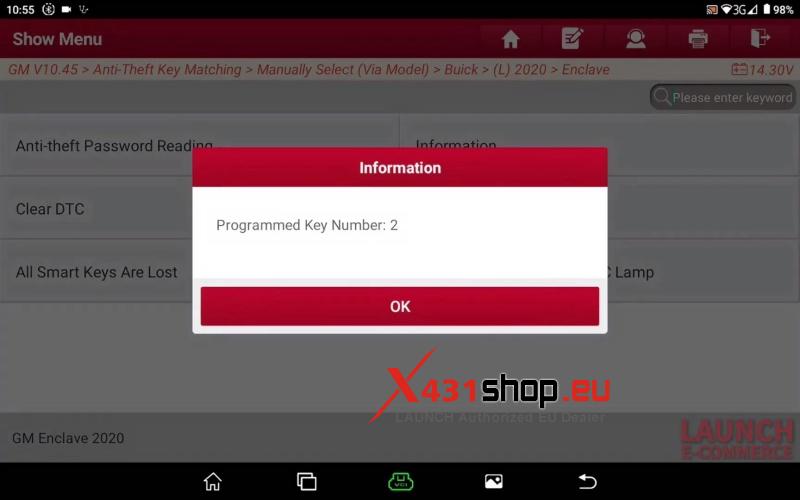
- Confirmation: The tool will display “Current key is programmed well” and show the updated number of programmed keys.
Step 3: Synchronization & Completion
To ensure the buttons and remote functions are fully active, complete the synchronization steps.
- Finalize Ignition: Turn off the ignition and press the brake to start the engine to verify the transponder.
- Door Cycle: Turn off the engine, then open and close the driver’s door.
- Sync Remote: Take out the smart key. Press and release the Lock and Unlock buttons simultaneously.
- Complete: The screen will confirm “Program completed”.
Video Guide:
Why Choose LAUNCH X431?
The Launch-X431 series provides a seamless, step-by-step interface that simplifies complex GM anti-theft protocols. It is a reliable, high-performance solution for fast and accurate key programming.
Ready to upgrade your garage? Visit www.x431shop.eu to access official support and genuine LAUNCH tools.