

Programming a BMW CAS3/CAS3+ key is straightforward when using professional tools like the LAUNCH X431 IMMO Elite or IMMO Plus. This guide provides a streamlined workflow to generate and match keys efficiently.
Preparation & Hardware Connection
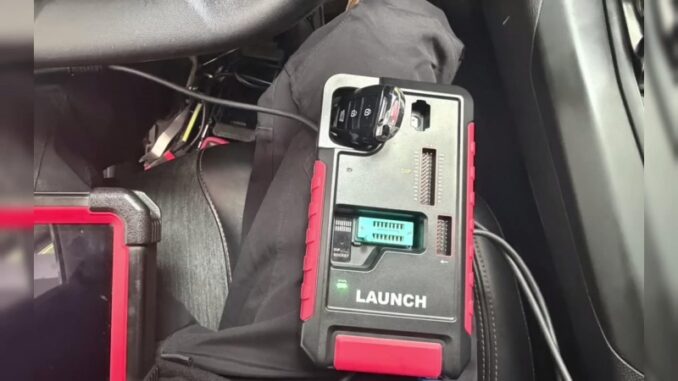
To begin, ensure your diagnostic connector and the Launch-X431 IMMO tablet are connected simultaneously to the vehicle.
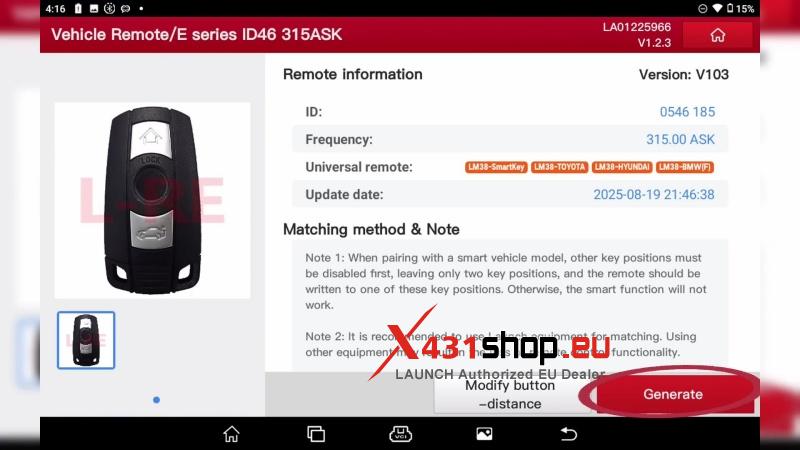
- Generate Remote: Navigate to Key programmer > vehicle remote > BMW > All remotes > Generate.
- Access IMMO Menu: Select BMW on the main diagnostic screen and enter the Anti-theft key matching menu.
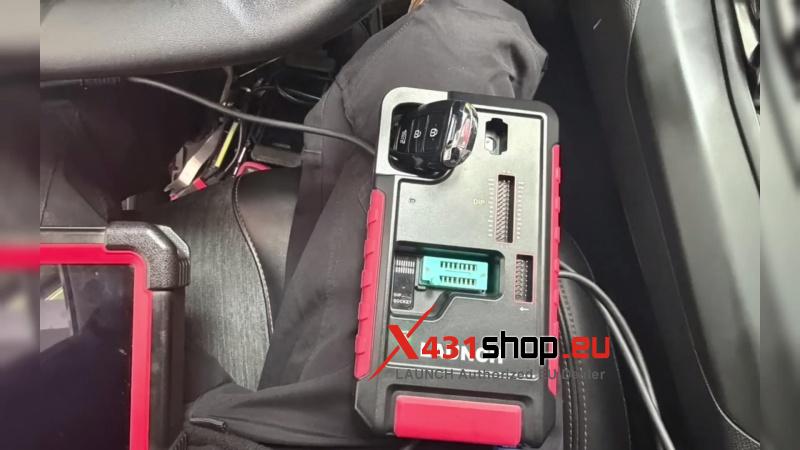
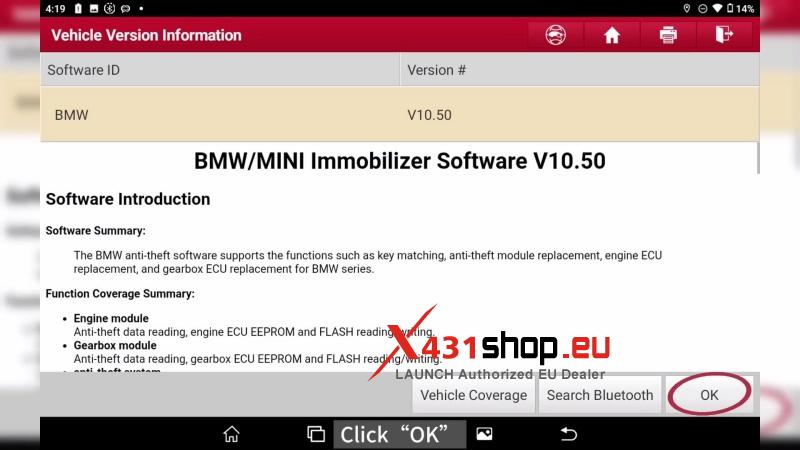
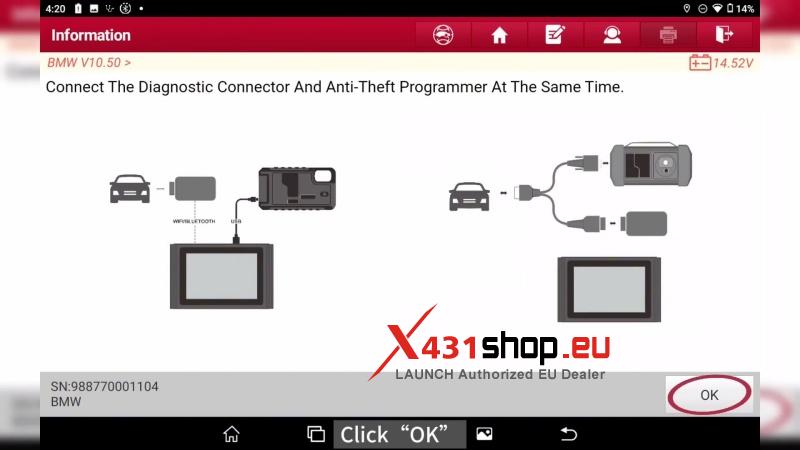
Step 1: Backup CAS Key Data
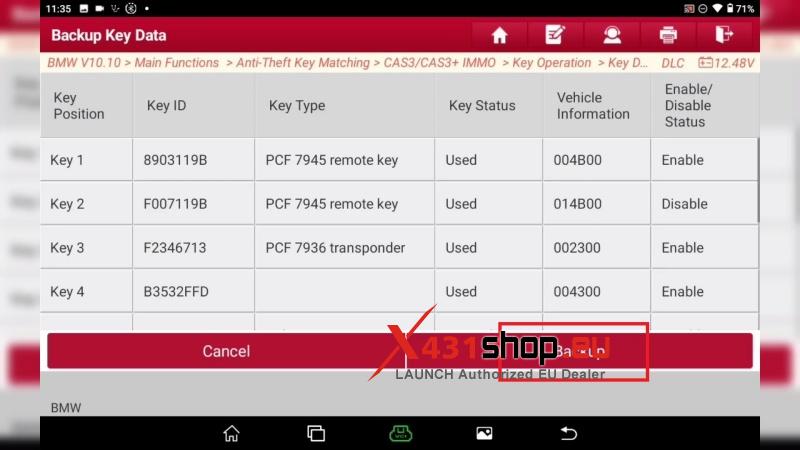
Before performing any key learning, it is critical to back up the original CAS data.
- Navigate to: CAS3/CAS3+ IMMO > Key Operation > Key Data Operation > Backup Key Data.
- Follow the on-screen prompts: Remove the key from the ignition (or place smart keys outside the vehicle).
- Click Backup to save the data file securely.
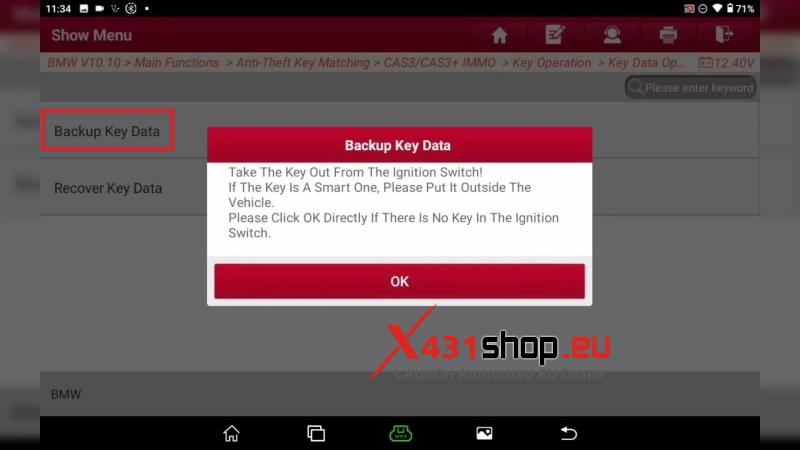
Step 2: Key Learning & Generation
Once the data is backed up, you can proceed to program the new key.
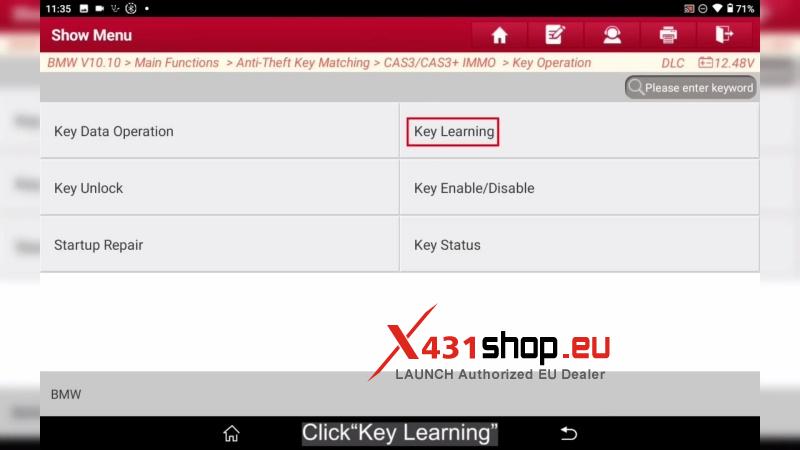
- Read Working Key: Select Key learning. When prompted, insert a working key into the ignition and press the Start button to allow the tool to read current data.
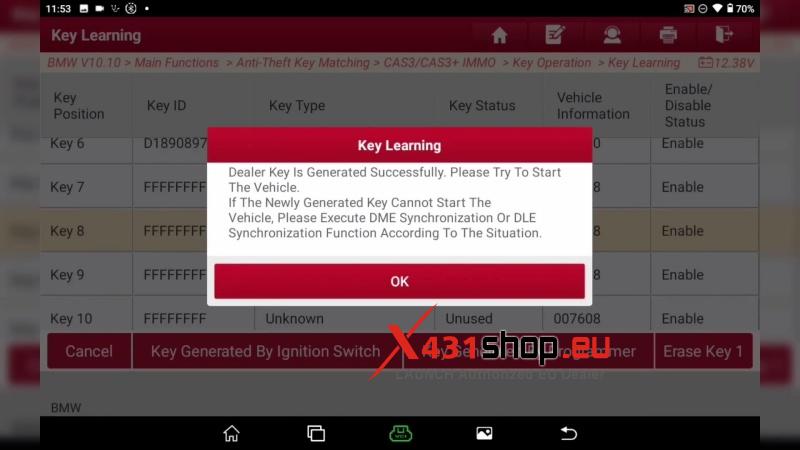
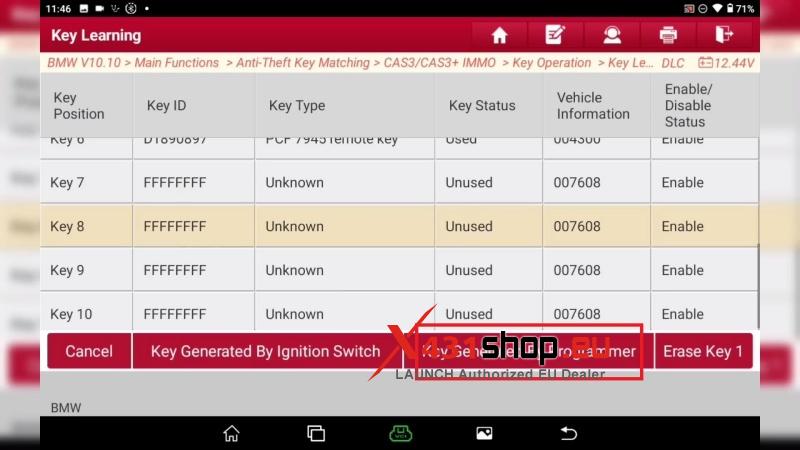
- Select Position: Choose an unused key position (e.g., Key 8) from the list.
- Generate Dealer Key: Select Key Generated by Programmer.
- Write Data: Place the new key into the X431 IMMO programmer slot. Specify whether it is a smart key or a standard remote key.
Step 3: Verification
Once the “Dealer key is generated successfully” message appears, test the key by starting the vehicle.
Note: If the vehicle does not start immediately, use the tool to perform DME or DLE synchronization to finalize the matching process.