



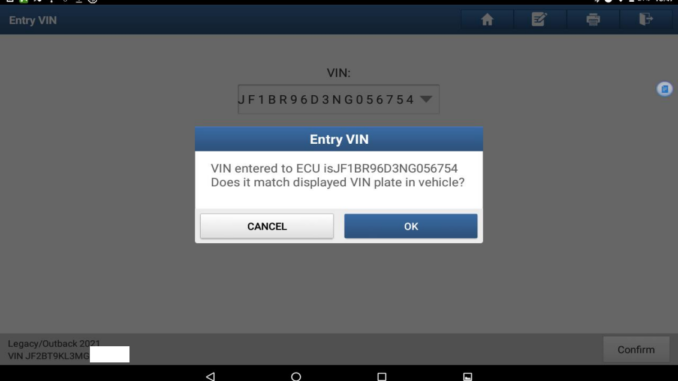
The LAUNCH X431 tool supports registering VIN codes for vehicles; this function is located in the Special Features options section. This article will use a Subaru Outback as an example to demonstrate how to write a VIN code to a vehicle.
Function Description: VIN registration for 2021 Subaru Outback.
Supported Products: LAUNCH X431 PRO series, X431 PRO3 series and X431 PAD series.
Product used: LAUNCH X431 PAD V ELITE
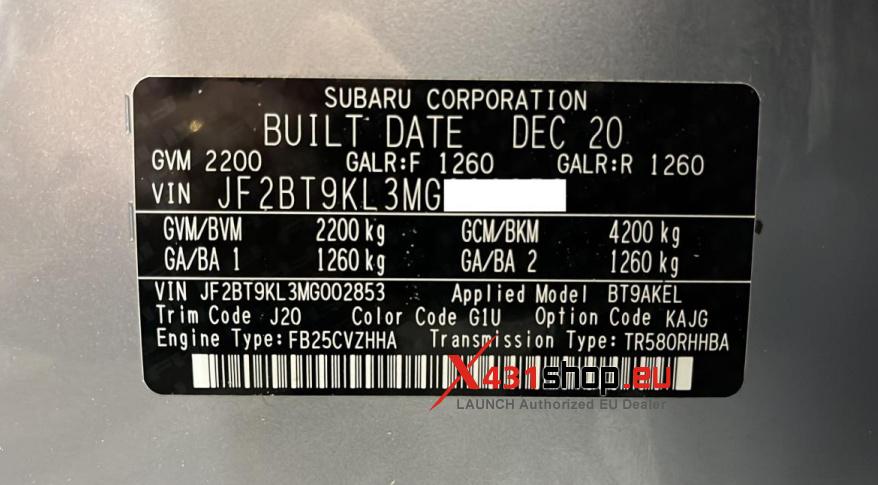
Tested Model: Subaru Outback VIN: JF2BT9KL3MG******
Procedure:
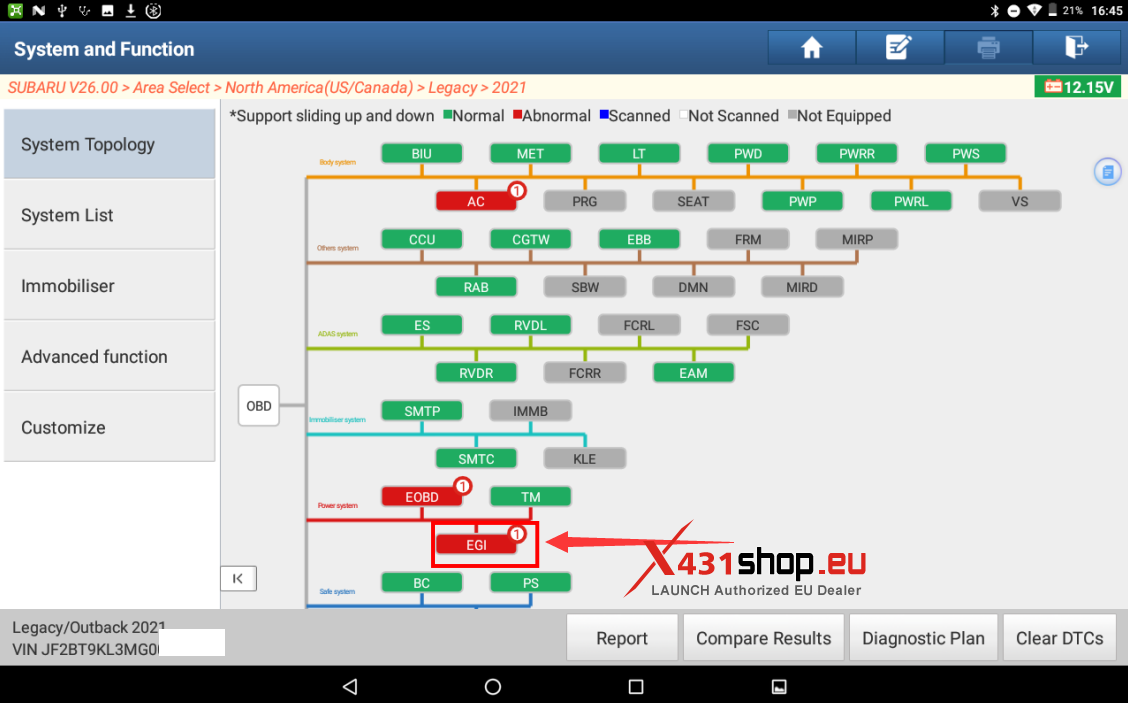
1. Access the EGI system.
2. Choose [Special Function].
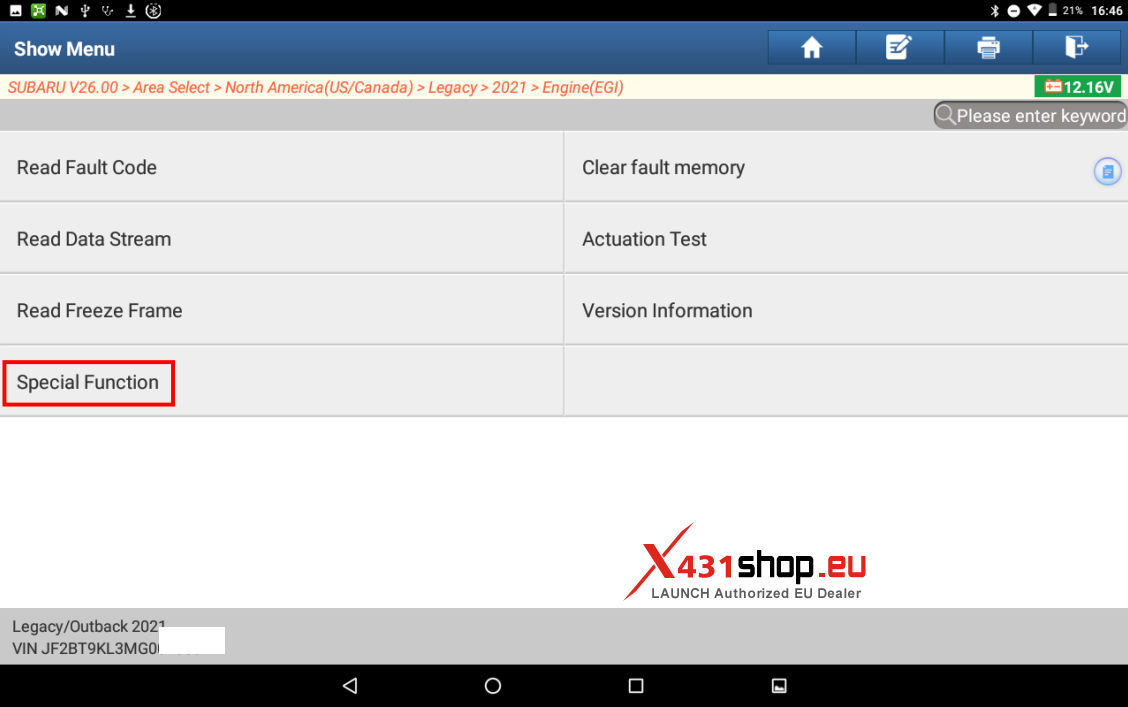
3. Choose [Entry VIN].
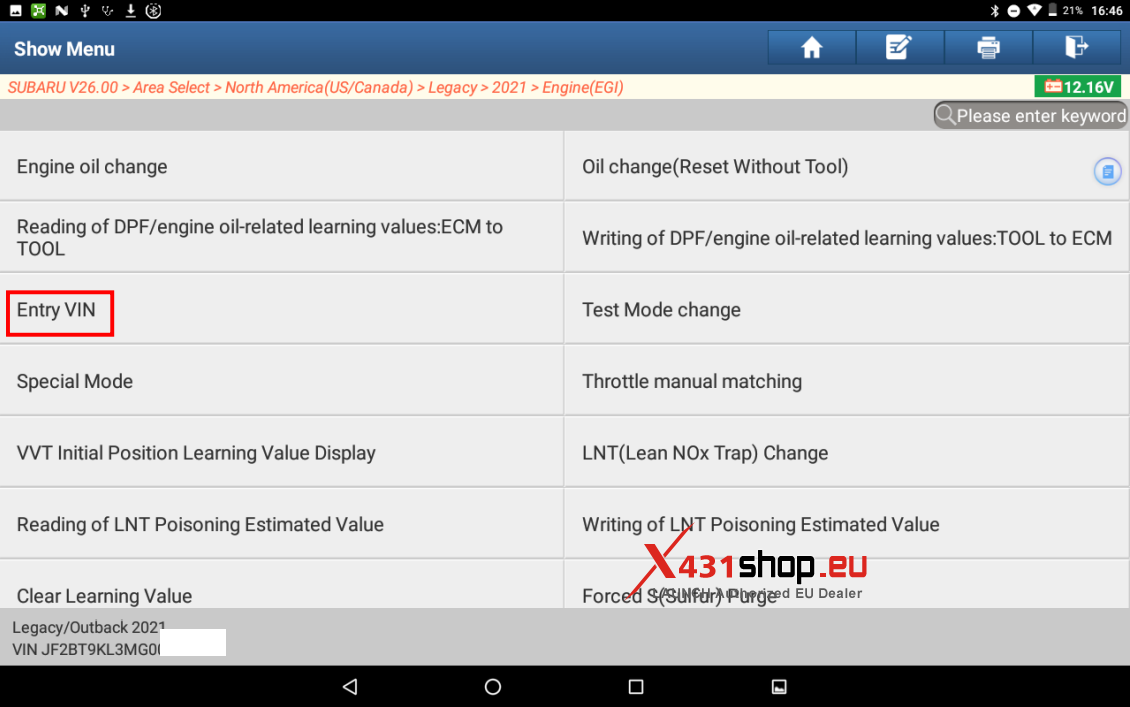
4. Click OK and enter the VIN to be registered.
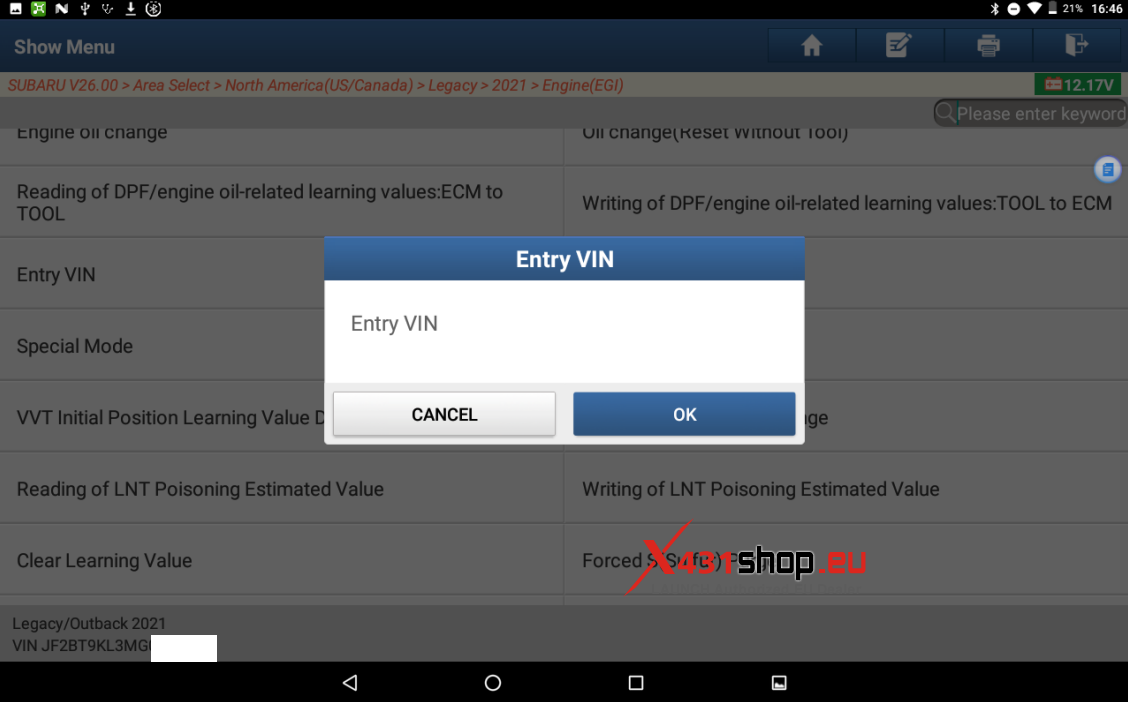
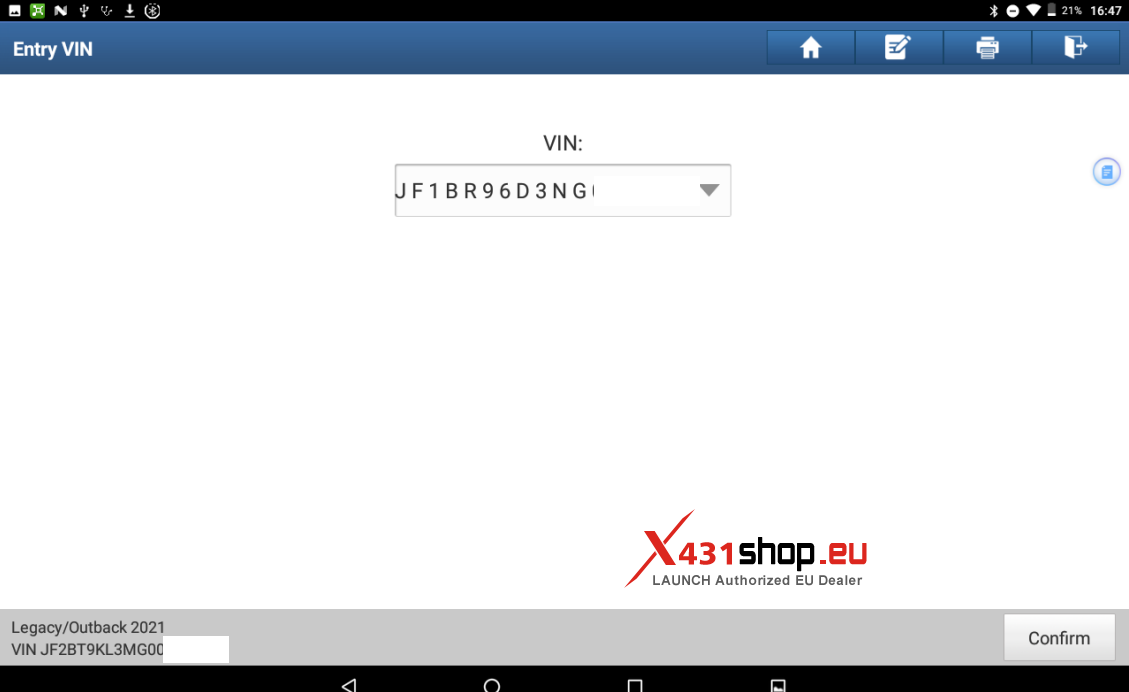
5. Click OK to check whether the entered VIN is correct.
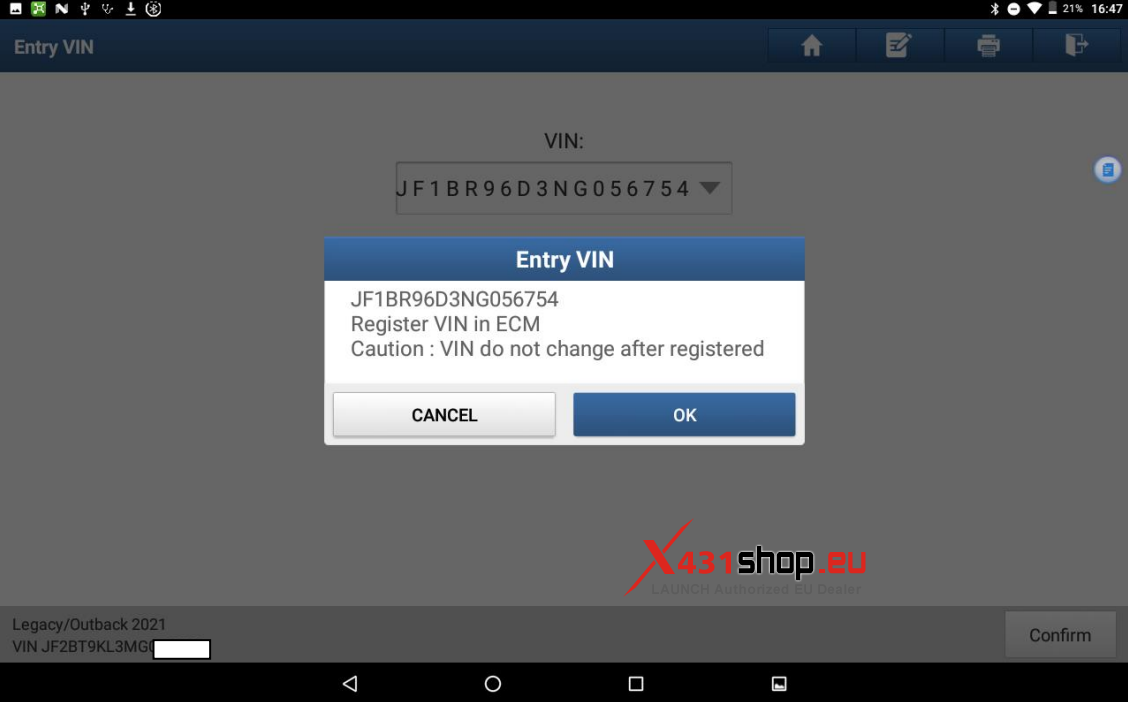
6. Click OK to start writing the registration information.
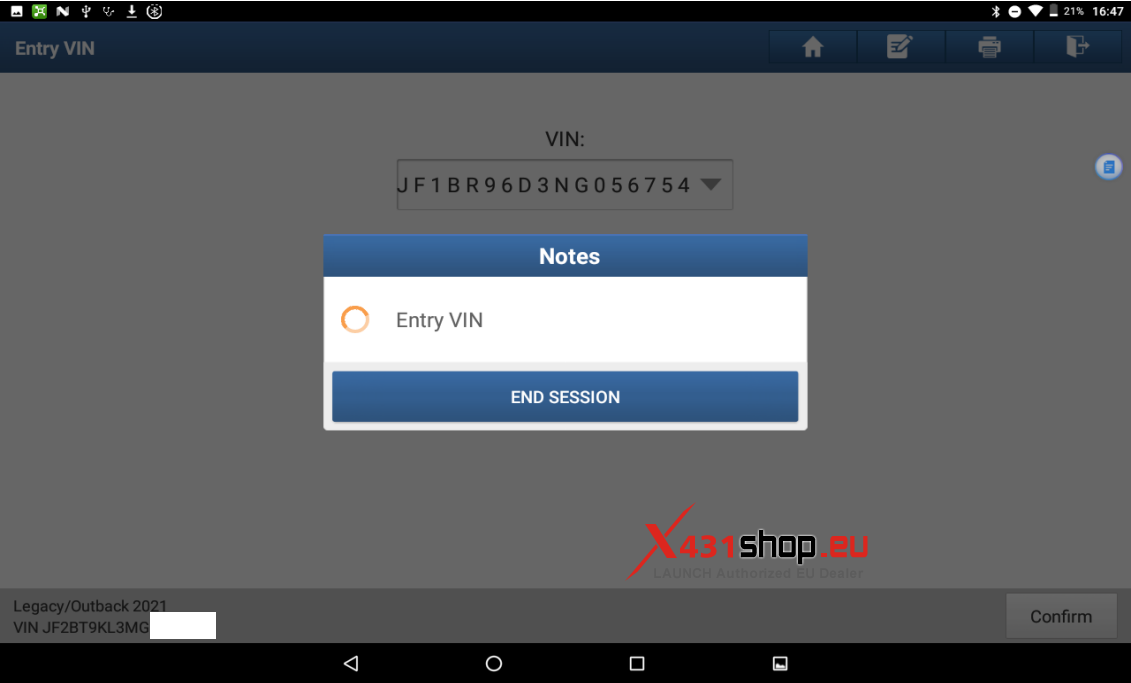
7. After writing is completed, check whether it is consistent with that on the vehicle.
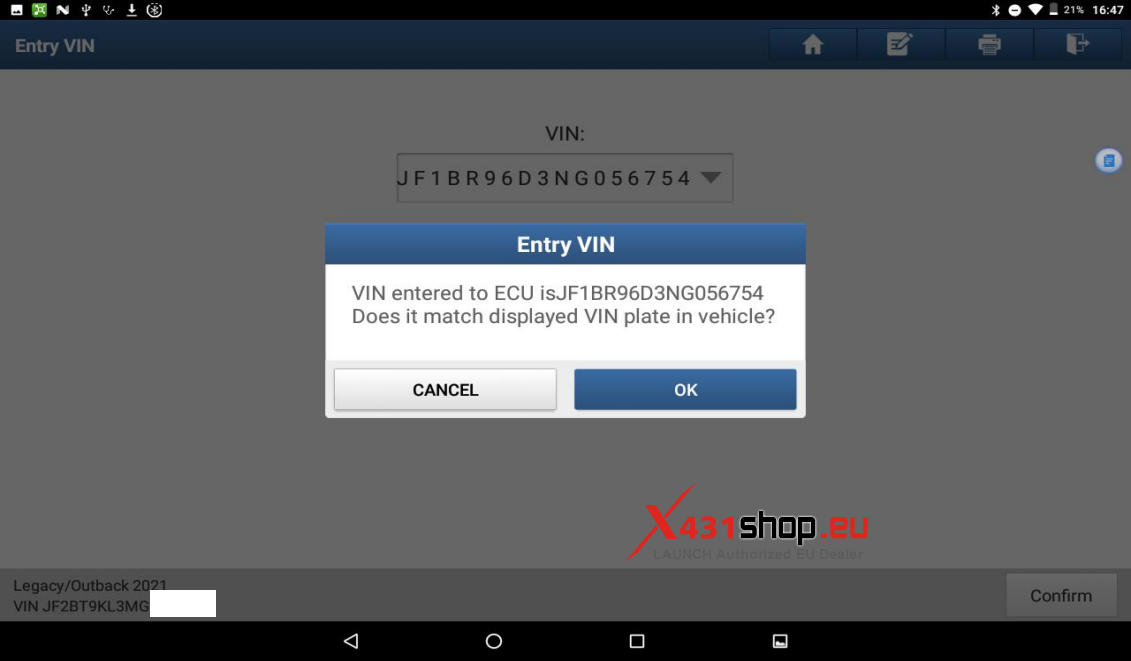
Click OK to complete the VIN registration.