


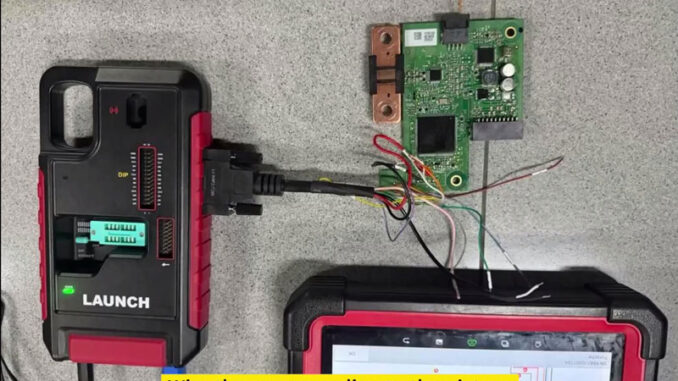
If a Porsche Cayenne has battery-related fault data stored in the BMS module, the LAUNCH X-431 IMMO PLUS can be used to back up the original data and perform recovery directly from the ECU.
Vehicle path:
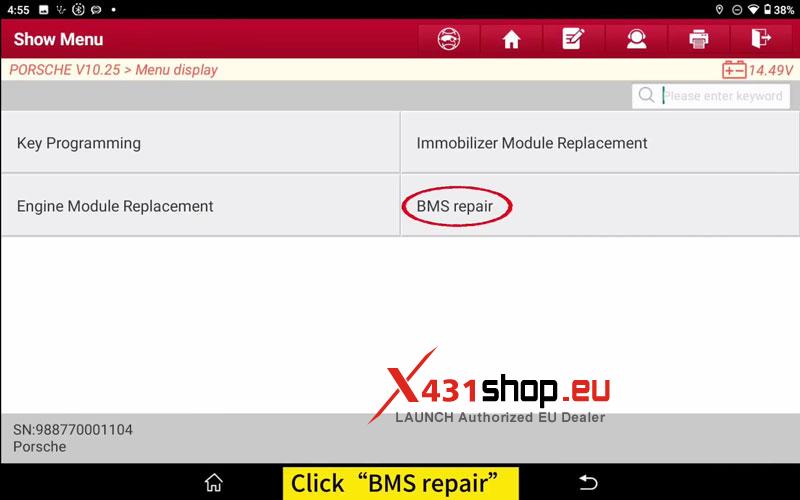
PORSCHE → BMS Repair → CAYENNE → 2018–2022
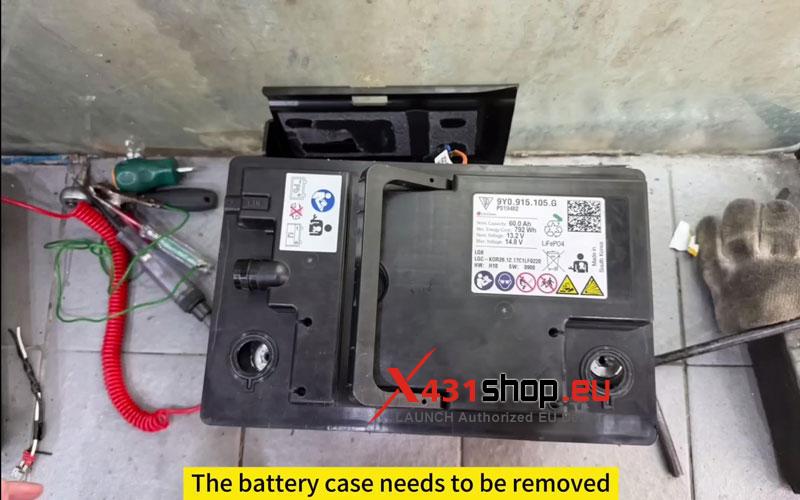
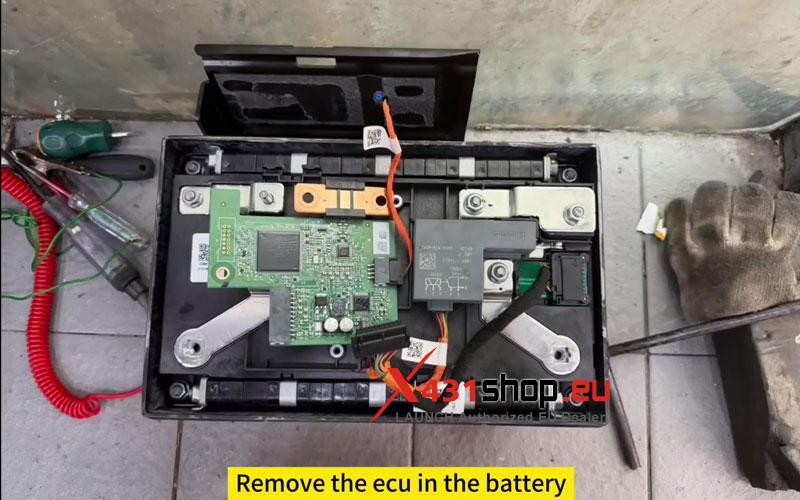
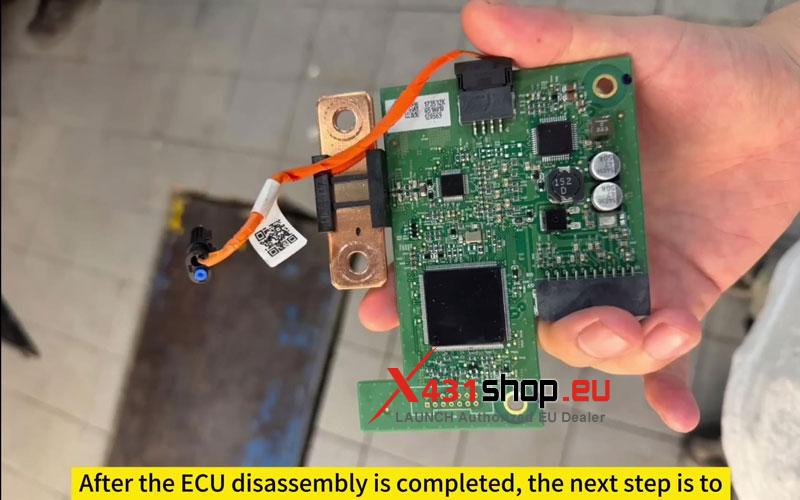
- Remove the BMS ECU
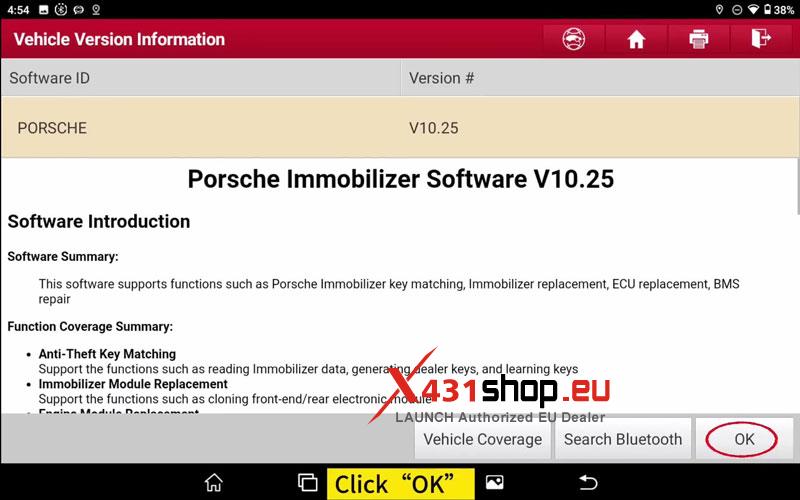
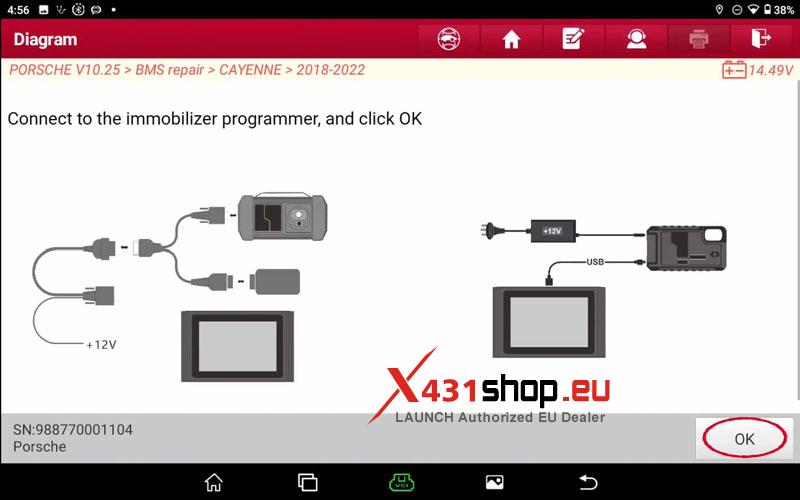
- Connect the X-431 IMMO PLUS and enter the BMS Repair function.
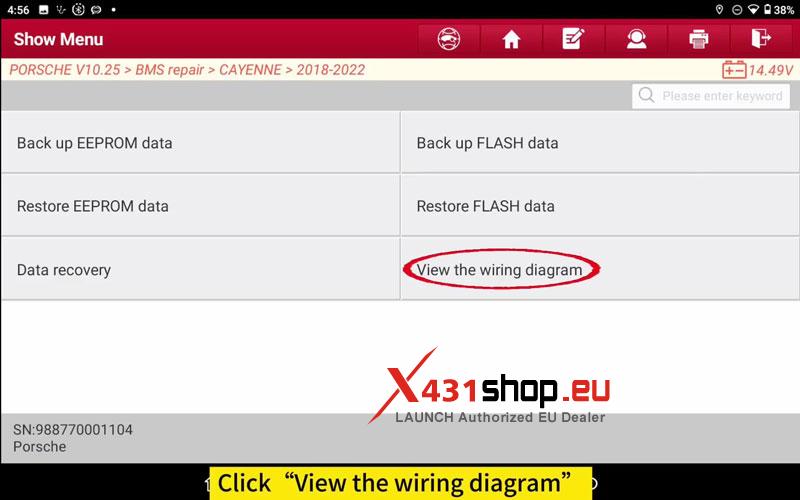
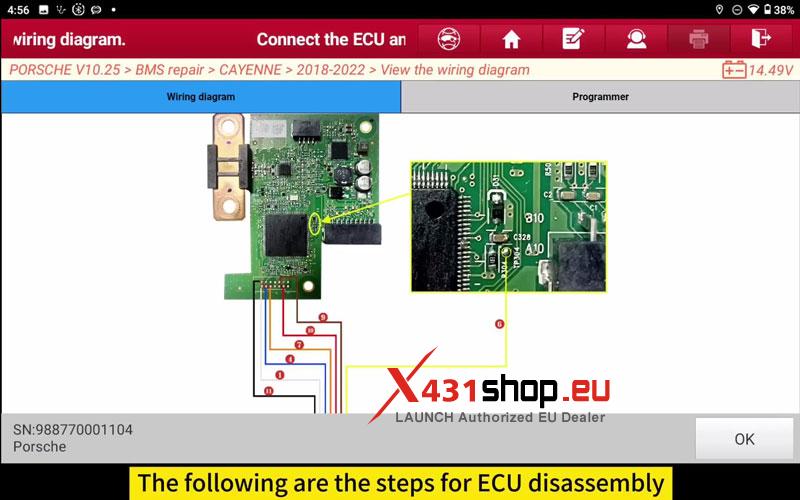
- Click OK, then select View the Wiring Diagram.
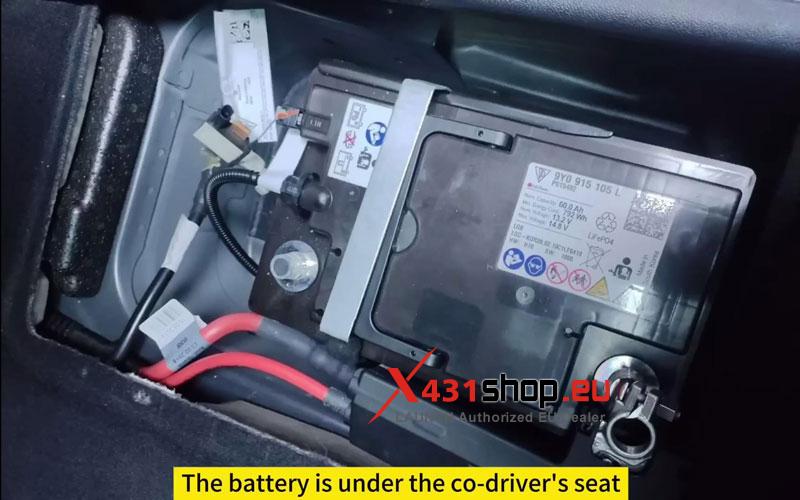
The battery is located under the front passenger seat. Remove the battery cover and take out the ECU from the battery assembly before continuing.
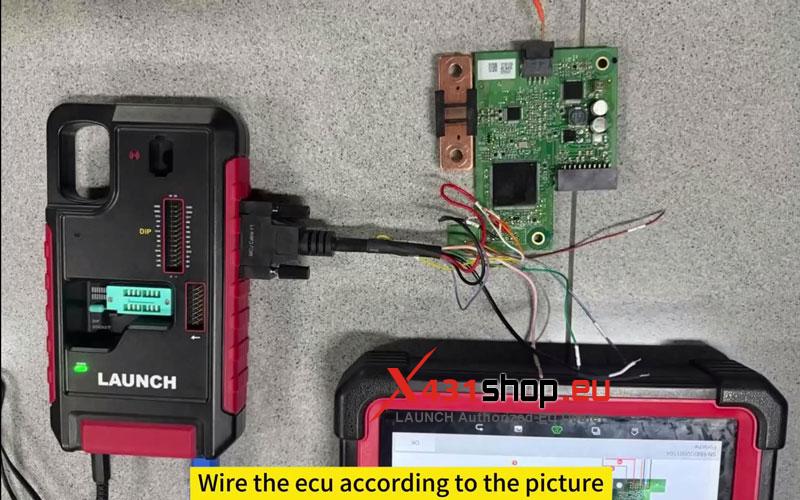
- Connect the ECU & Back Up the Data
- Wire the ECU according to the diagram shown on the tool.
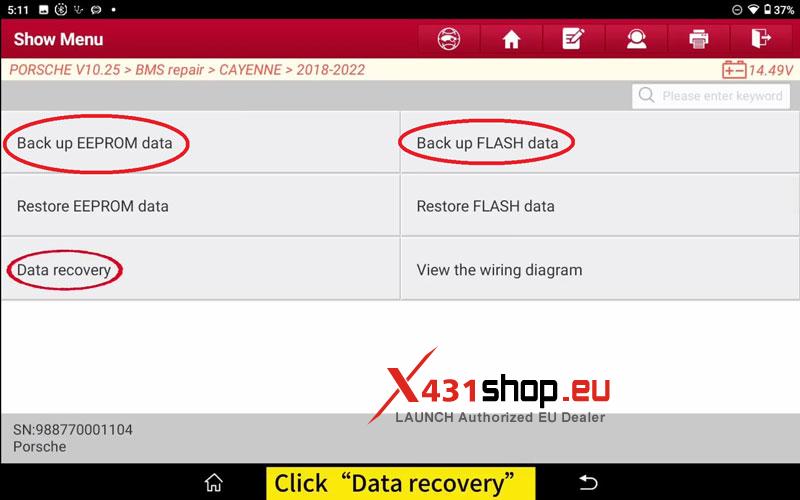
- Click Back Up EEPROM Data and save the file.
- Then click Back Up FLASH Data and save the file.
Perform Data Recovery
- After both backup files have been saved successfully, click Data Recovery.
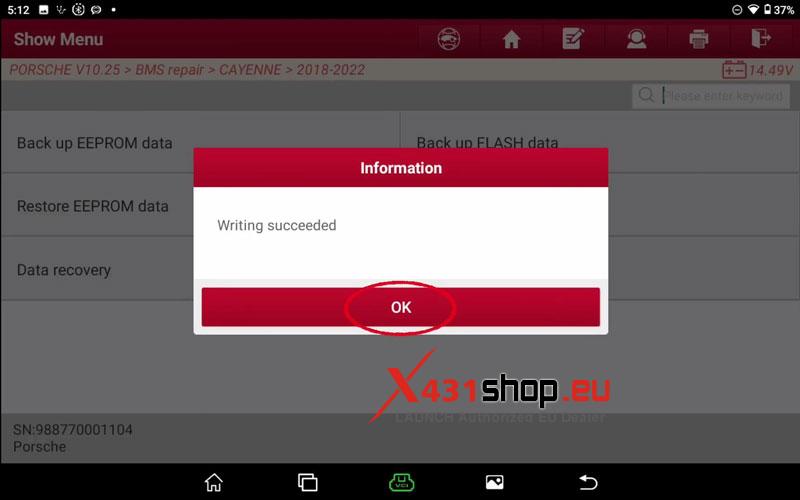
- Wait for the writing process to complete. Once the tool reports that writing has succeeded, the repair procedure is finished.
Verification
Reinstall the ECU and confirm the vehicle starts normally and the related battery management functions operate correctly.
Why Use X-431 IMMO PLUS?
The tool provides direct BMS repair functions with EEPROM and FLASH backup support, allowing the original data to be saved before recovery is performed.
Visited 139 times, 1 visit(s) today