
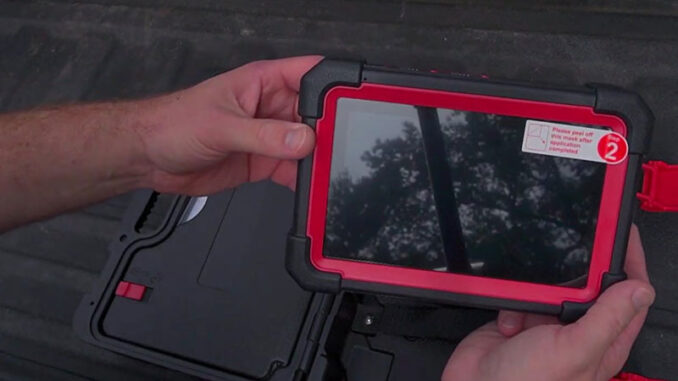
The LAUNCH X431 CRP919E BT has been a pretty practical scanner to use in the shop. What stood out to me wasn’t the number of functions on the screen, but how useful the tool was when I actually had to diagnose and test a vehicle.
The biggest surprise was the 2006 truck I tested. I expected limited coverage, but I was still able to get into several systems and run active tests.
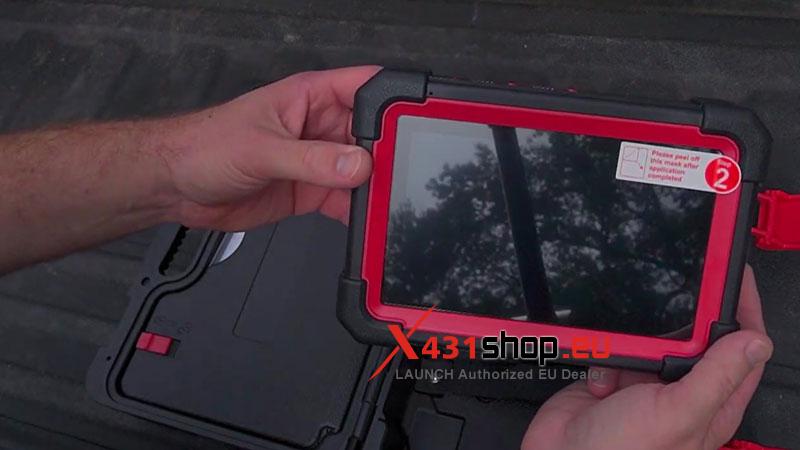
Real Workshop Experience
- Wireless VCI
The wireless setup was one of the first things I appreciated.
I could walk around the vehicle with the tablet while running tests instead of being tied to the OBD port. For actuator testing, that makes a real difference.
- Full-System Scanning
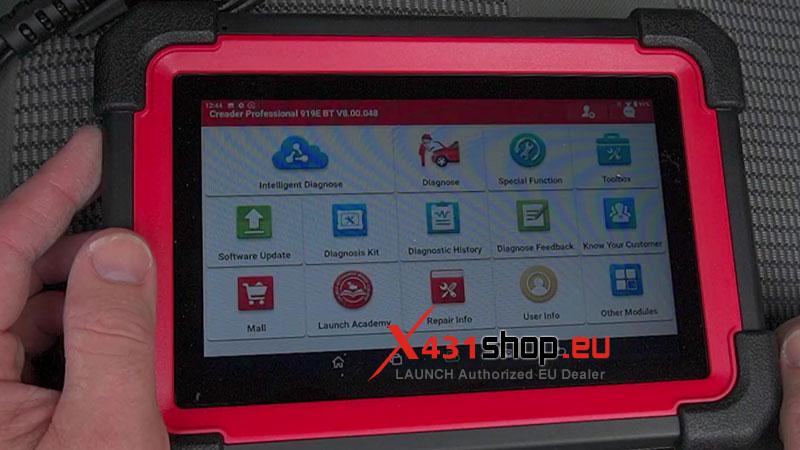
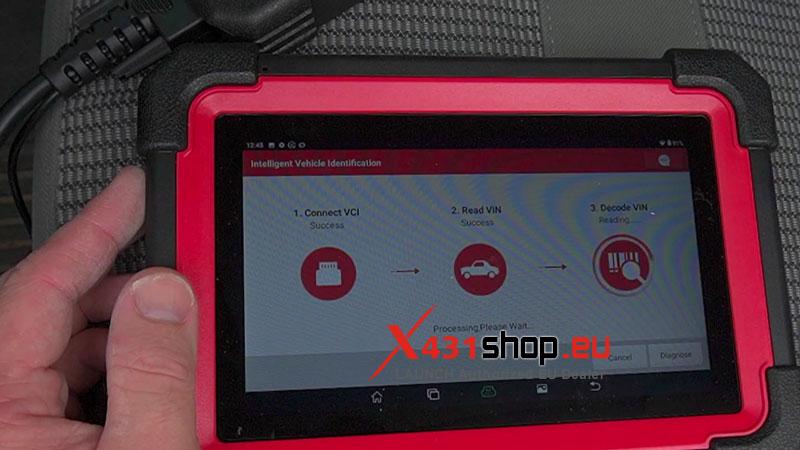
The automatic scan pulled the VIN and checked the available modules without much fuss.
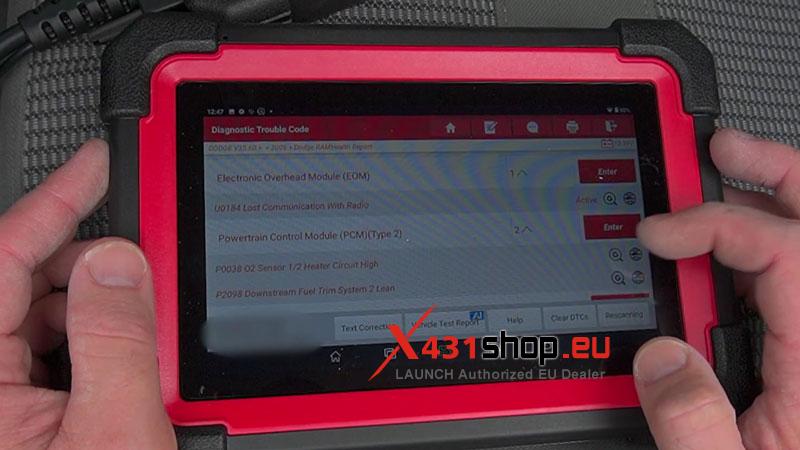
The scan took a couple of minutes, but the overall process felt reasonably quick. I could see which systems had faults before going into individual modules.
That’s the kind of workflow I actually want from a shop scanner.
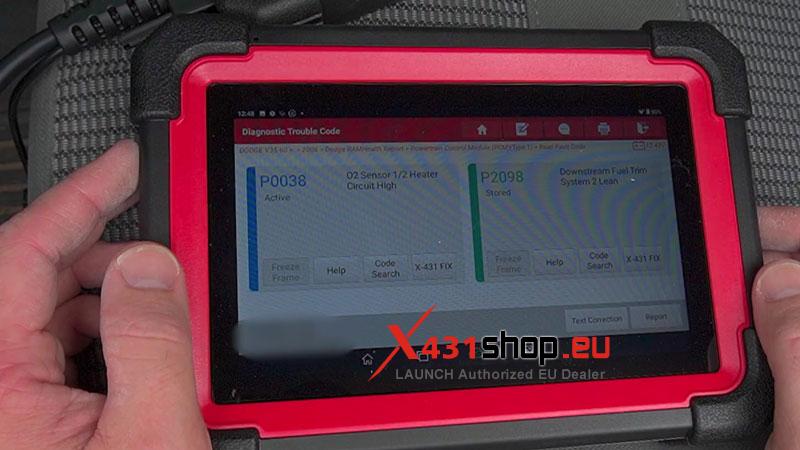
Testing the 2006 Truck
This was probably the most interesting part of the test.
With the X431 CRP919E BT, I was able to access and test HVAC actuators, headlights, the horn circuit, and other functions on the 2006 truck.
That’s more useful to me than having another long list of service functions on the box.
Being able to command a component and see what happens gives me another way to narrow down a problem.
Day-to-Day Use
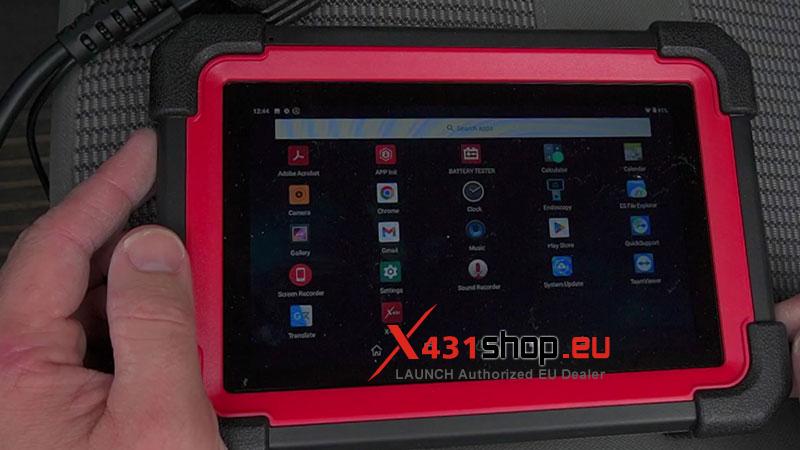
The interface is Android-based and fairly easy to get around once you know where things are.
There are plenty of menus, though. Finding a particular function can take some digging, especially if you’re coming from a basic code reader.
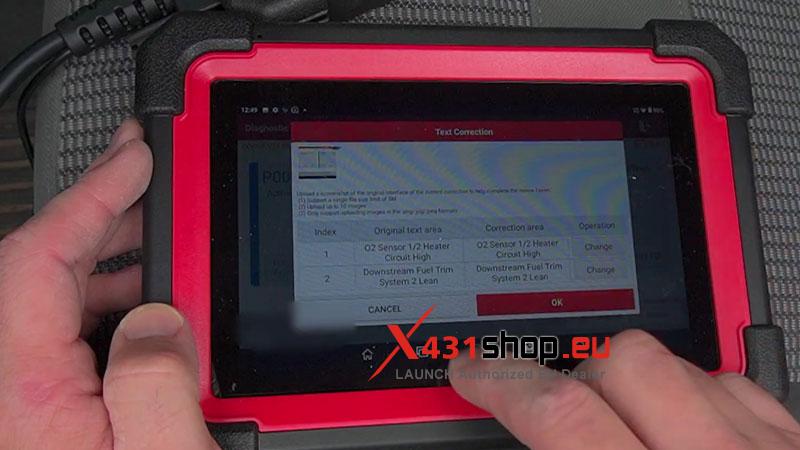
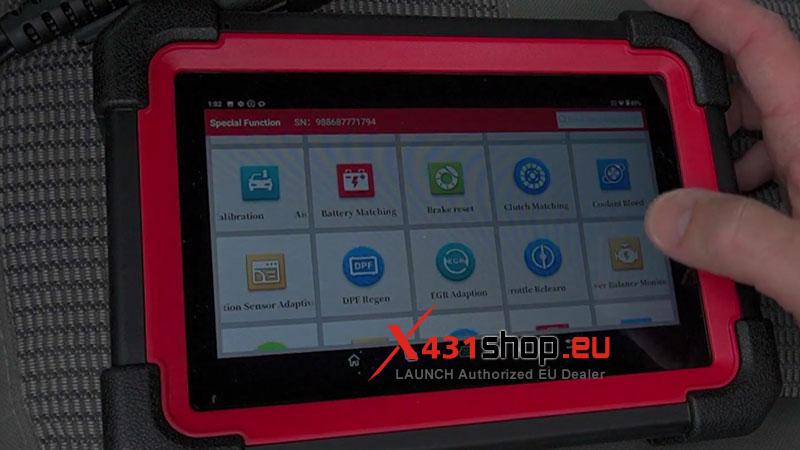
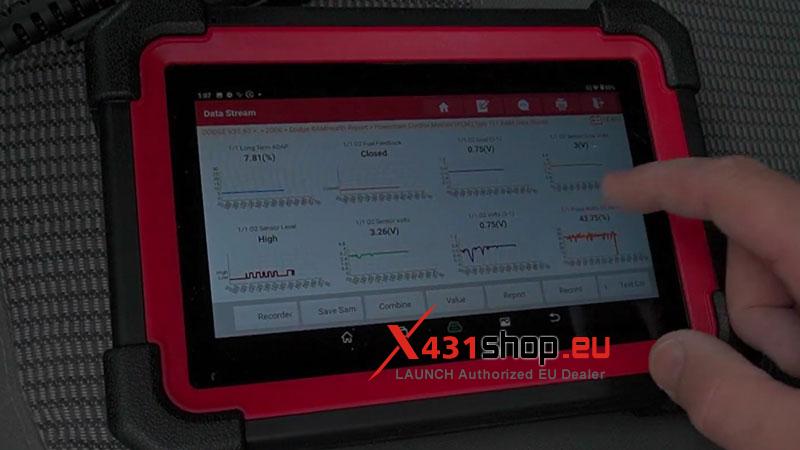
I also liked having live data, active tests, coding/configuration, and service functions available from the same platform. I didn’t need to switch between different tools for every part of a diagnosis.
Strengths
- Useful bidirectional testing: The active tests are more valuable in real troubleshooting than simply reading DTCs.
- Better-than-expected older-vehicle coverage: The 2006 truck still had useful system access and active tests.
- Wireless VCI: Makes testing around the vehicle much easier.
- Full-system diagnostics: Gives a broader picture before chasing an individual fault.
- Good all-in-one coverage: Live data, coding, active tests, and service functions are available in one platform.
Limitations
- Coverage varies by vehicle: A function being available on the scanner doesn’t mean it will be available on every vehicle.
- Lots of menus: The interface isn’t difficult, but some functions take a little searching.
- Software updates matter: Vehicle coverage and functions depend on the installed software.
- Overkill for basic OBD2: If you only read and clear engine codes, most of this scanner will go unused.
Key Specs
| Spec | Details |
| OS | Android 10 |
| RAM | 4 GB |
| Storage | 64 GB |
| Battery | 6300 mAh |
| VCI | Wireless |
| Diagnostics | Full-system, bidirectional, coding, live data, special functions |
Would I Keep It in the Toolbox?
Yes, for the kind of work where I need more than code reading.
The LAUNCH X431 CRP919E BT earned its place mainly through full-system access, useful active testing, and better-than-expected support on an older truck. It’s too much scanner for basic OBD2 work, but for a serious DIYer or independent technician, those deeper functions are what make it worthwhile.