

After replacing the GPF on a 2023 FIAT Giulia, you can use any LAUNCH X431 Diagnostic Scanner to reset the GPF parameters in the ECM. This example was performed with the LAUNCH X431 PRO3 V+ ELITE.
Access the GPF Replacement Function
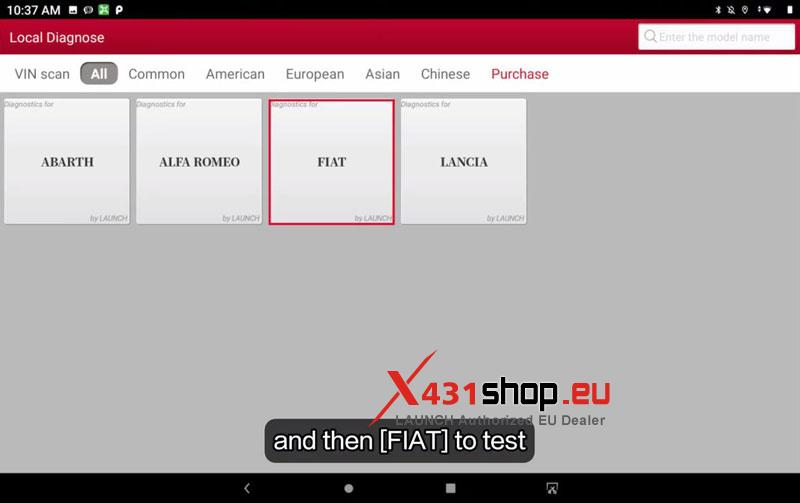
- Connect the X431 PRO3 V+ ELITE and enter Local Diagnose > FIAT.
- Select Automatically Search to identify the vehicle, then confirm the detected model.
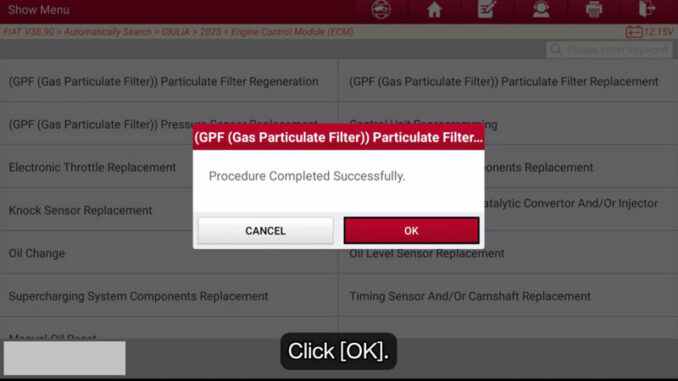
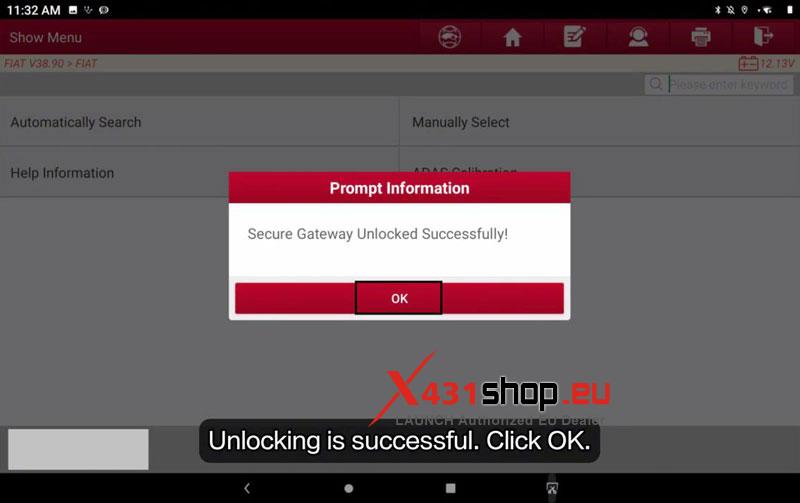
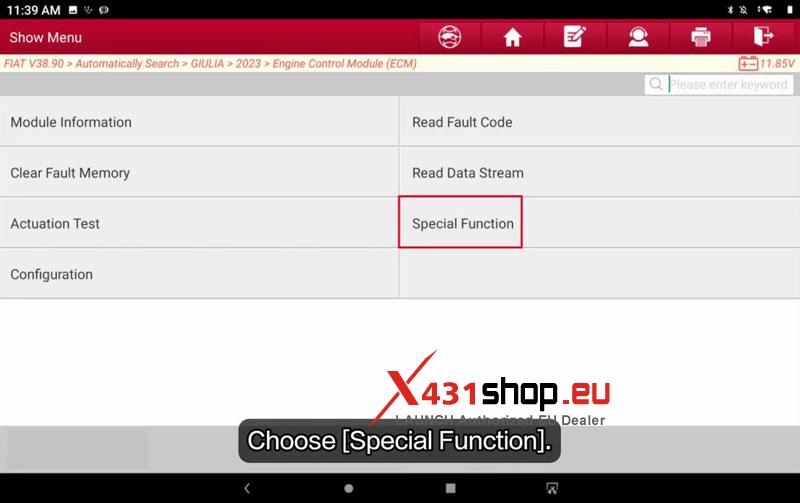
- After the secure gateway is unlocked, go to Smart Detection > ECM (Engine Control Module) > Special Function > Misc Function > GPF (Gas Particulate Filter) Particulate Filter Replacement.





Perform the GPF Reset
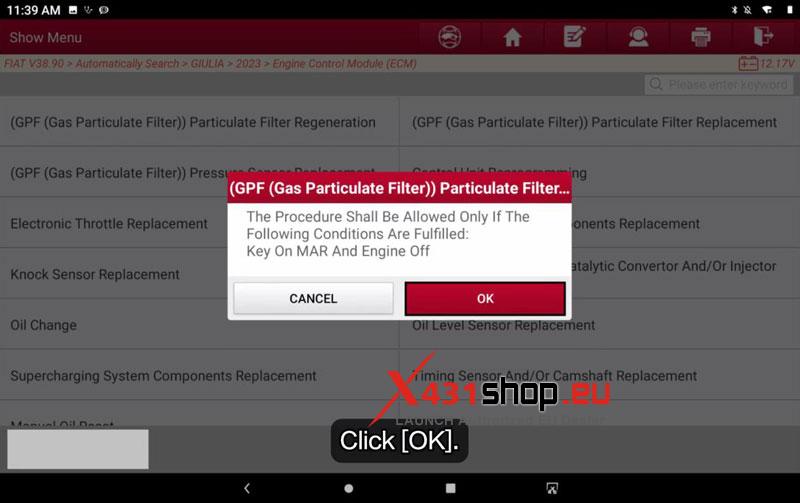
- Read the on-screen warning confirming this function resets the GPF parameters to their default values after filter replacement, then tap OK.
- Make sure the ignition is ON (MAR) and the engine is OFF, then continue.
- Wait until the tool reports Procedure completed successfully.
Complete the Ignition Cycle
- Follow the prompt to switch the ignition OFF.
- Wait until the control unit power latch countdown finishes.
- Turn the ignition ON again to complete the procedure.

Verification
The reset is complete if the procedure finishes successfully, the engine starts normally, and no abnormal GPF-related behavior is present.
Workshop Notes
This function should only be used after the GPF has been replaced. If the reset is skipped, the ECM will continue using the parameters from the old particulate filter.
Visited 157 times, 1 visit(s) today