
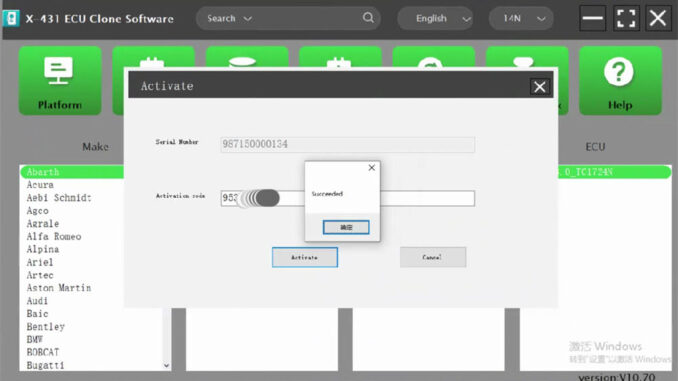
The LAUNCH X431 XPROG5 can connect to a PC and a car’s ECU (Electronic Control Unit), allowing programming using ECU software on the PC. This article will introduce how to download and activate the LAUNCH X431 XPROG5 PC ECU software.
Downloading and Installing the LAUNCH X431 XPROG5 PC ECU Software
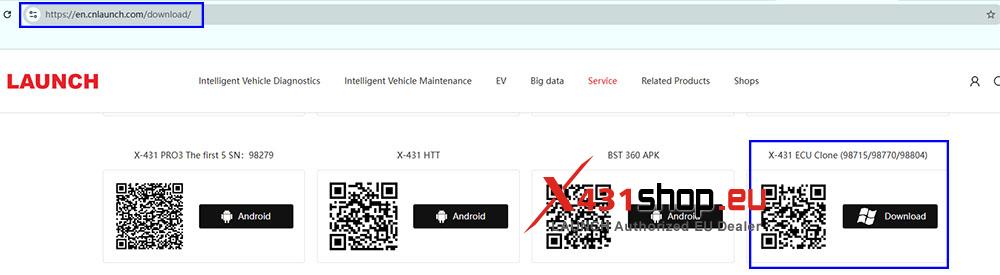
1) On your PC, go to the LAUNCH website’s software download page: [https://en.cnlaunch.com/download/]. Find the option [X-431 ECU Clone (98715/98770/98804)] and click [Download].
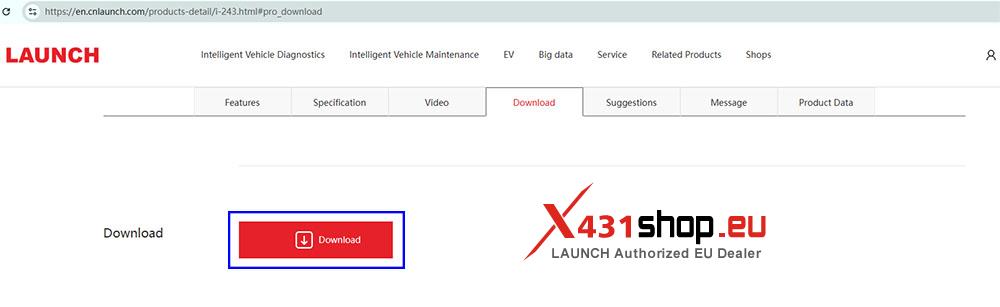
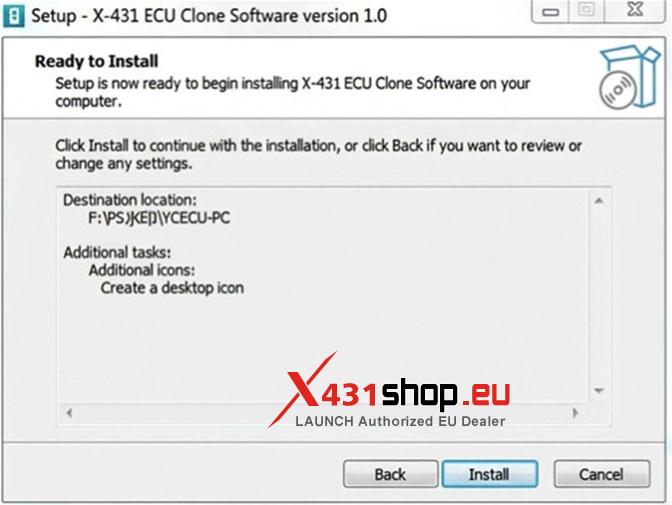
2) On the redirected page, click [Download] again, select the appropriate language version, and click download.
NOTE: The download link does not have an HTTPS certificate and may be blocked by your browser.
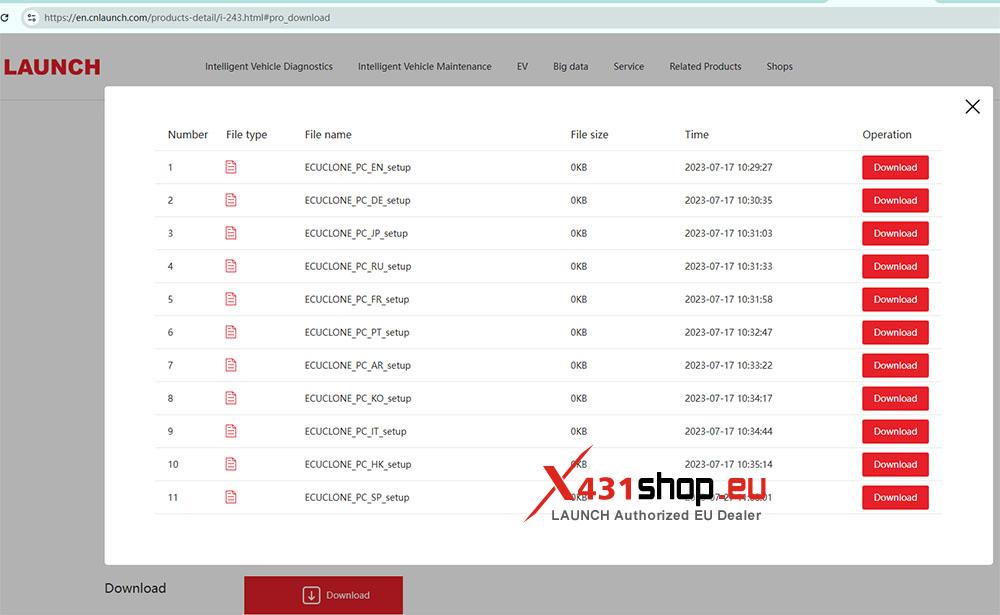
3) Install the software after downloading.
Activating the LAUNCH X431 XPROG5 PC ECU Software
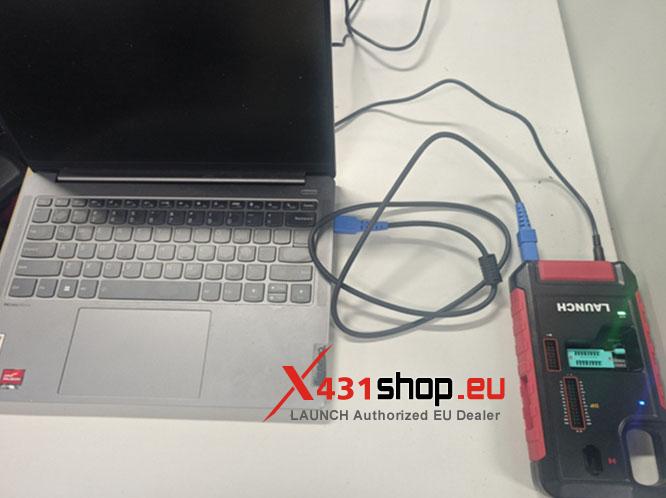
1) After the software installation is complete, connect the LAUNCH X431 XPROG5 to your computer.
2) The software requires a LAUNCH account to function. If you have already registered a LAUNCH account, please log in using your existing account. If you haven’t registered a LAUNCH account yet, you can register directly using your email address.
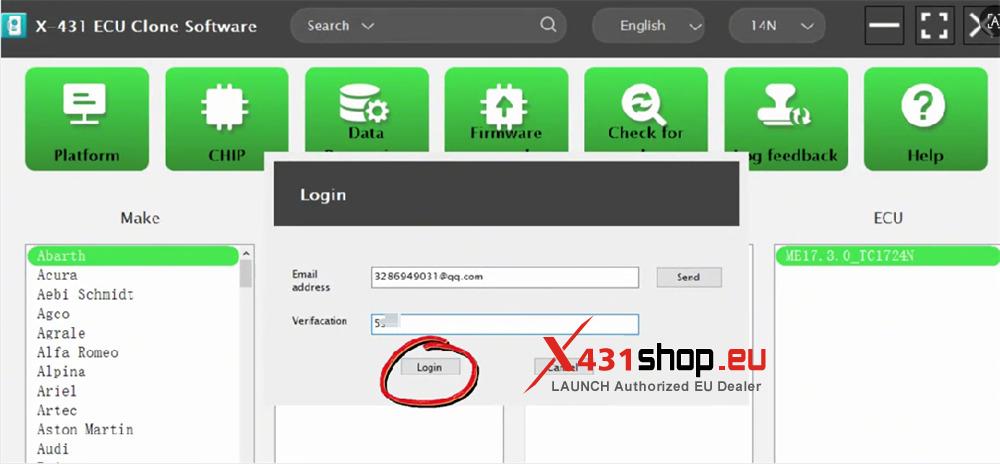
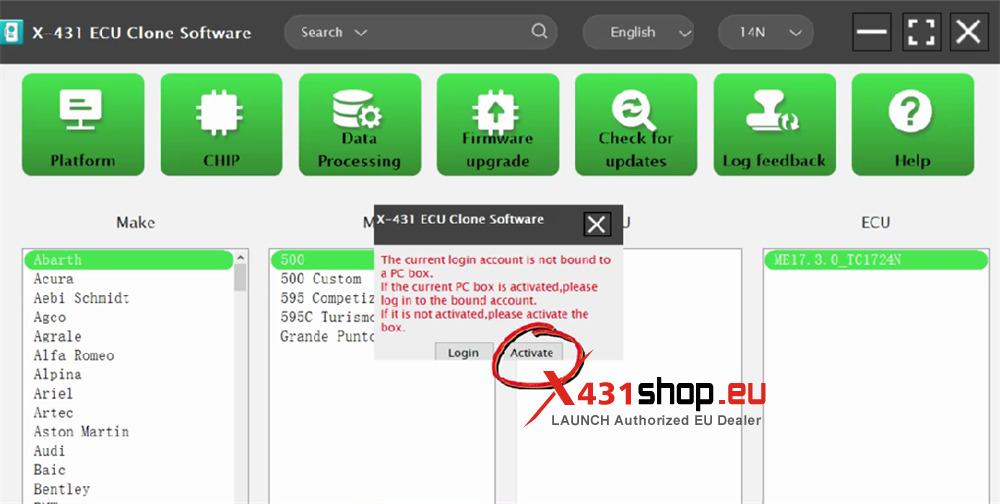
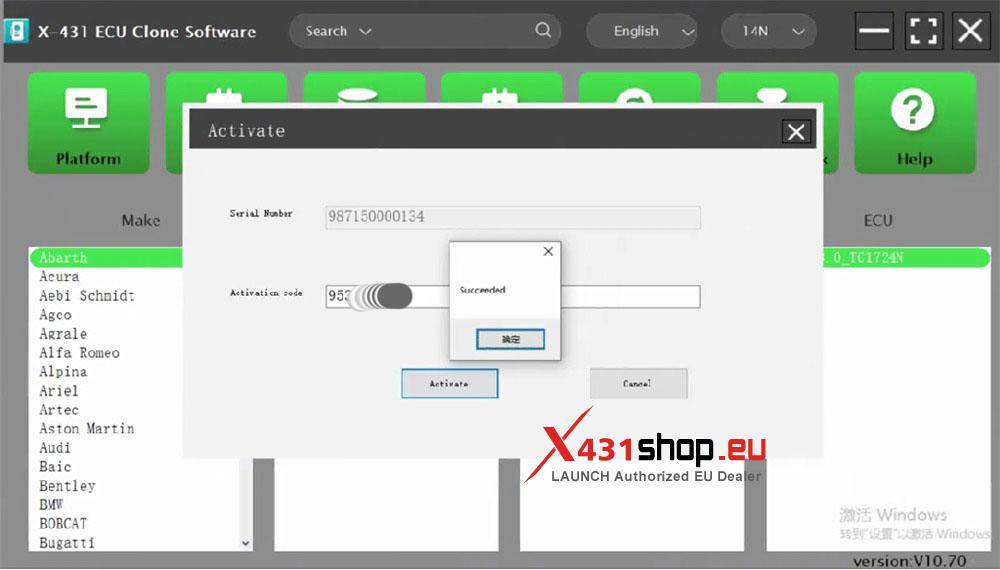
3) The software will prompt you to activate. Click [Activate]. The software will automatically fill in the LAUNCH X431 XPROG5 serial number. Enter the activation code found on the XPROG5 packaging insert, and click [Activate]. Activation is now complete.