

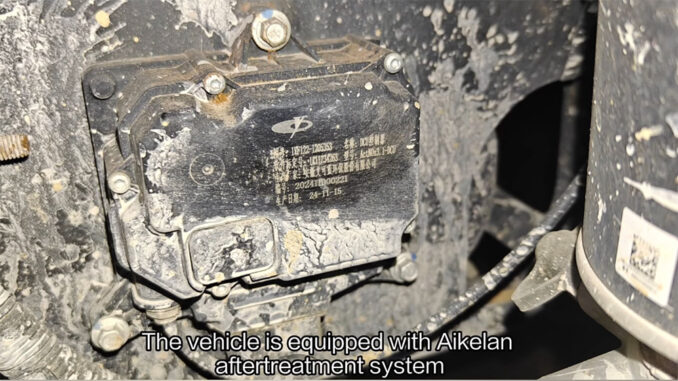
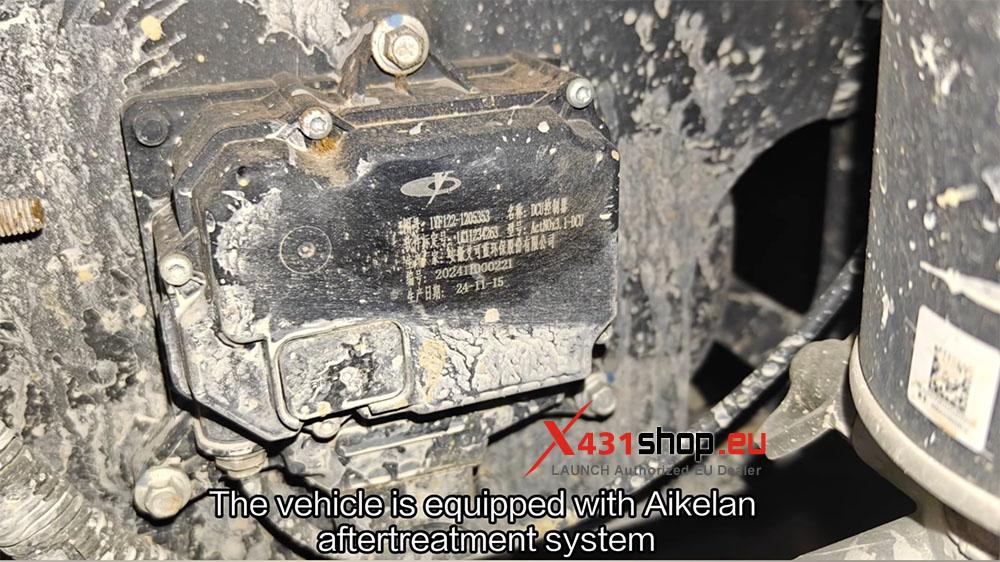
This article will introduce how to use the LAUNCH X431 V+ SmartLink HD to test the Compressed Air Valve on a 2024 Sinotruk Wangpai 737. The vehicle is equipped with an Aikelan aftertreatment system.
Tools supporting this function: X431 PRO series, X431 PRO3 series, X431 PRO5, and X431 PAD series, need X431 truck authorized licenses. Currently using X431 V+ SmartLink HD.
Operation Procedure:
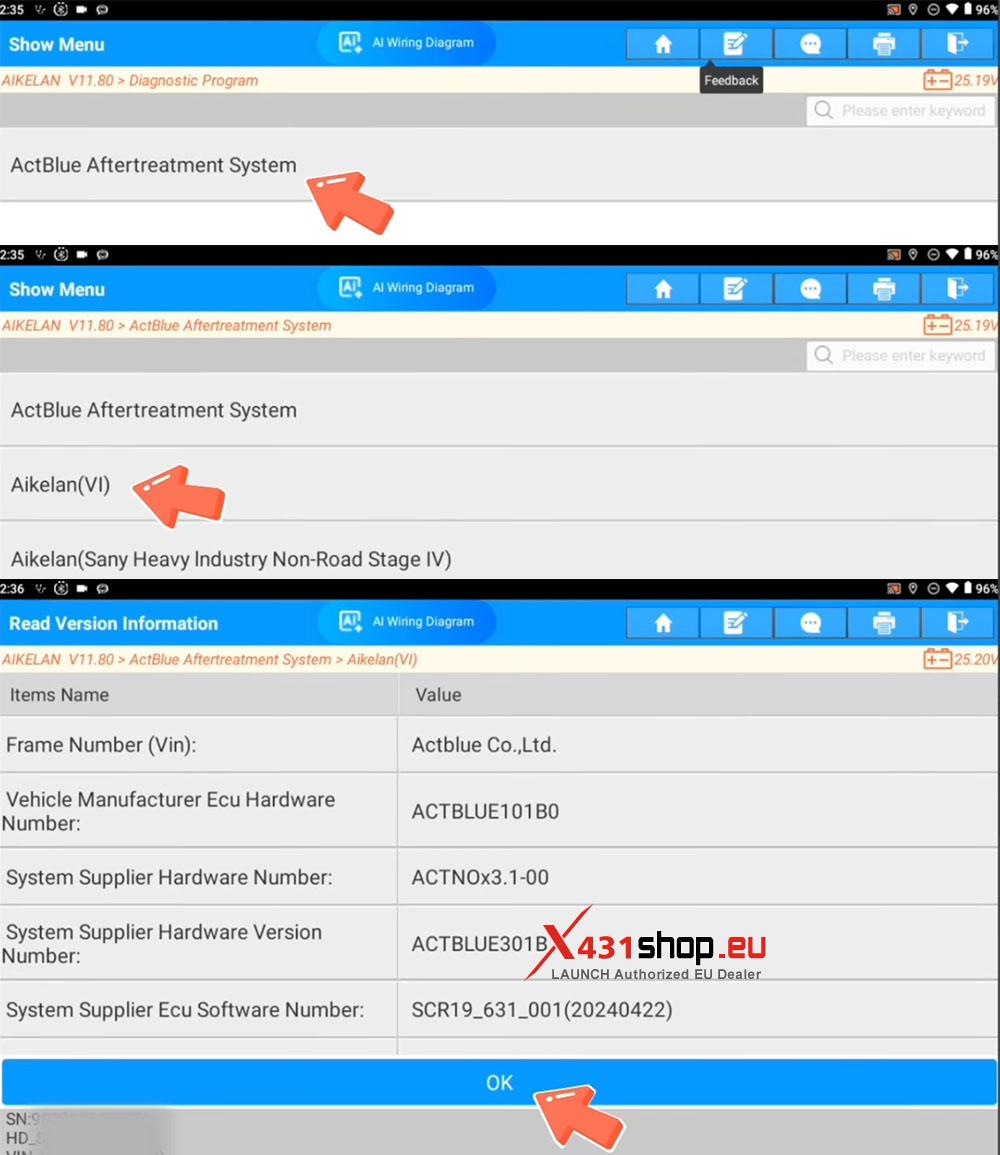
1) Connect the X431 device to the truck’s OBD port. On the X431 APP, select [Diagnose] -> [Aftertreatment] -> [Aikelan]. It is recommended to use software version V11.80 or above.
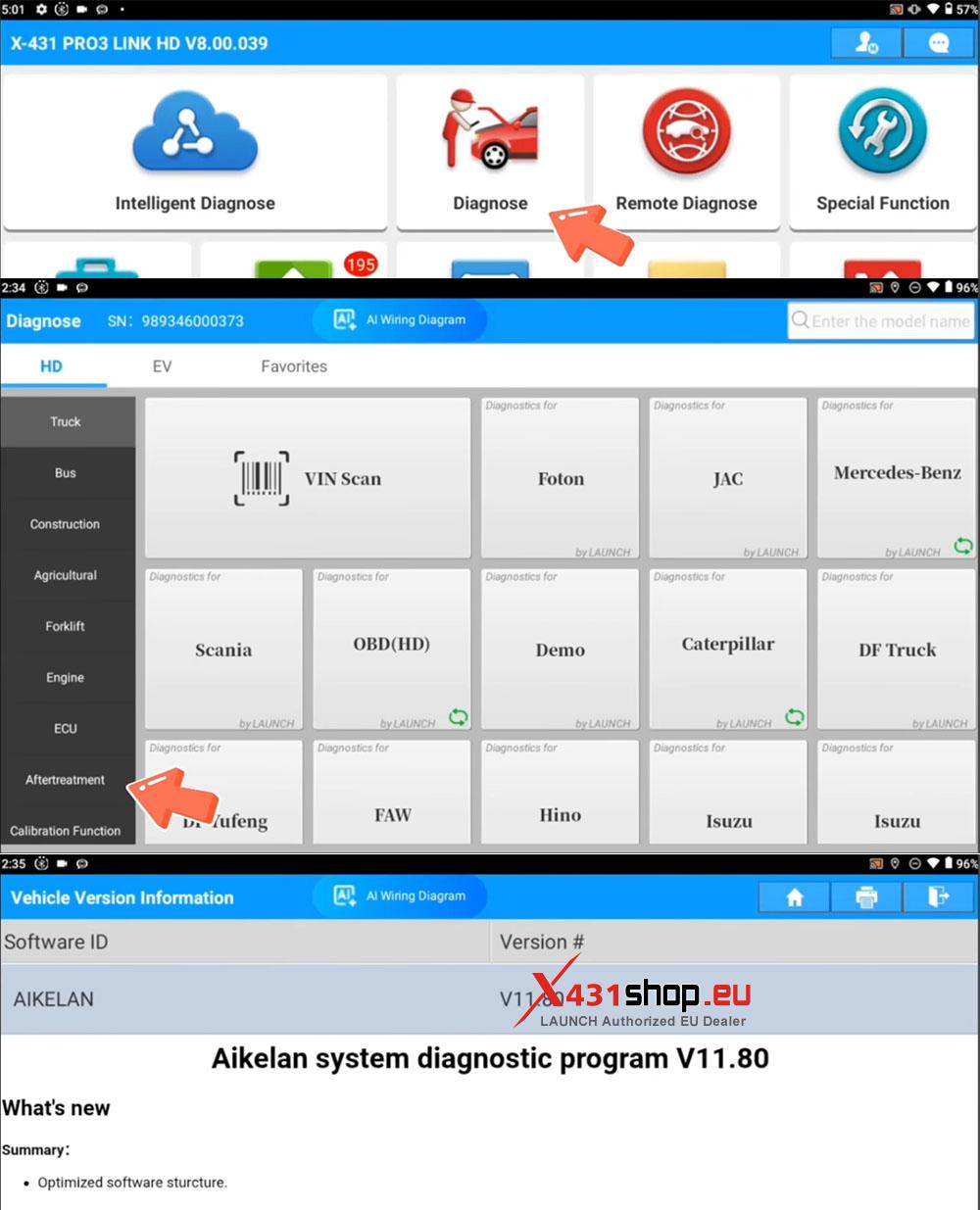
2) Tap [ActBlue Aftertreatment System] -> [Aikelan(VI)]. Confirm the vehicle information and tap [OK].
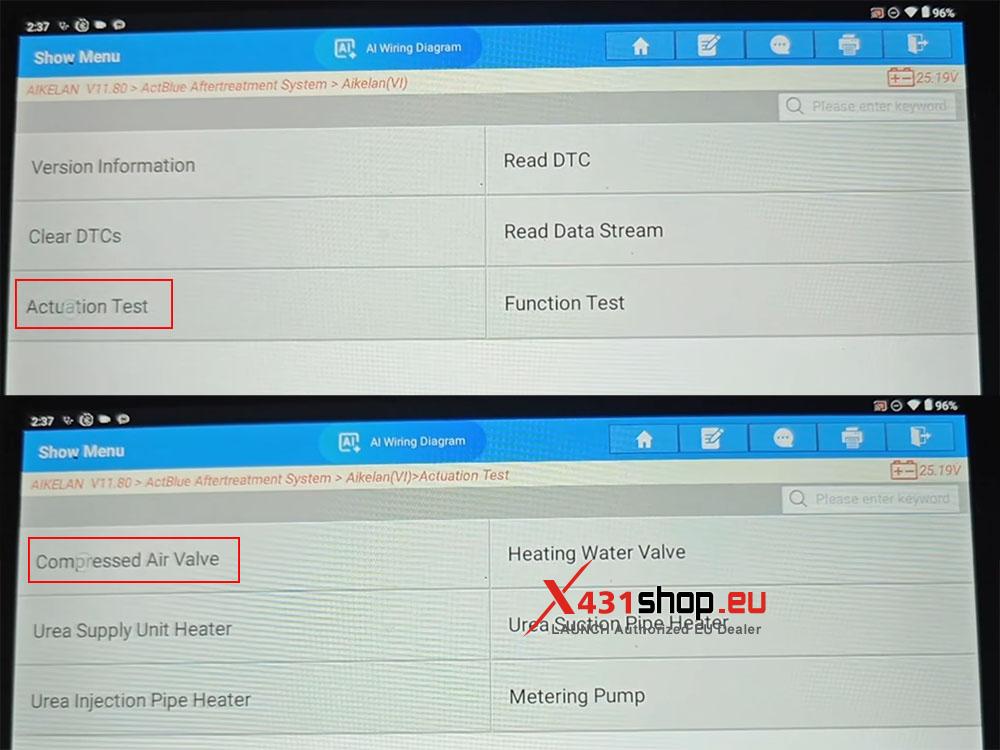
3) Tap [Actuation Test] -> [Compressed Air Valve].
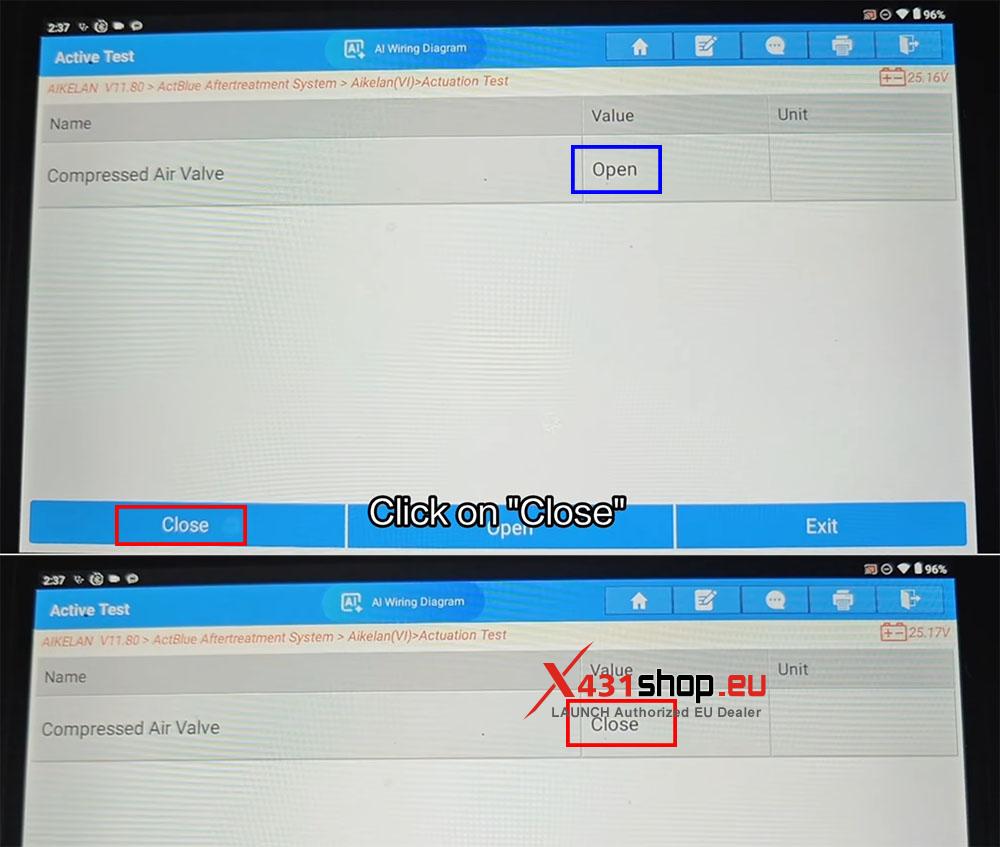
4) On the Compressed Air Valve function page, tap [Open]. After the operation is completed successfully, the “Value” field for the Compressed Air Valve will show “Open”.
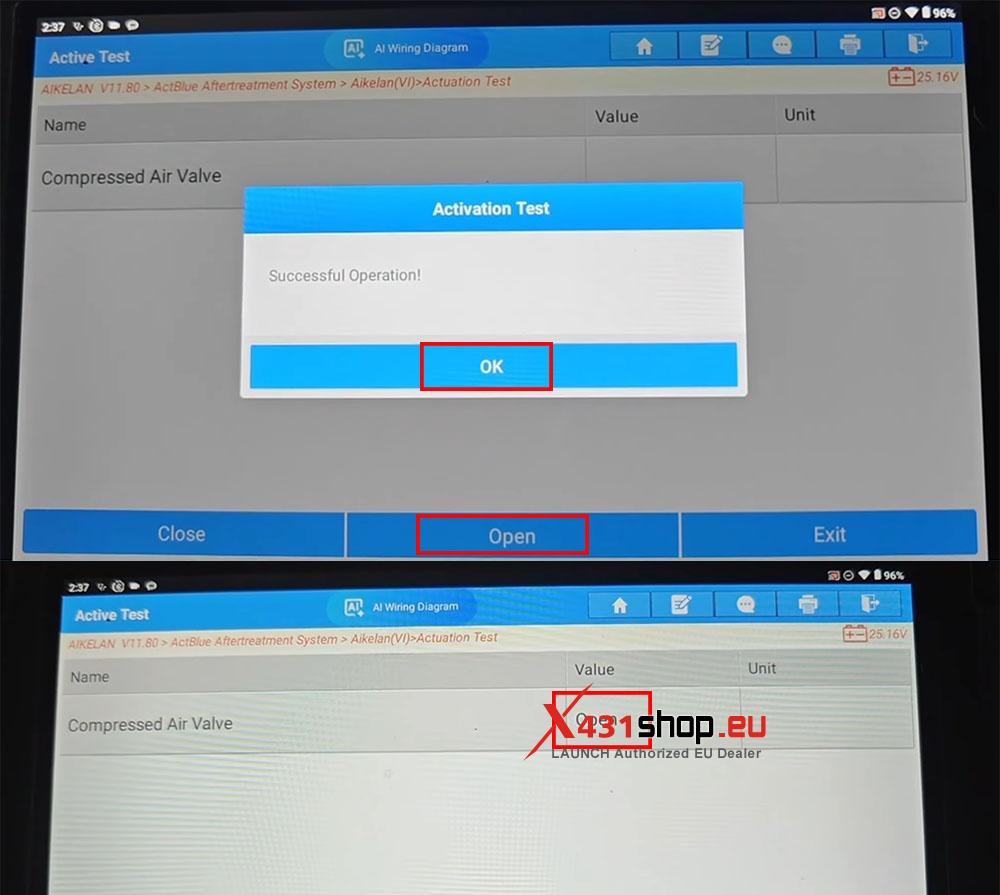
5) Tap [Close]. After the operation is completed successfully, the “Value” field for the Compressed Air Valve will change to “Close”. The function test is now complete.