

This article describes how to use the LAUNCH X431 truck diagnostic tool to diagnose a 2026 Qingling Isuzu ELF KV100 Light Truck.
Supported Devices: LAUNCH X431 PRO series, X431 PRO3 series, X431 PRO5, and X431 PAD series with truck diagnostic licenses enabled.
Operation Procedure:
1) Connect the vehicle to the X431 diagnostic device, then manually select the vehicle model and function path: [Local Diagnose] -> [Isuzu] -> [Truck].
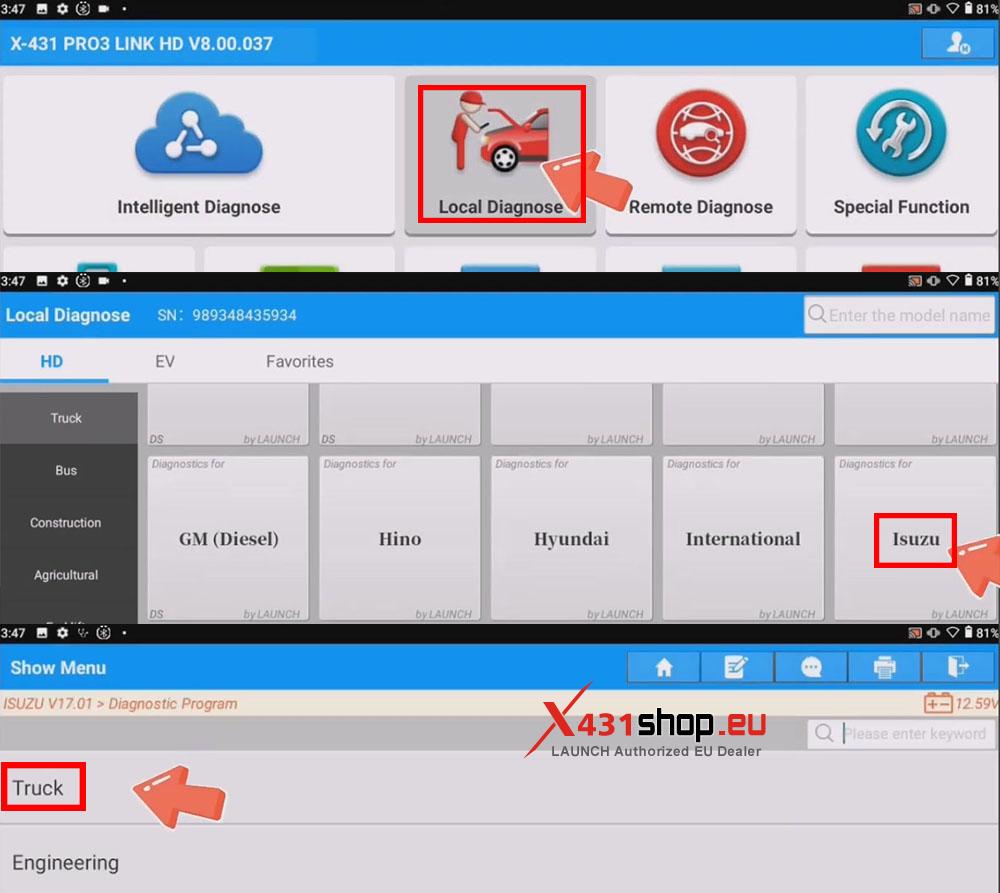
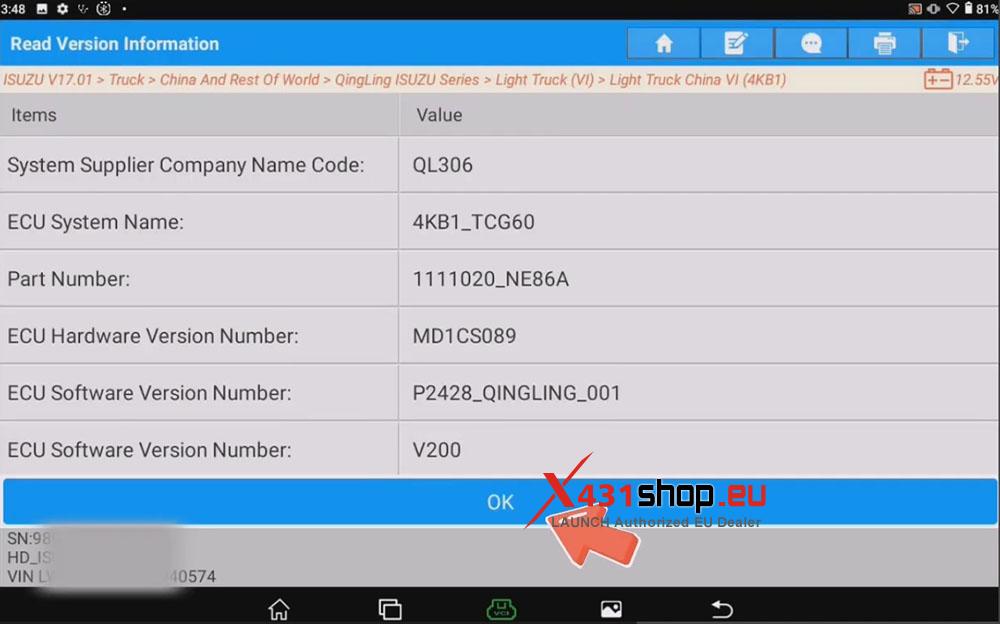
2) Access the corresponding menu based on your region and vehicle model. In this test, we will select [China And Rest Of World] -> [QingLing ISUZU Series] -> [Light Truck (VI)] -> [Light Truck China VI (4KB1)], and confirm the vehicle information.
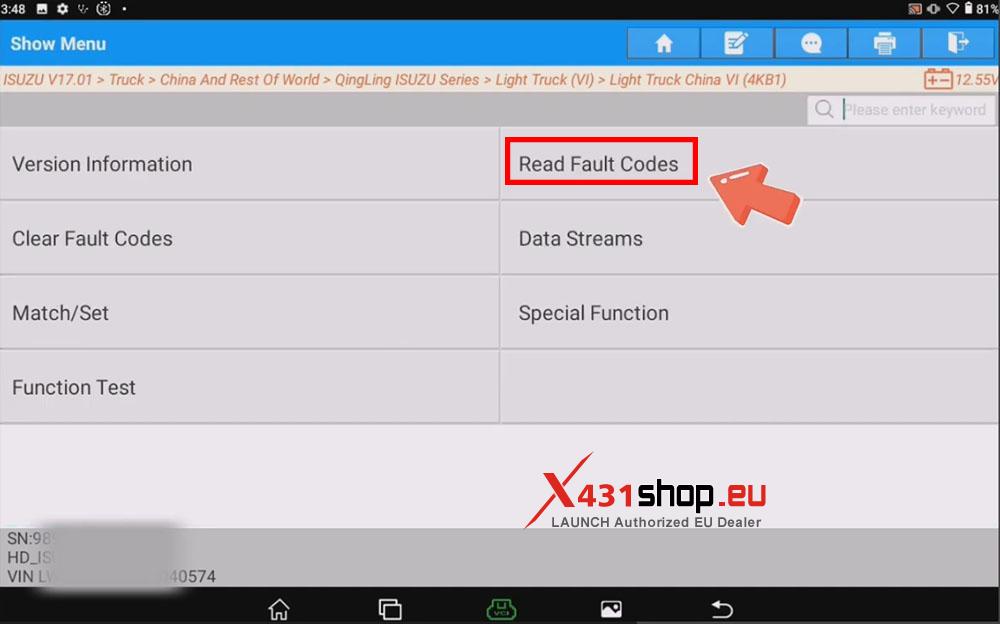
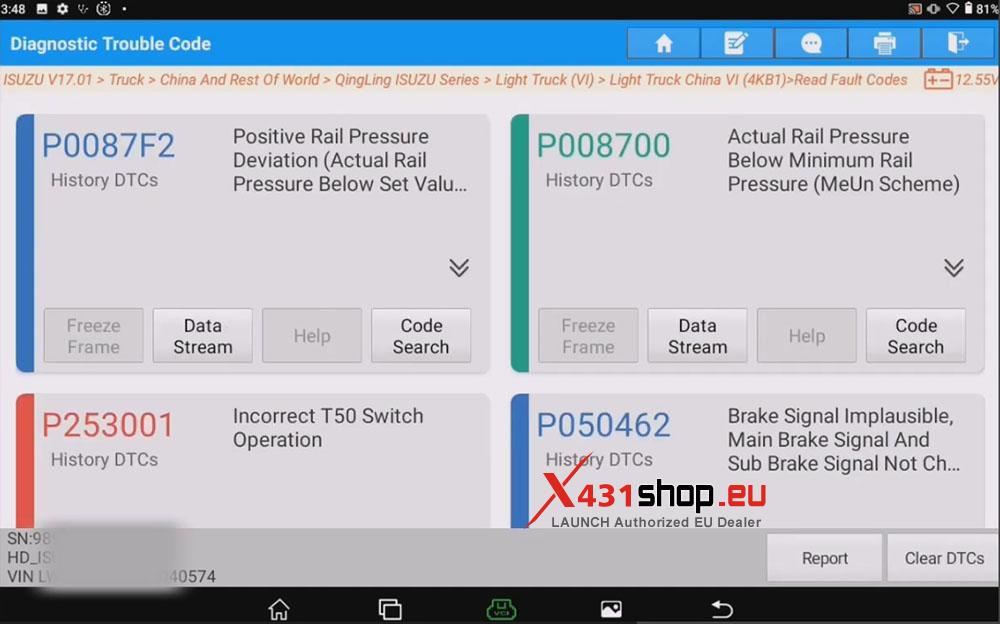
3) Select [Read Fault Codes] to view the DTCs information in the vehicle’s ECU. On this interface, you can choose to generate a diagnostic report or clear the DTCs.
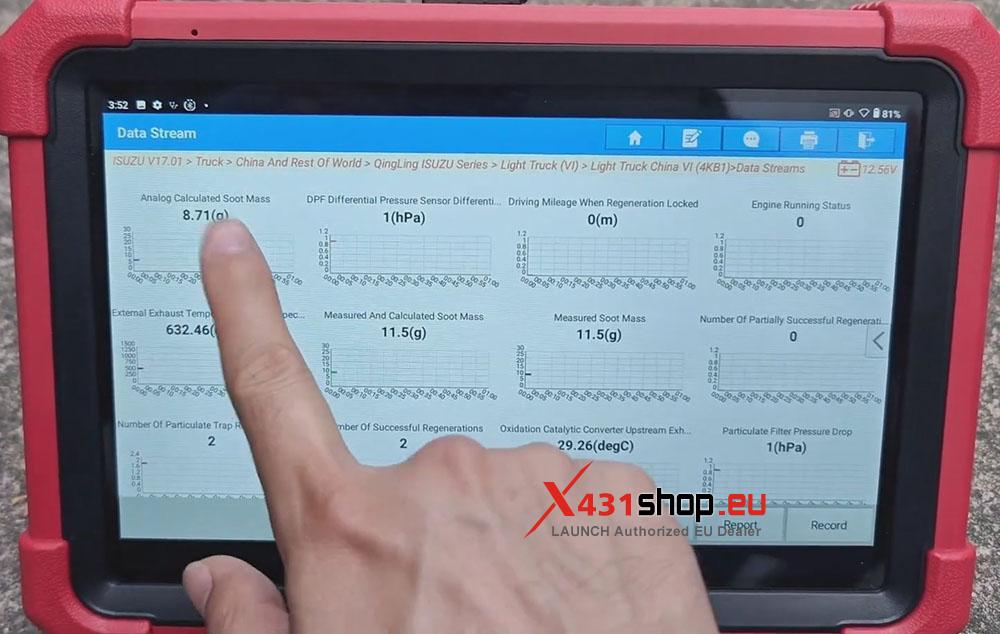
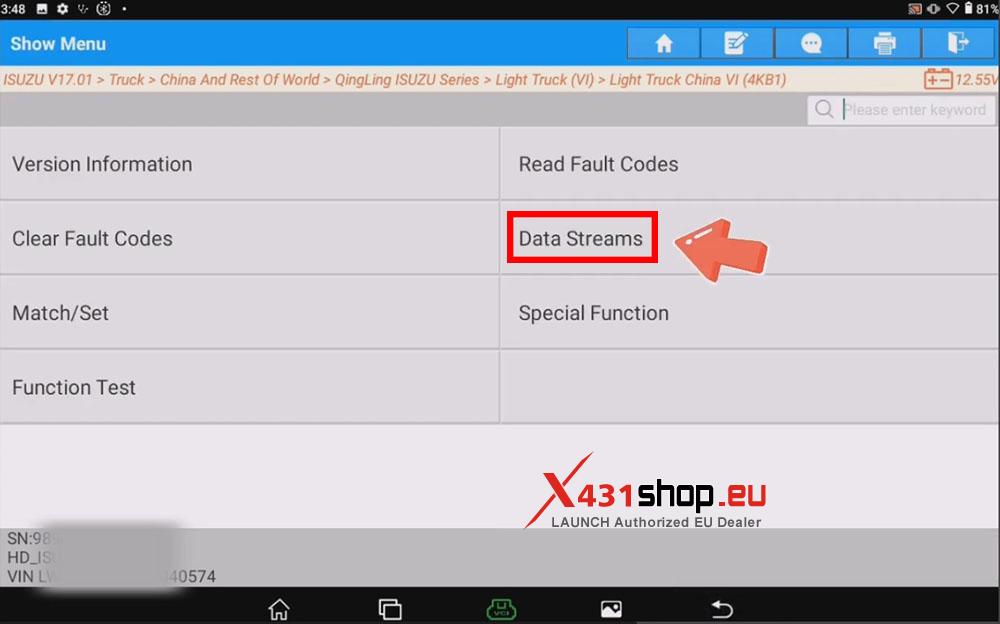
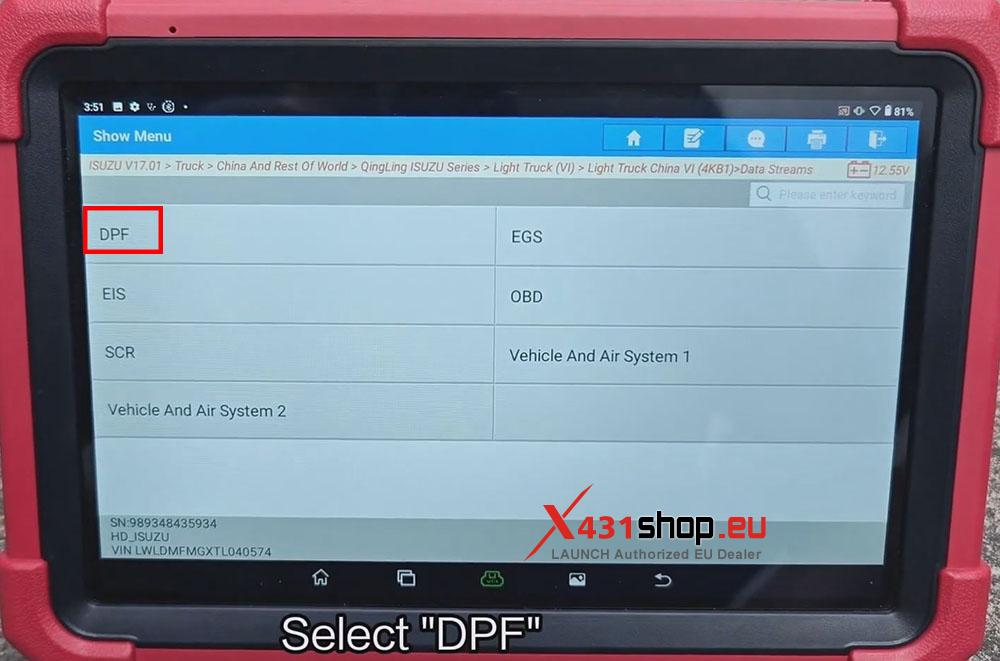
4) Select [Data Streams] allows us to view the data streams for each module of the vehicle. For example, clicking [DPF], selecting all data, and then clicking [OK] will allow us to access the data.
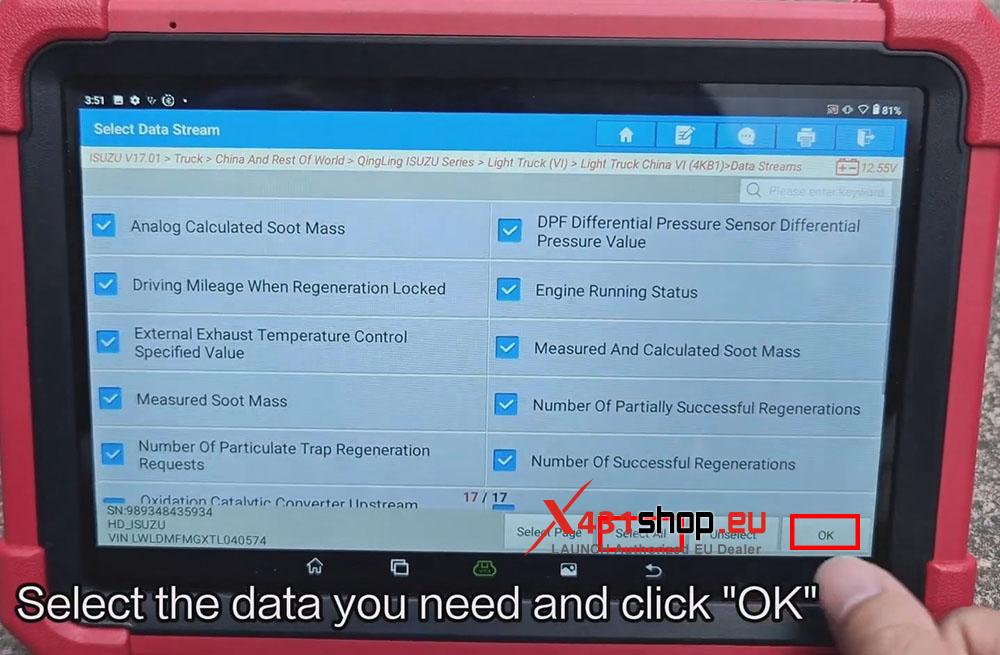
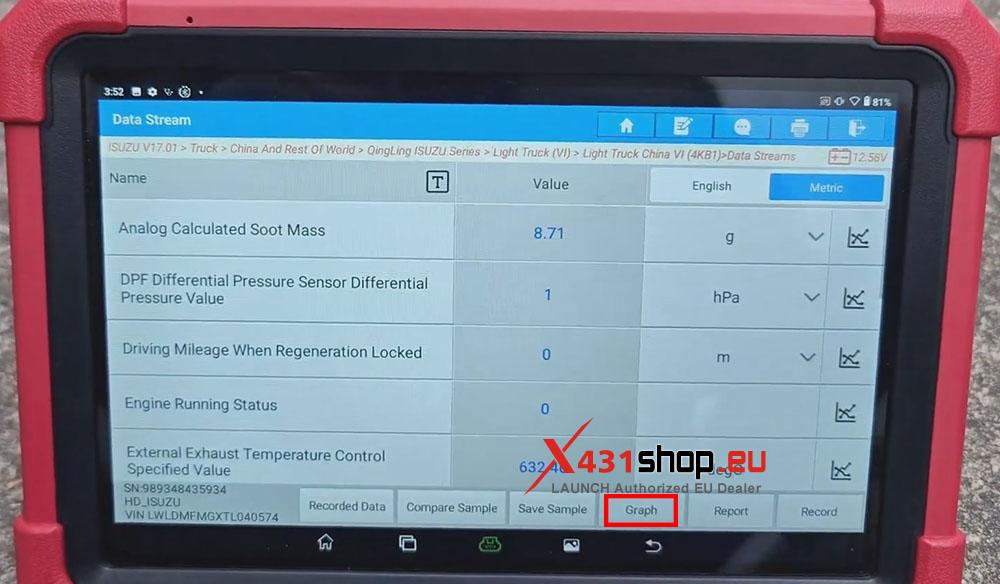
5) You can see the data stream displayed numerically; clicking [Graph] will display it as an icon.
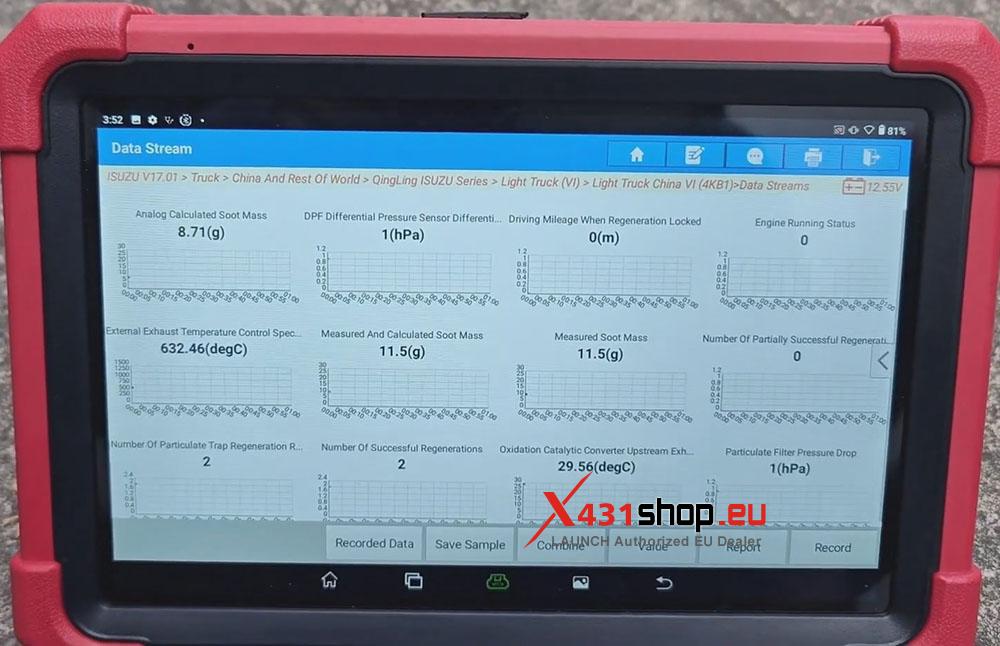
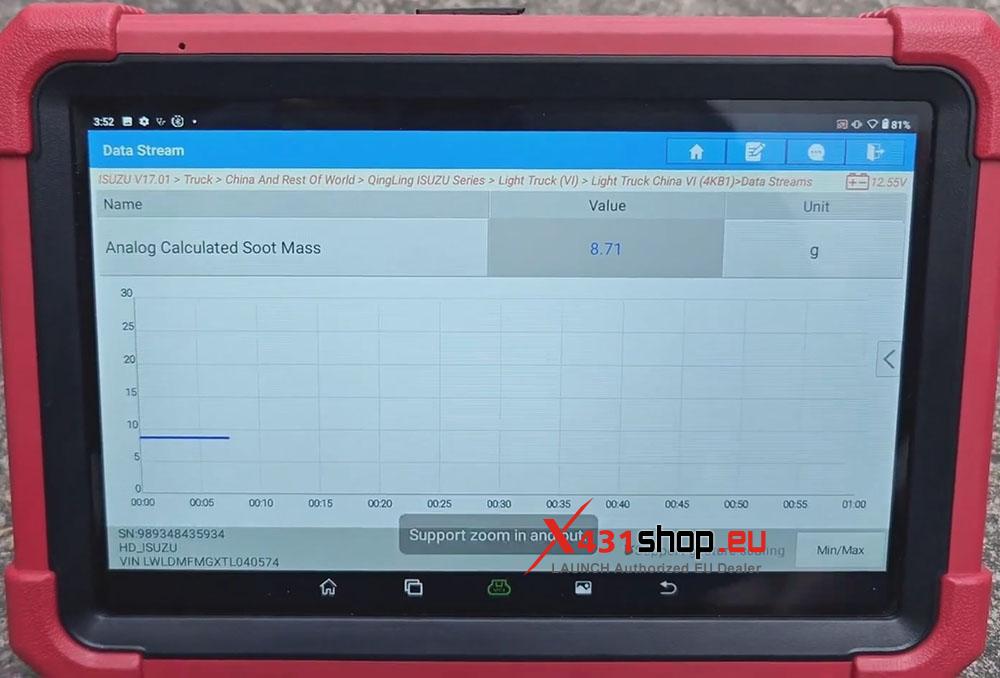
6) Clicking on a chart will take you to the chart’s details page.