


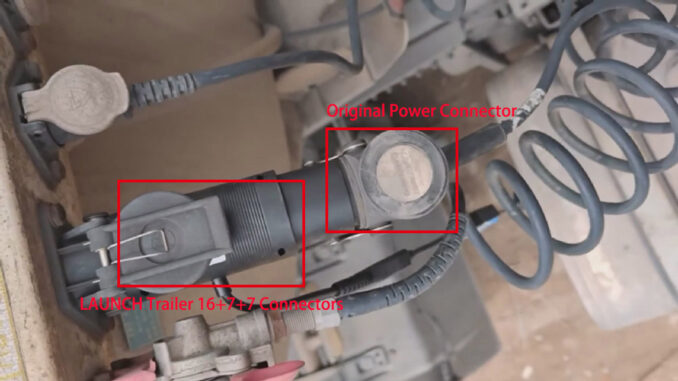
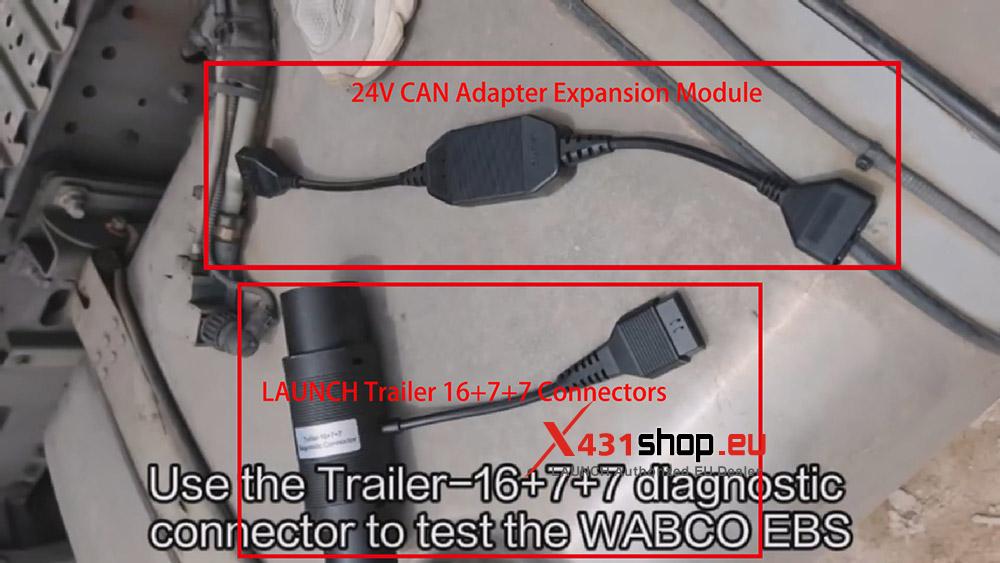
The LAUNCH X431 Truck (HD) Diagnostic Tool supports diagnosing truck trailers. It’s easy to perform truck trailer diagnostics using only the LAUNCH Trailer 16+7+7 Connectors and a 24V CAN Adapter Expansion Module. Below, we’ll explain how to connect and diagnose your truck trailer (Using LAUNCH X431 PAD V ELITE).
Part 1. Connecting the LAUNCH adapter and the truck trailer
Connect the LAUNCH Trailer 16+7+7 Connectors and the 24V CAN Adapter Expansion Module.
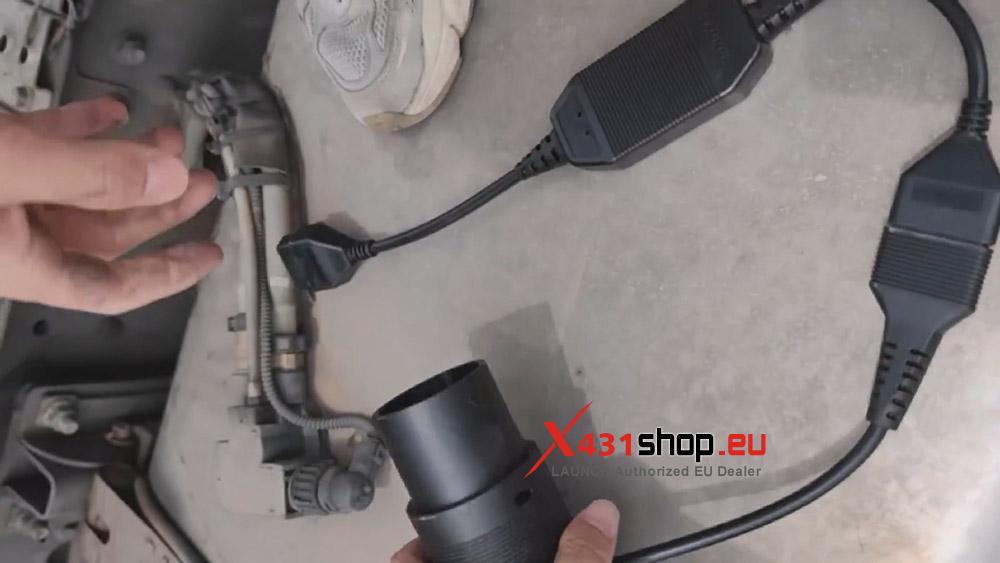
Remove the power connector from the trailer and connect the LAUNCH Trailer 16+7+7 diagnostic connector to the trailer’s electrical interface. Align the original power connector with the LAUNCH Trailer 16+7+7 connector and connect them.
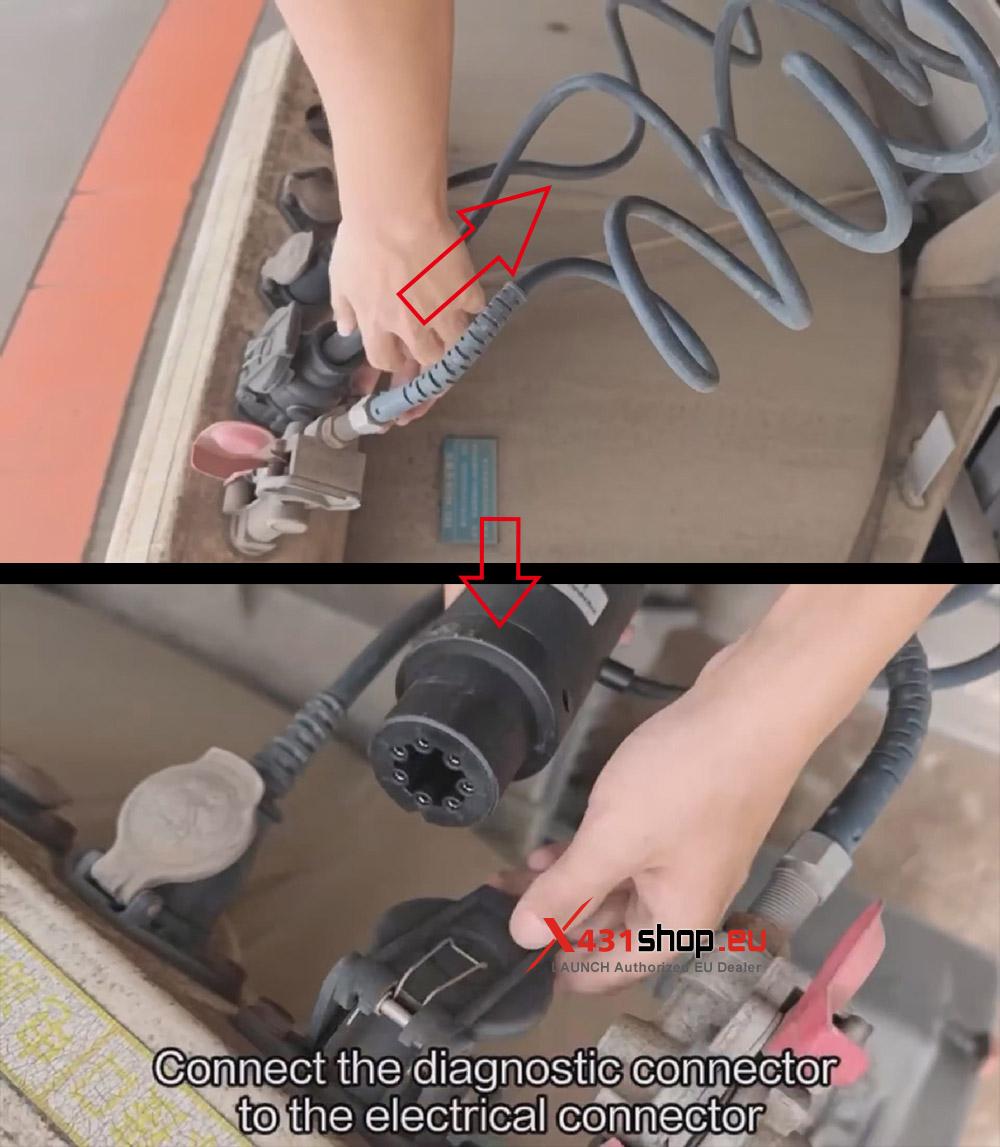
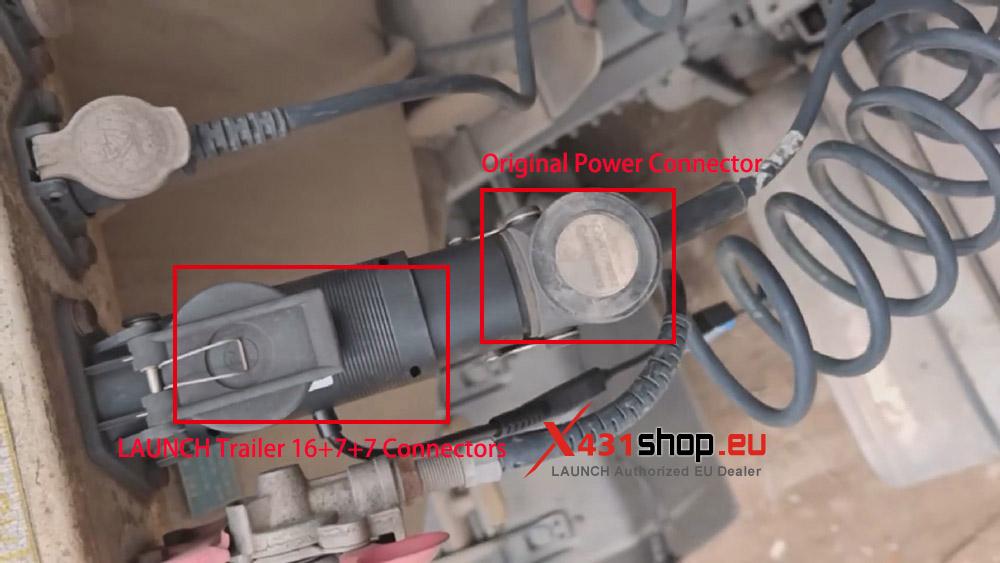
NOTE: Whether using the LAUNCH Trailer 16+7+7 connector or the original power connector, be sure to align the pins during connection.

Connect one end of the LAUNCH 24V CAN Adapter Expansion Module to SmartLink.
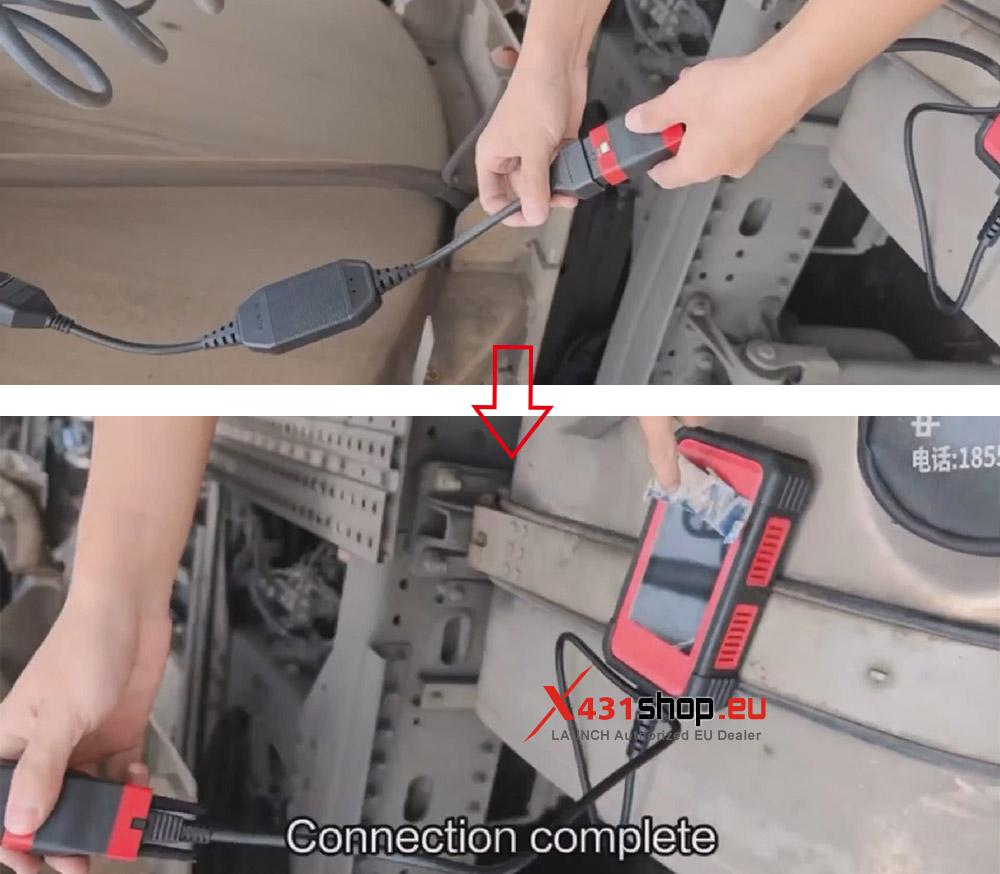
The adapter connection is now complete, and we can proceed with diagnostics.
Part 2. LAUNCH X431 Tool Diagnostic Test WABCO EBS
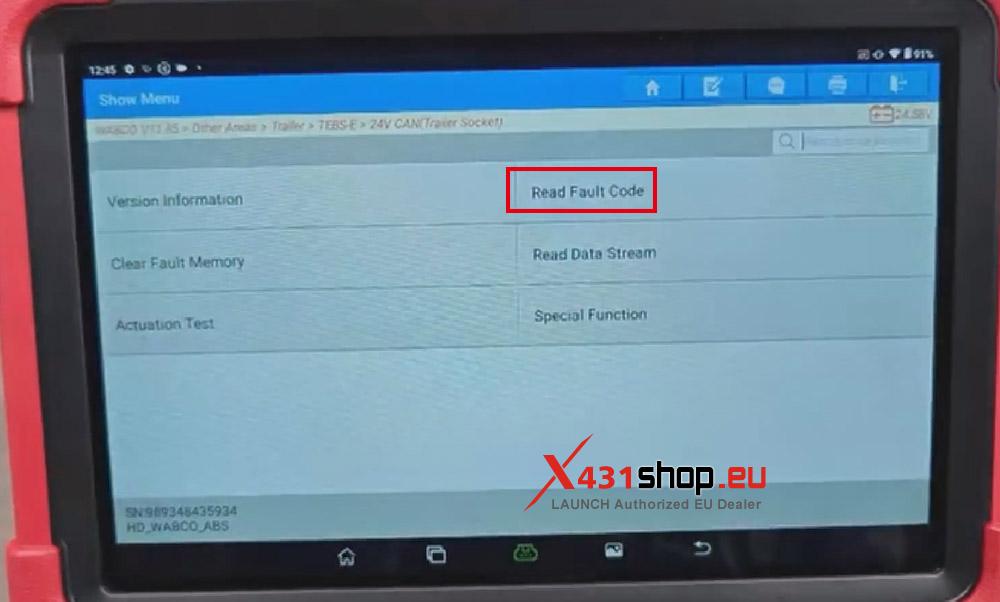
Open the X-431 APP on the LAUNCH X431 truck diagnostic tool and select the function path: [Local Diagnostics] -> [ECU] -> [Wabco] -> [Other Areas] -> [Trailer] -> [TEBS-E] -> [24V CAN (Trailer Socket)].
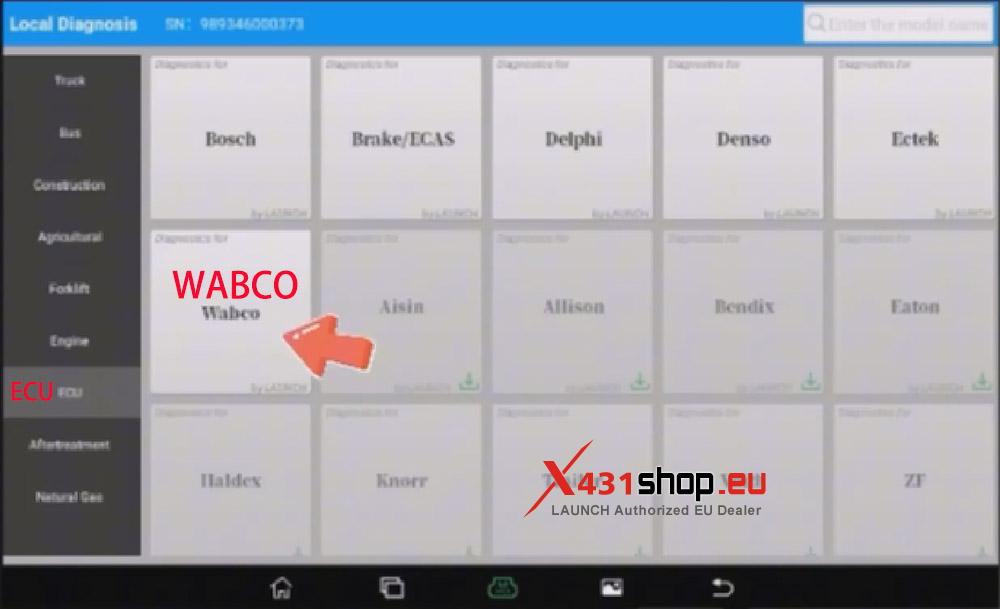
Confirm Vehicle Information, click [OK].

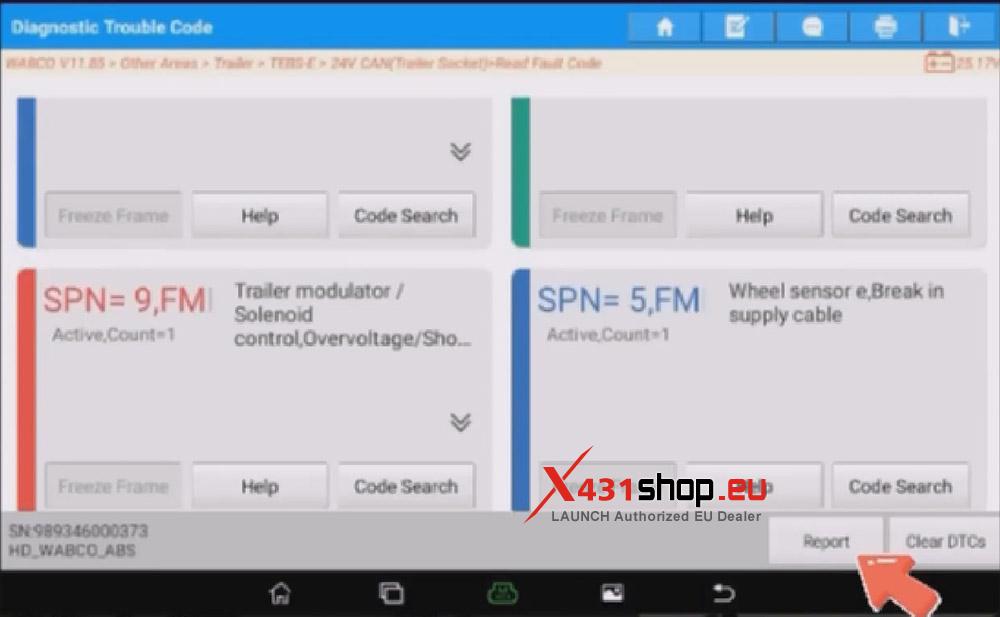
Read DTCs:
Select [Read Fault Code], then click [Report] to save the report.
Read the data stream:
Click on [Read Data Stream], then select the required data and click [OK]. (In this example, we selected all the data.)

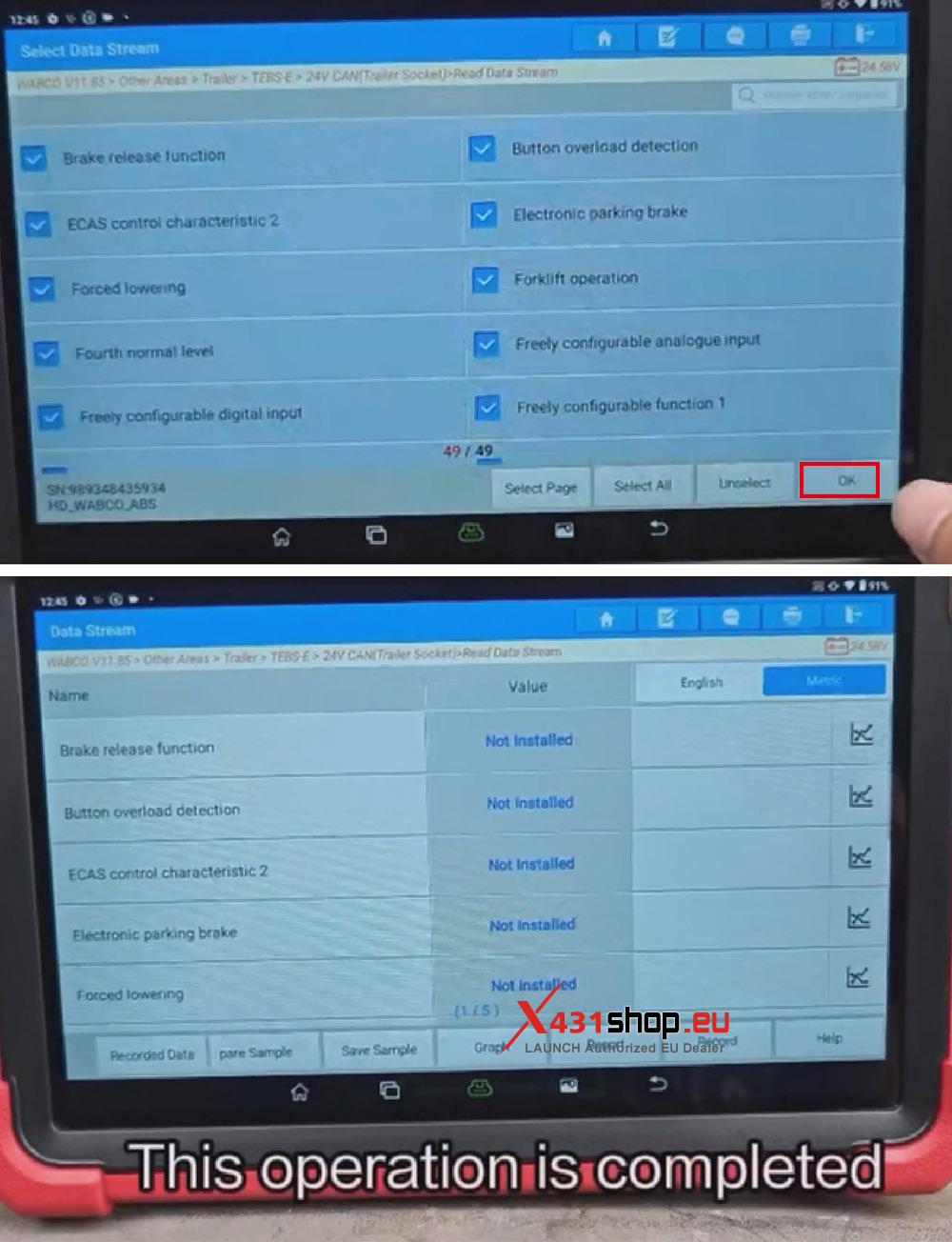
This time, we used the LAUNCH X431 PAD V ELITE to read error codes and data streams in WABCO EBS. We’ve also mentioned before that SmartLink can be used as a direct-connect device for J2534, supporting diagnostics using the original manufacturer’s software. The connection method is the same as in Part 1 of this article.