
Problem: When updating my LAUNCH CR3001 (Creader 3001) using the update software, I encountered error code 600401-2, which displayed the message “Incorrect serial number, please check.” I have already entered a 12-digit number, but the system still cannot recognize the serial number, preventing me from updating the firmware. What could be the reason?
Answer:
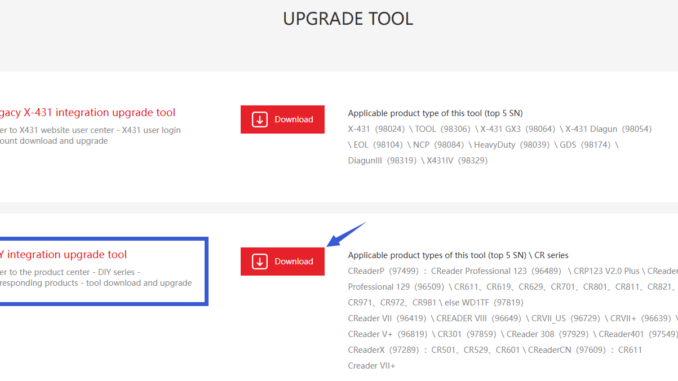
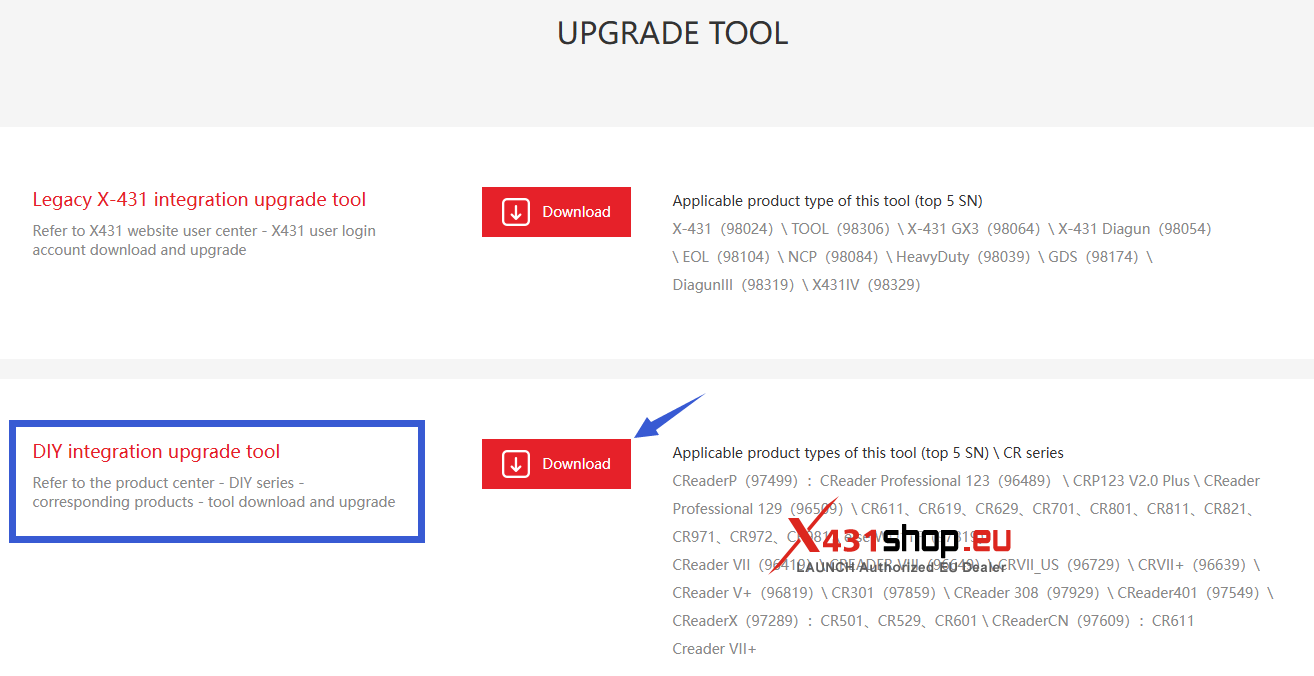
Generally, you don’t need to enter a serial number to upgrade the LAUNCH CR3001 firmware. Please make sure the downloaded upgrade software is correct. For the CR3001, you download the “DIY integration upgrade tool” from the official website [https://en.cnlaunch.com/download/] to upgrade.
NOTE: The CR3001 comes with the latest firmware at the factory and usually does not require an upgrade. If you need to reinstall the software/firmware, please refer to: